Verdict

A quick read before you dig into the full page.

Best if
You are professionals and need: Enhance Video Calls
Skip if
You need enterprise SLAs or a fully managed team plan right away
Pick this when
Freemium · Free + from $5.5 per month

Overview

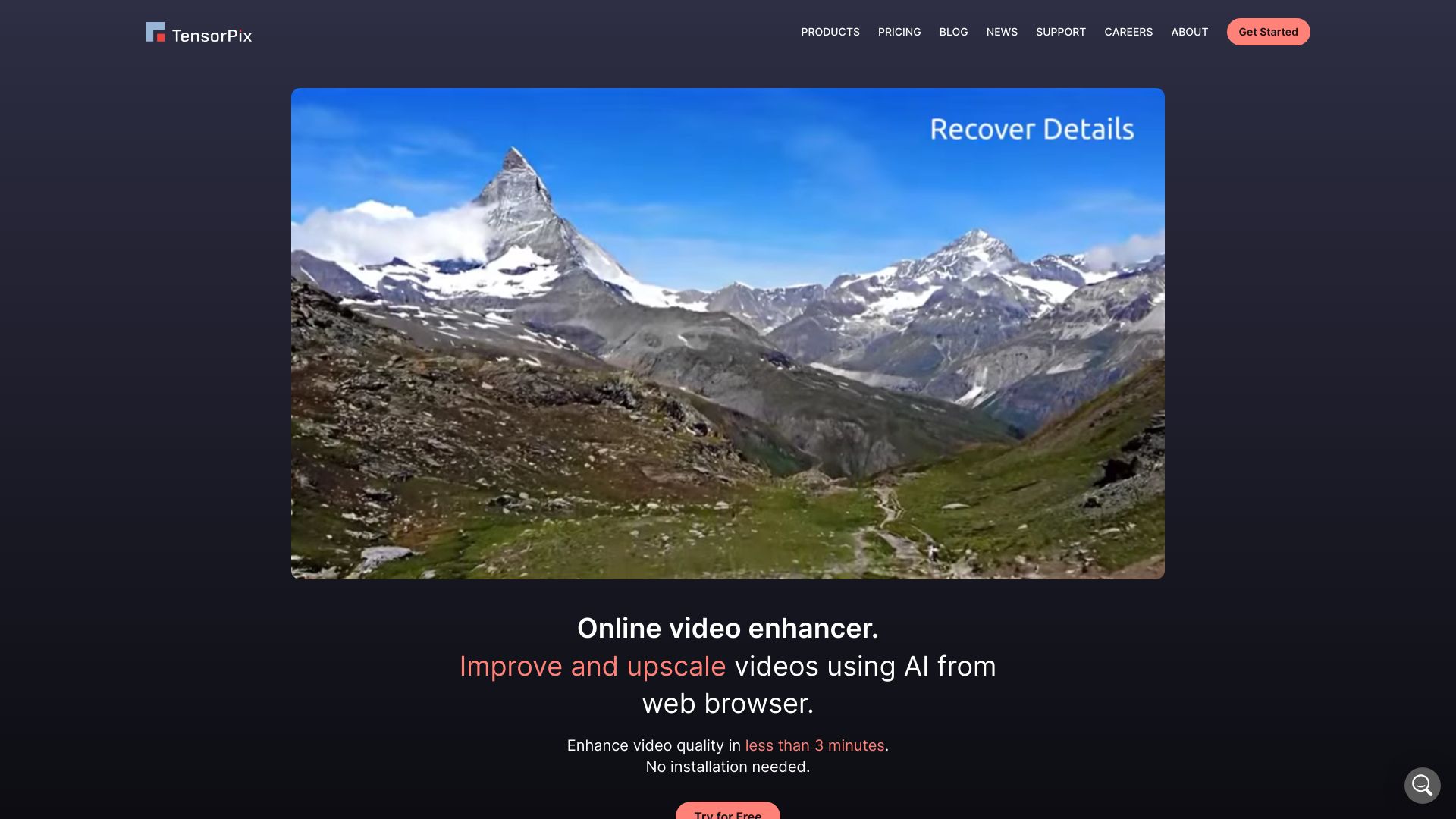
TensorPix is an online AI-powered video and image enhancer and upscaler. It allows users to enhance and upscale videos and images online using AI in less than 3 minutes, without requiring sign-up or installation. TensorPix offers various tools, including AI Video Enhancer, AI Image Enhancer, AI Image Generator, and Video Compressor, catering to different use cases such as enhancing video calls, meeting quality standards, and restoring old videos and images.

TensorPix screenshot

Best for

Short scenarios where TensorPix tends to shine.

  • Enhance Video Calls

    Best for Professionals

  • Meet Quality Standards (upscaling to 4K, 60FPS)

    Best for FX Artists

  • Restore Old Videos & Images

    Best for Animators

  • AI Frame Interpolation

    Best for Social Media Content Creators

  • Unblur Videos

    Best for Businesses

  • Stabilize Shaky Videos

    Best for Professionals

  • Denoise Videos

    Best for Professionals

  • Upscale AI Generated Videos

    Best for Professionals

How it works

Users can upload their video or image files to the TensorPix website, select the desired enhancement options, and let the AI process the file. The enhanced file can then be downloaded.

Example outputs 1

Sample generations and before/after results for TensorPix.

Access & connections

Where you can use TensorPix.

API

Public API available

Browse other tools with an API

Capabilities

What this tool accepts, produces, and is strongest at.

Highlights

  • AI Video Enhancer
  • AI Image Enhancer
  • AI Image Generator
  • Video Compressor
  • REST API Integration

People also view

Tools that often show up alongside TensorPix in collections and comparisons.

FAQ 11

What is TensorPix?
TensorPix is an online AI-powered video and image enhancer and upscaler. It allows users to enhance and upscale videos and images online using AI in less than 3 minutes, without requiring sign-up or installation. TensorPix offers various tools, including AI Video Enhancer, AI Image Enhancer, AI Image Generator, and Video Compressor, catering to different use cases such as enhancing video calls, meeting quality standards, and restoring old videos and images.
How to use TensorPix?
Users can upload their video or image files to the TensorPix website, select the desired enhancement options, and let the AI process the file. The enhanced file can then be downloaded.
Do you have a version that I can install on my computer and run locally?
We currently don't support on premise software installation. Our framework utilizes Deep Neural Networks that are very heavy on the computer resources. Because of that, one should have a powerful (and expensive) GPU card in order to run our software in reasonable time.
How does your tool compare to Topaz Labs?
The biggest difference is that Topaz Labs is an offline software that you install on your computer, while TensorPix can be used through web browser. Because Topaz runs on your PC, it uses your hardware to process files. This becomes problematic if your PC isn't quite high-end (and most users don't have high-end computers). On the other side, TensorPix sends all processing to cloud which has access to powerful GPU hardware.
How much of a quality improvement can I expect?
The rule of thumb is - the better the quality aspect you're trying to fix in the source, the better the enhancement. E.g. if the source has severe compresssion artifacts that obscure a lot of details, it's hard to expect much improvement.
Can I cancel my subscription?
Of course! Visit your Billing page and click the 'Cancel plan' button to unsubscribe. Your current subscription plan will remain active until the end of current billing period. You won't lose any Credits if you cancel the subscription.
Can I get free Credits?
When you sign up, you automatically receive a few free Credits. To get more free Credits, you can refer other people using your unique referral code. We also have special promos where we offer discounts and free Credits. If you subscribe to our newsletter, you'll be notified about these promos.
Do you have a refund policy?
We can always refund the full purchase price if you don't use the purchased Credits. In case you have used some of the purchased Credits and you're not satisfied with the results, you can contact us and we'll see if we can return some of the used Credits. Unfortunately, we can't give you a money refund if some of the Credits have been used.
What are Credits and how do they work?
In TensorPix, you spend Credits to do everything in our web app. How much credits you need to spend in order to enhance one video or image, depends on many factors: source resolution, framerate, duration… Every month, you get new set of Credits based on your subscription plan. Credits you don't use rollover to the next month, so you can still use them. All Credits are valid for one year after purchase.
How long are Credits valid for?
Credits are valid for a period of 12 months from the moment you buy them. Each newly bought set of Credits have their own validity period.
What payment methods do you accept?
We accept payments via credit or debit cards (Stripe payment provider) or via PayPal. Both are reputable companies with very high security standards.
TensorPix Free + from $5.5 per month
