Code assistant

TechScreen

AI interview assistant providing real-time, undetectable help during technical interviews.

Source rating 5.0 (73) 12k views 12k/mo traffic 0 saves Freemium
More categories (4)

Verdict

A quick read before you dig into the full page.

Best if
You are software Engineers and need: Getting real-time AI assistance during technical interviews on Zoom, Google Meet, HackerRank, and more
Skip if
You need enterprise SLAs or a fully managed team plan right away
Pick this when
Freemium · Free + from 19$

Overview

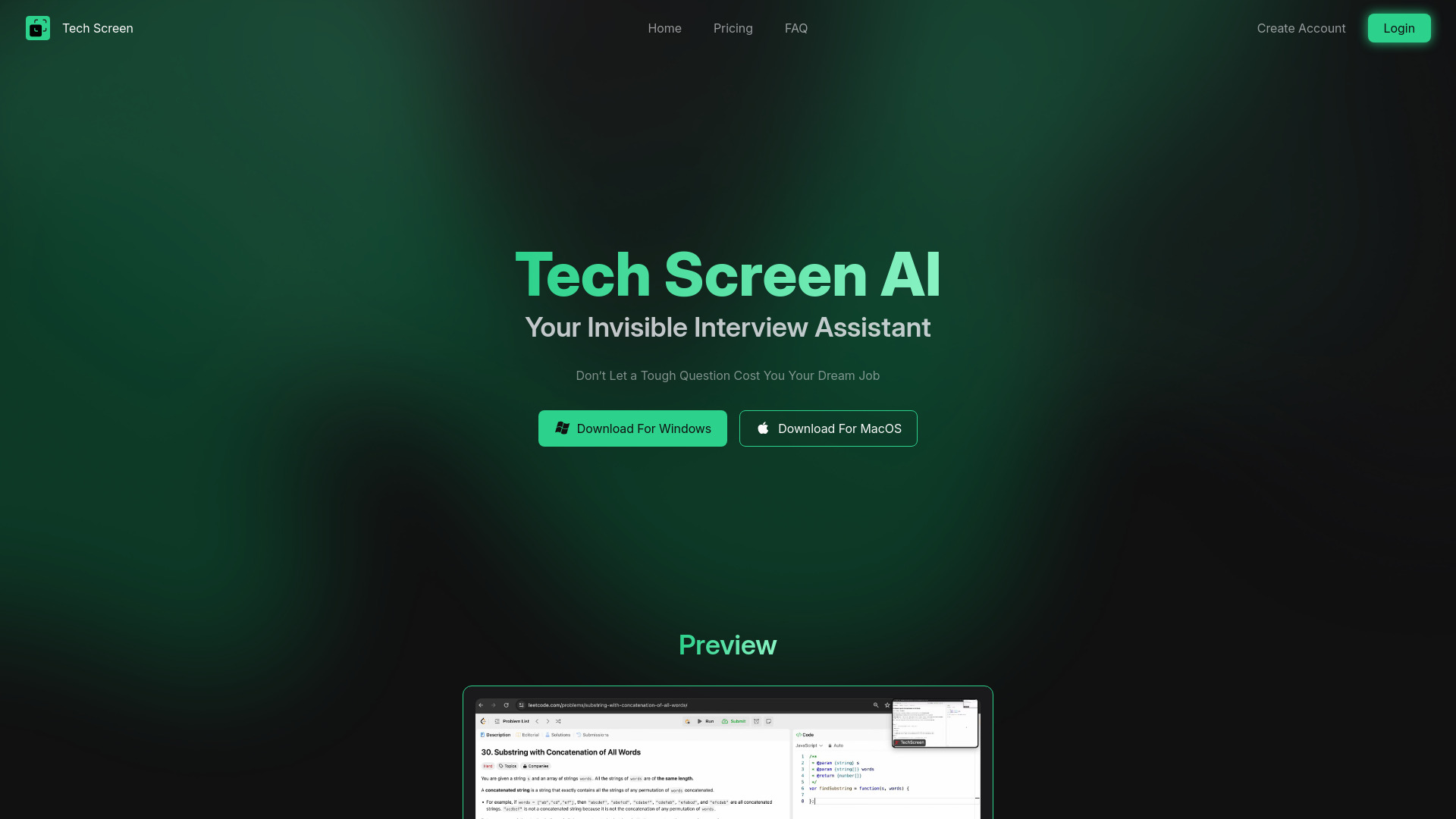
Tech Screen is an AI interview assistant designed to help users ace technical interviews. It provides real-time AI assistance while remaining undetectable on platforms like Zoom, Google Meet, and HackerRank. It offers features like screen sharing invisibility, useful shortcuts, active tab integration, fast and accurate responses, and multi-input and multi-language support.

TechScreen screenshot

Best for

Short scenarios where TechScreen tends to shine.

  • Getting real-time AI assistance during technical interviews on Zoom, Google Meet, HackerRank, and more.

    Best for Software Engineers

  • Navigating coding challenges and optimizing responses effortlessly.

    Best for Data Scientists

  • Receiving instant, precise answers to technical questions.

    Best for Web Developers

Example outputs 1

Sample generations and before/after results for TechScreen.

Access & connections

Where you can use TechScreen, and what it plugs into.

Platforms

Web

Integrations

Capabilities

What this tool accepts, produces, and is strongest at.

Highlights

  • Screen Sharing Invisibility
  • Useful & Intuitive Shortcuts
  • Active Tab Integration
  • Fast & Accurate Responses
  • Multi-Input Support
  • Multi-Language Support

People also view

Tools that often show up alongside TechScreen in collections and comparisons.

FAQ 8

What is Tech Screen?
Tech Screen is an AI interview assistant designed to help users ace technical interviews. It provides real-time AI assistance while remaining undetectable on platforms like Zoom, Google Meet, and HackerRank. It offers features like screen sharing invisibility, useful shortcuts, active tab integration, fast and accurate responses, and multi-input and multi-language support.
How to use Tech Screen?
Sign up, install Tech Screen, and start using it instantly. The tool works in the background during your interview, providing real-time assistance without requiring extra clicks or interaction.
How do I get started?
Simply sign up, install Tech Screen, and start using it instantly—no complex setup required!
What is Tech Screen?
Tech Screen is an AI-powered tool that helps you navigate technical interviews by providing real-time assistance. It works seamlessly in the background, ensuring you stay confident and perform at your best.
Is Tech Screen visible during screen sharing or recordings?
No. Tech Screen is completely invisible to screen-sharing software, screenshots, and recordings on platforms like Zoom, Google Meet, HackerRank, and CoderPad.
How fast are the responses?
Tech Screen delivers instant and accurate responses, ensuring you get real-time assistance without delays, so you can focus on solving problems without interruptions.
How much does Tech Screen cost?
We offer flexible pricing plans tailored to different needs. Check our pricing page for details on free trials and premium features
What input types does Tech Screen support?
Tech Screen can process multiple types of input, including: Computer audio, Microphone input, Screenshots
TechScreen Free + from 19$