Workflows 2026 Rank: #2500

Teable ✓

The AI Spreadsheet for Business

Source rating 5.0 (1) 551 views 3 saves Freemium
More categories (4)

Verdict

A quick read before you dig into the full page.

Best if
The AI Spreadsheet for Business
Skip if
No apparent offline mode
Pick this when
Data organization

Considering PixieBrix instead? Compare side by side

Overview

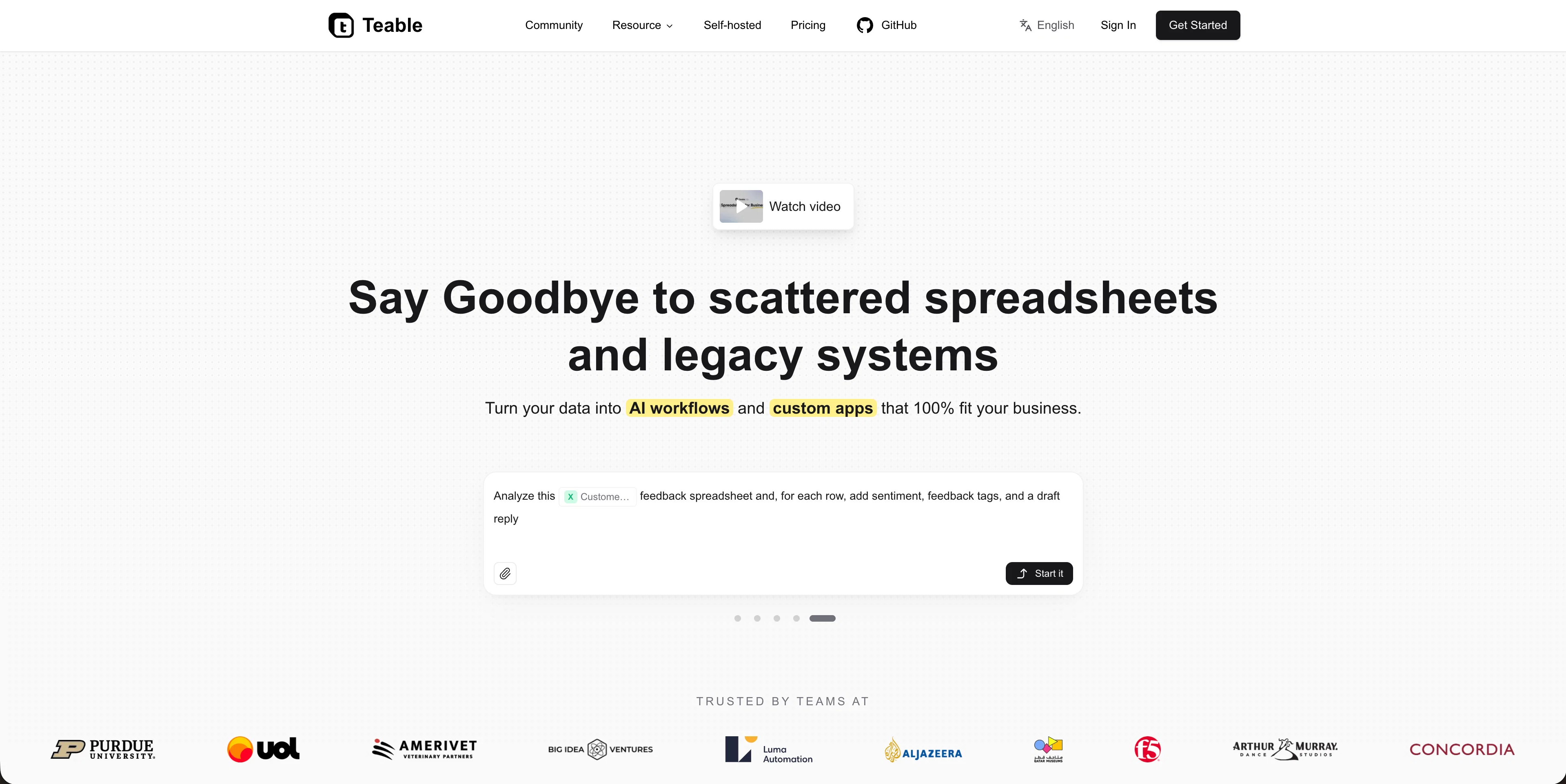
Teable is an AI Spreadsheet for Business. Teams can build 100% business-fit AI workflows and custom apps, while connecting and migrating any data into one place.

Whether you’re a small business or an enterprise, Teable helps your team become truly AI-native.

  • Ai App Builder
  • Ai Chat
  • Ai Automation
  • Ai Field
  • Ai Database
Teable website

Access & connections

Where you can use Teable.

Platforms

Web

API

Public API available

Browse other tools with an API

Capabilities

What this tool accepts, produces, and is strongest at.

Input

  • Text
  • Image
  • Audio
  • Video

Output

  • Text
  • Image
  • Video
  • Code

Highlights

  • SOTA
  • Agents
  • API
  • Open Source

Supported features

  • Agents
  • API
  • Open Source

Pros & cons

Pros

  • Data organization
  • Custom applications creation
  • Seamless data migration
  • AI CRM customization
  • AI Automated workflows
  • Personalized emails
  • Custom domain
  • Fast delivery speed
Show 40 more
  • Private deployment options
  • Data classification capability
  • Data routing functionality
  • Data summarization tool
  • Data scoring feature
  • Reduction in manual work
  • Receipts and contracts analysis
  • Resume analysis capability
  • Customer feedback analysis
  • Natural Language Processing
  • Business Intelligence enhancement
  • Increases team response speed
  • Self-hosted system
  • Personalized business-oriented apps
  • Multiple document format analysis
  • Community resource availability
  • Built-in templates for operations
  • Tools connectivity
  • Business operation conversion
  • Ability to build UIs
  • Enterprise system connection
  • Internal collaboration optimization
  • Automated image & copy generation
  • Data model unification
  • Process logic consolidation
  • Operational systems creation
  • User-friendly CRM creation
  • Automated new-lead notifications
  • Automated email notifications
  • Business system templates availability
  • GPT models support
  • ISO-certified security measures
  • Internal apps creation
  • Pricing flexibility
  • Operational visibility flow
  • Automate alerts
  • Create orthographic views, lifestyle photos, style boards
  • Manage tasks, track progress
  • Automated lead collection
  • Compliant business systems

Cons

  • No apparent offline mode
  • Depends on data connectivity
  • Dependency on Natural Language proficiency
  • Lacks native mobile applications

Compare alternatives

Similar tools in the catalog — with a clear reason to open each one.

Releases 1

Initial release September 2, 2026 Current
Initial release of Teable.

FAQ 12

What is Teable's core functionality?
Teable's core functionality revolves around its AI-enhanced spreadsheet designed for businesses. This tool allows users to transform and organize different types of data including receipts, resumes, sales contracts, and customer feedback into more useful formats. Additionally, Teable facilitates data migration between various business tools and allows users to design tailor-made applications and workflows aligned with their unique operations.
How does Teable use AI technology?
Teable uses AI technology to facilitate several activities such as data organization, classification, routing, summarization, and scoring. It provides users with AI-assisted pipelines to manage data, and enables them to construct automated workflows using natural language. Furthermore, the tool is able to create and send personalized emails and offers options for CRM customization.
Is Teable suitable for all types of businesses?
Yes, Teable is suitable for all types of businesses. By allowing for the transformation of scattered data into specialized AI workflows and custom applications that align with unique operations, businesses of all sizes and sectors can benefit. This is further supported by Teable's ability to enable data migration between different business tools, ensuring smooth transition of operations.
How does Teable organize different types of data?
Teable organizes different types of data by transforming and converting disparate data formats into AI workflows. It can handle various types of data like receipts, resumes, sales contracts, and customer feedback. It is capable of extracting specific elements from these sources, compiling candidate profiles from resumes, and analysing customer feedback, making it more manageable and useful.
What kind of AI workflows can Teable create?
Teable can create a wide variety of AI workflows designed to align with unique operational needs. This could involve organizing disparate data types, creating customized CRM, managing data through AI-assisted pipelines, automating workflows using natural language, and much more. It is designed to convert scattered tool-based operations into one execution platform, data model, process logic and internal collaboration.
What types of data formats does Teable support?
Teable supports a wide range of data formats. Although the exact types are not listed on their website, it mentions the ability to process files like receipts, contracts, and resumes, which means it likely supports formats such as PDF, .docx, and .xlsx.
How does Teable help in creating specialized business applications?
Teable helps in creating specialized business applications by allowing users to design and create proprietary, business-oriented apps from their data. It takes the complexity out of application creation by using AI to parse and structure data in ways that are directly relevant and beneficial to specific business operations.
In what ways does Teable automate workflows using natural language?
Teable automates workflows using natural language. This involves constructing automated workflows where users can define triggers, actions, and rules simply by speaking or typing instructions in their natural language, enabling non-technical users to automate complex tasks with ease.
Can Teable perform data classification, routing, summarization and scoring?
Yes, Teable can perform data classification, routing, summarization, and scoring. This means that the tool can identify categories of data, determine where it needs to go, create concise summaries of large volumes of data, and assign value or priority to specific data points.
How does Teable improve team response time and reduce manual work?
Teable can notably improve team response time and reduce manual work through its AI-assisted pipelines. By converting recurring operations into repeatable workflows with triggers, handoff rules, and review steps, teams can act faster and reduce the need for repetitive manual tasks.
Can I design a customized CRM with Teable?
Yes, Teable provides the capability to design a customized CRM. Its functionalities allow users to build a CRM that perfectly fits their business models and optimizes their customer relationship management tasks.
How does Teable handle data migration between different business tools?
Teable handles data migration between different business tools by providing a seamless connection. This allows for smooth transitions and integrations between separate tools or platforms, consolidating data in Teable's AI-enhanced spreadsheet for easy management.
Teable Free + from $12/mo