

Talkitout ✓
Create custom AI chatbots from your website content
Trial; then from $9/mo
Verdict
A quick read before you dig into the full page.
- Best if
- Create custom AI chatbots from your website content
- Skip if
- Limited number of files
- Pick this when
- Upload documents feature
Considering FastBots instead? Compare side by side
Overview
TalkItOut is a custom AI chatbot tool that allows users to upload documents or add links to website pages in order to create a chatbot that can answer questions related to the provided data.
The chatbot can then be embedded as a widget on a website. The tool offers various pricing plans, including a free trial with limited features. The process of creating a chatbot involves three steps: inputting website URLs or uploading files, training the AI on the provided data, and deploying the trained chatbot on a website.
Users can upload multiple documents in PDF format and the tool provides a character count for attached files to keep users informed on the limit. TalkItOut offers different pricing plans based on the number of message credits per month, character limits per chatbot, the number of chatbots, and the ability to choose between upcoming models.
There is also an unlimited custom plan available. The tool includes features such as website embedding, API access, and the option to share the chatbot with others through a simple link.
Users can make their chatbot public or private, and the chatbot can be fine-tuned and customized using the large language models. The tool also allows users to remove the "Powered by Talk It Out" branding.
Overall, TalkItOut provides a straightforward and user-friendly way to create and deploy custom AI chatbots that can answer questions specific to the provided data.

Access & connections
Where you can use Talkitout, and what it plugs into.
Platforms
Integrations
Capabilities
What this tool accepts, produces, and is strongest at.
Input
- Text
- Tabular
Output
- Text
- API
Pros & cons
Pros
- Upload documents feature
- Website data input
- Chatbot widget embedding
- Multiple pricing plans
- Free trial offered
- Provides character count
- Various message credit options
- Unlimited chatbot potential
Show 11 more
- Optimal character limits
- Choose from upcoming models
- Public or private chatbots
- Removal of brand option
- User-friendly design
- Multiple document upload
- API access on plans
- Affordable custom plan options
- Share chatbot with link
- Website links used for training
- Option to fine-tune model
Cons
- No multi-language support
- Only supports PDF uploads
- Limited character count
- Training time too long
- Limited free trial
- Extra cost for rebranding
- No predictive messaging
- Limited number of files
Compare alternatives
Similar tools in the catalog — with a clear reason to open each one.

FastBots ✓
FreemiumCreate AI chatbots customized with your business data.
Free + from $32/mo
Full comparison
Chatbit ✓
FreemiumTrain custom AI Chatbot from your data, add to website.
Free + from $19/mo
Full comparison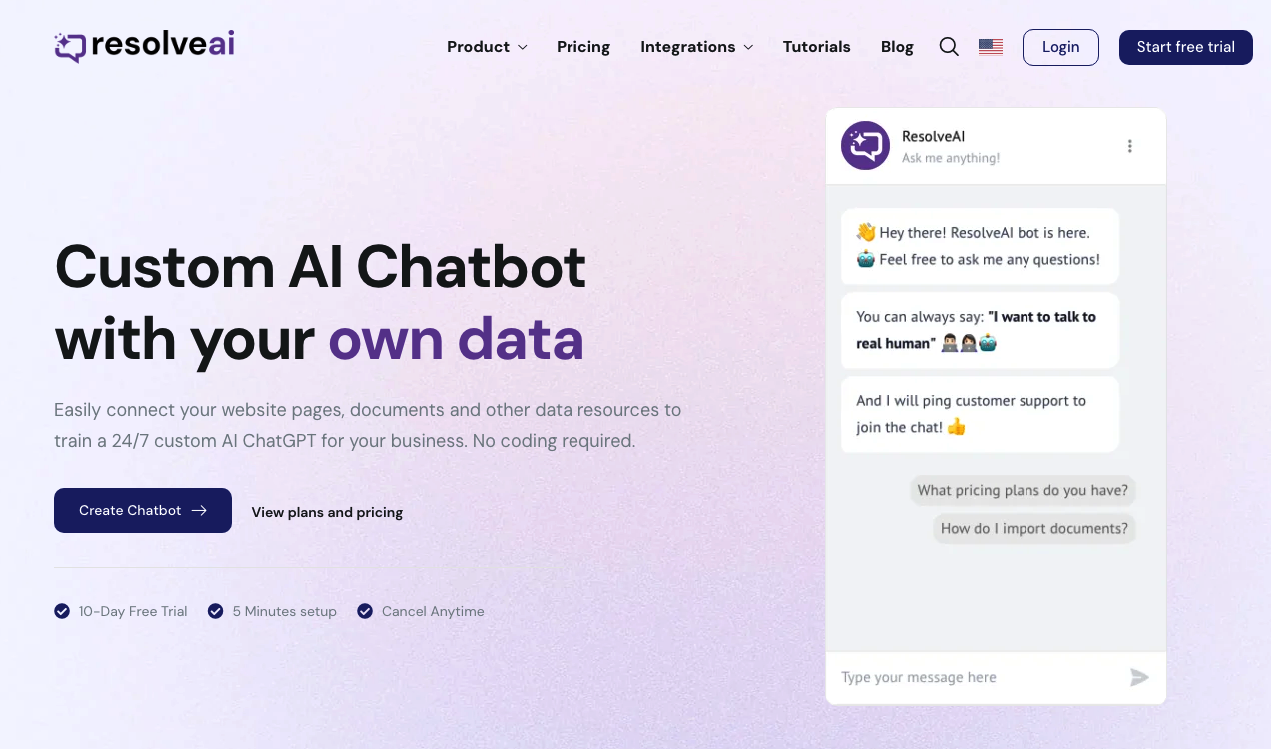
ResolveAI
PaidSaaS platform for creating custom AI customer service chatbots with no coding required.
Why look Better fit for coding
Full comparison
intoCHAT ✓
FreemiumTransform customer interactions with AI chatbots.
Why look Higher community rating
Full comparison
ChatBotKit ✓
FreemiumThe fastest way to build advanced AI chat bots
Why look Typically cheaper
Full comparison
ChatLLaMA ✓
PaidCreate custom AI assistants on your GPUs
Why look Typically cheaper
Full comparisonReleases 1
FAQ 12
What is TalkItOut?
How does TalkItOut work?
Can I upload multiple PDFs to TalkItOut?
How do I create an AI chatbot with TalkItOut?
Can I embed TalkItOut on my website?
Does TalkItOut offer a free trial?
What are the pricing plans for TalkItOut?
What are the message credit limits on the different TalkItOut plans?
Can I remove the 'Powered by Talk It Out' branding on the chatbot?
Can I fine-tune my chatbot made with TalkItOut?
How do I train my TalkItOut chatbot?
Does TalkItOut support shared chatbots via a simple link?
Related tools
Recommended

Magic Bookifier ✓
FreemiumTurn your ideas into ebooks instantly with AI.

Scisummary ✓
Free TrialCutting-edge scientific articles summarization.

Stratup.ai ✓
FreemiumInnovative idea generation for businesses.

Agentgpt ✓
FreemiumDeploy autonomous AI Agents effortlessly in your browser.

Imagetocaption.ai ✓
Free TrialGenerated captions for social media images

PostPerfect ✓
FreemiumAutomated social media posts.