

Talk to the Site! ✓
Chat with websites, get answers and summaries.
Verdict
A quick read before you dig into the full page.
- Best if
- Chat with websites, get answers and summaries
- Skip if
- Small size may limit functionality
- Pick this when
- Interactive browsing experience
Considering Needle instead? Compare side by side
Overview
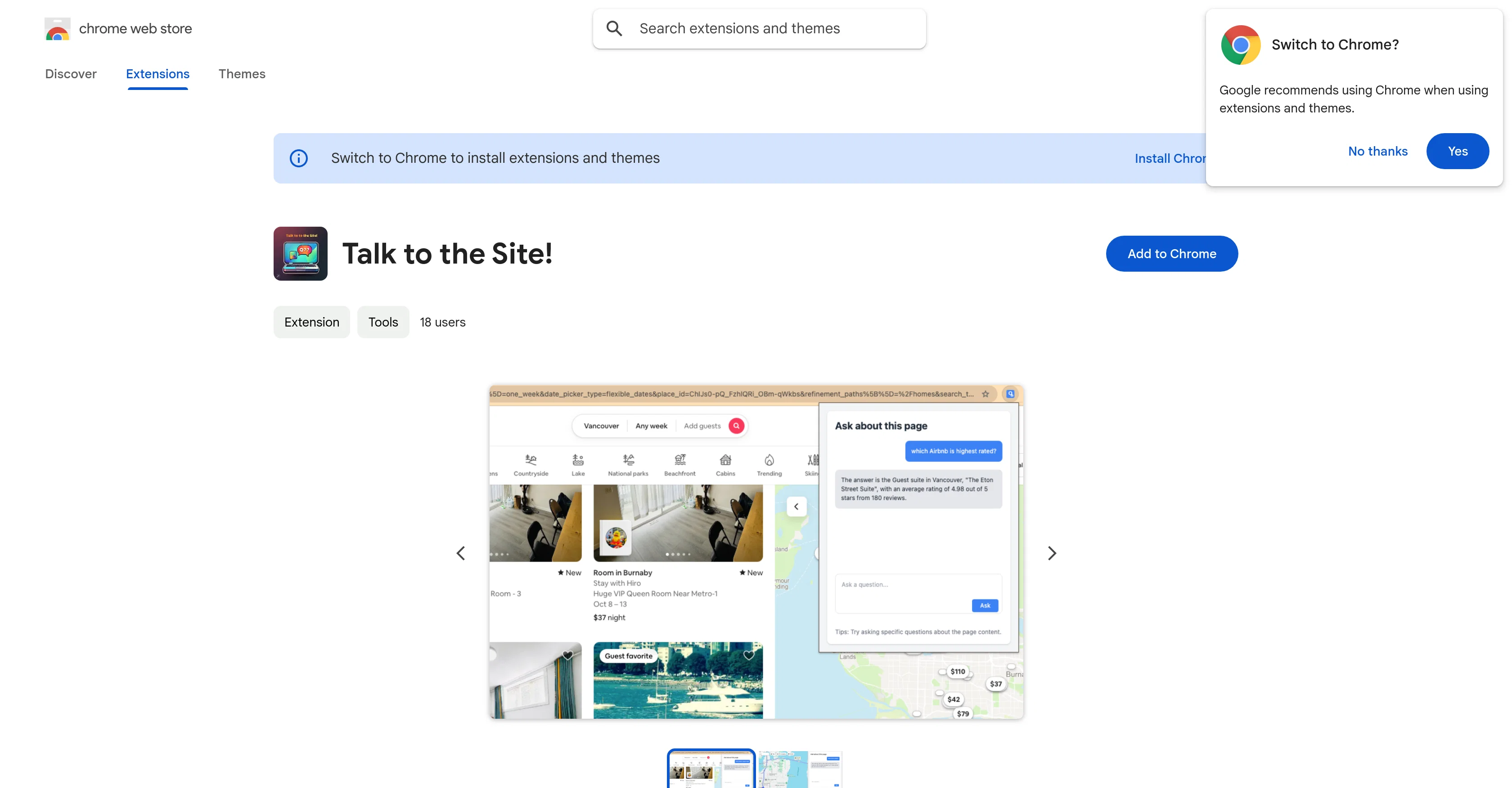
Talk to the Site! is a Chrome extension aimed at enhancing a user's browsing experience by enabling more interactive and conversational engagement with websites.
It is designed to simplify the process of information retrieval, making it more intuitive and user-friendly. It provides users with the ability to chat with the website, inquire about the content, and even obtain summaries of the content.
By incorporating a conversational manner, it helps users navigate and interact with the website content in an improved manner. The tool ensures a unique style of interaction, transforming the way users interact with the web content.
Although specific user reviews and ratings are not available, the tool promises to offer a different approach to website interaction.
Access & connections
Where you can use Talk to the Site!, and what it plugs into.
Platforms
Capabilities
What this tool accepts, produces, and is strongest at.
Input
- Text
Output
- Text
Pros & cons
Pros
- Interactive browsing experience
- Simplifies information retrieval
- Intuitive user interface
- Website chat capability
- Content summarization feature
- Improved website navigation
- Unique interaction style
- Transforms web content interaction
Show 15 more
- Chrome extension compatibility
- Conversational engagement facilitator
- Lightweight size (46.65KiB)
- English language interface
- Enhances digital experience
- Useful for Internet navigation
- Serves as a personal assistant
- Promotes interactive design
- No data collection
- Not being sold to third parties
- Core functionality focus
- Not used for creditworthiness
- Ask content related questions
- Unlock new interaction levels
- Data not used for unrelated purposes
Cons
- Only for Chrome
- No user reviews
- Specific to web content
- No multilingual support
- No API for integration
- Limited to browsing experience
- Single developer
- No version updates noted
Show 1 more
- Small size may limit functionality
Compare alternatives
Similar tools in the catalog.

Needle ✓
FreemiumAI-powered knowledge discovery across all data sources.
Free + from $49/mo
Full comparison
Elvix ✓
Free TrialDeploy a proactive AI sales closer for your site in 5 minutes
Free + from $99.00/mo
Full comparison
Adoption Layer ✓
PaidAI that guides users through any web app, step by step.
from $590/mo
Full comparison
Zens AI ✓
FreemiumAI support that fixes your product while it helps customers.
Free + from $29/mo
Full comparison

Releases 1
FAQ 11
What is the primary function of 'Talk to the Site!'?
How does 'Talk to the Site!' simplify the process of information retrieval?
Does 'Talk to the Site!' allow me to obtain summaries of the web content?
How does 'Talk to the Site!' enhance user browsing experience?
How does 'Talk to the Site!' differ from regular browsing utilities?
Can 'Talk to the Site!' answer all inquiries about the website content?
What is needed to install 'Talk to the Site!' on my browser?
How can 'Talk to the Site!' help me interact with web content?
Does 'Talk to the Site!' collect or use user data in any way?
What user reviews and ratings are available for 'Talk to the Site!'?
Can I undo or delete 'Talk to the Site!' if I don't like it?
Related tools
Recommended

Automateed ✓
Free TrialCreate eBooks effortlessly with Automateed, the AI-powered writing tool.

GoEnhance ✓
FreemiumTransform videos into different anime styles, enhance and upscale images.

Wix AI Website Builder ✓
FreemiumAI-powered websites, instantly ready for business.

KEPL - Vision AI Search ✓
FreemiumAsk AI with your Camera.

Photo AI ✓
PaidCreate beautiful AI photos and videos of real people

B12 AI Website Builder ✓
FreemiumAI-powered website builder