sales assistant

SuperReply

AI email response generator for Gmail and Outlook, saving time and improving productivity.

Source rating 5.0 (73) 1.1k views 1.1k/mo traffic 0 saves Freemium
More categories (11)

Free + from $10.7 / month

Verdict

A quick read before you dig into the full page.

Best if
AI email response generator for Gmail and Outlook, saving time and improving productivity
Skip if
You need enterprise SLAs or a fully managed team plan right away
Pick this when
Freemium · Free + from $10.7 / month

Overview

superReply is an AI-powered email response generator extension for Gmail and Outlook. It helps users quickly and easily create effective email replies by suggesting personalized responses that match the tone of the original email. The extension aims to improve productivity and save time by automating the email response process.

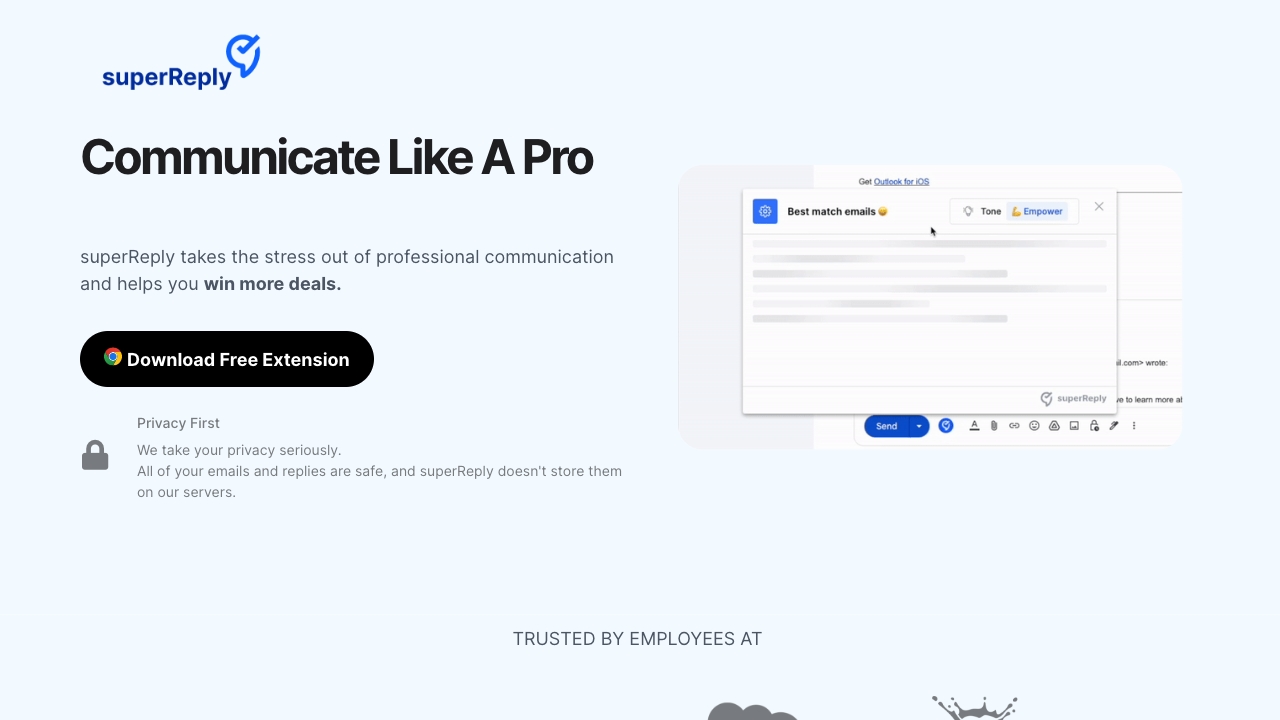
SuperReply screenshot

Access & connections

Where you can use SuperReply, and what it plugs into.

Platforms

Web

Integrations

Capabilities

What this tool accepts, produces, and is strongest at.

Highlights

  • AI-powered email response generation
  • Tone matching for personalized responses
  • Integration with Gmail and Outlook
  • Free plan available

FAQ 12

What is superReply?
superReply is an AI-powered email response generator extension for Gmail and Outlook. It helps users quickly and easily create effective email replies by suggesting personalized responses that match the tone of the original email. The extension aims to improve productivity and save time by automating the email response process.
How to use superReply?
To use superReply, install the Chrome extension and access Outlook or Gmail through your Chrome browser. Open the email you want to respond to and click the superReply icon. The extension will generate three tailored response options. Select the message you like, make any necessary changes, and hit send.
How does superReply protect my email privacy and security?
superReply uses advanced technology and security protocols to protect your emails and personal information. We prioritize your privacy and security and will never share your data without your consent. SuperReply only accesses the email threads you choose to use it on and does not store any emails or replies on our servers. We use industry-standard encryption and security measures to ensure the protection of your data.
Can superReply integrate with my current email provider?
superReply is designed to be compatible with most major email carriers, including Gmail and Outlook. Integration is easy and requires no technical skills, allowing you to optimize your email control quickly.
Will I still have to manage my emails with superReply?
Absolutely. superReply enhances your email experience level by offering guidelines and automation options. However, you hold full control over your emails. You can customize settings and possibilities to fit your needs.
Is there a free version of superReply?
Yes! We offer a Free plan that allows you to send up to 3 emails per day using superReply. If you are an agency, freelancer, or team in need of a high volume of emails, our unlimited superReply plan is perfect for you. With AI, you can respond to as many emails as you need without any limitations.
How does your pricing work?
Our prices start at just $24.99 per month for unlimited emails, with no commitment required. If you opt for our annual plan, the cost is even lower, at just $10.7 per month.
How quickly can I get customer support?
Feel free to chat with us in-app or send us an email, and our team will respond within 24 hours. We value your feedback and look forward to hearing from you!
How can I add superReply to my Outlook?
To add superReply to your Outlook, you must access Outlook web through your Chrome browser after you install the extension.
How can I add superReply to my Gmail?
To add superReply to your Outlook, you must access your Gmail account using Chrome browser after you install the extension.
How do I set up superReply in Outlook?
Setting up superReply is easy with just one click using the Chrome extension. To use superReply, open Outlook on your Chrome browser. Open the email you want to respond to and click on the “superReply” icon. Instantly receive three tailored response options to choose from. Select the message that you like the most. Make any necessary changes or tweaks to the response. Hit send!
How do I cancel my subscription?
To cancel your subscription, please follow these steps: Click on the superReply icon in your email, then click on the settings icon. Under “Manage Account,” click on the “manage” button. From there, you can cancel your subscription on the Stripe portal. If you need any assistance with canceling your subscription, please feel free to send us an email at [email protected].
SuperReply Free + from $10.7 / month