
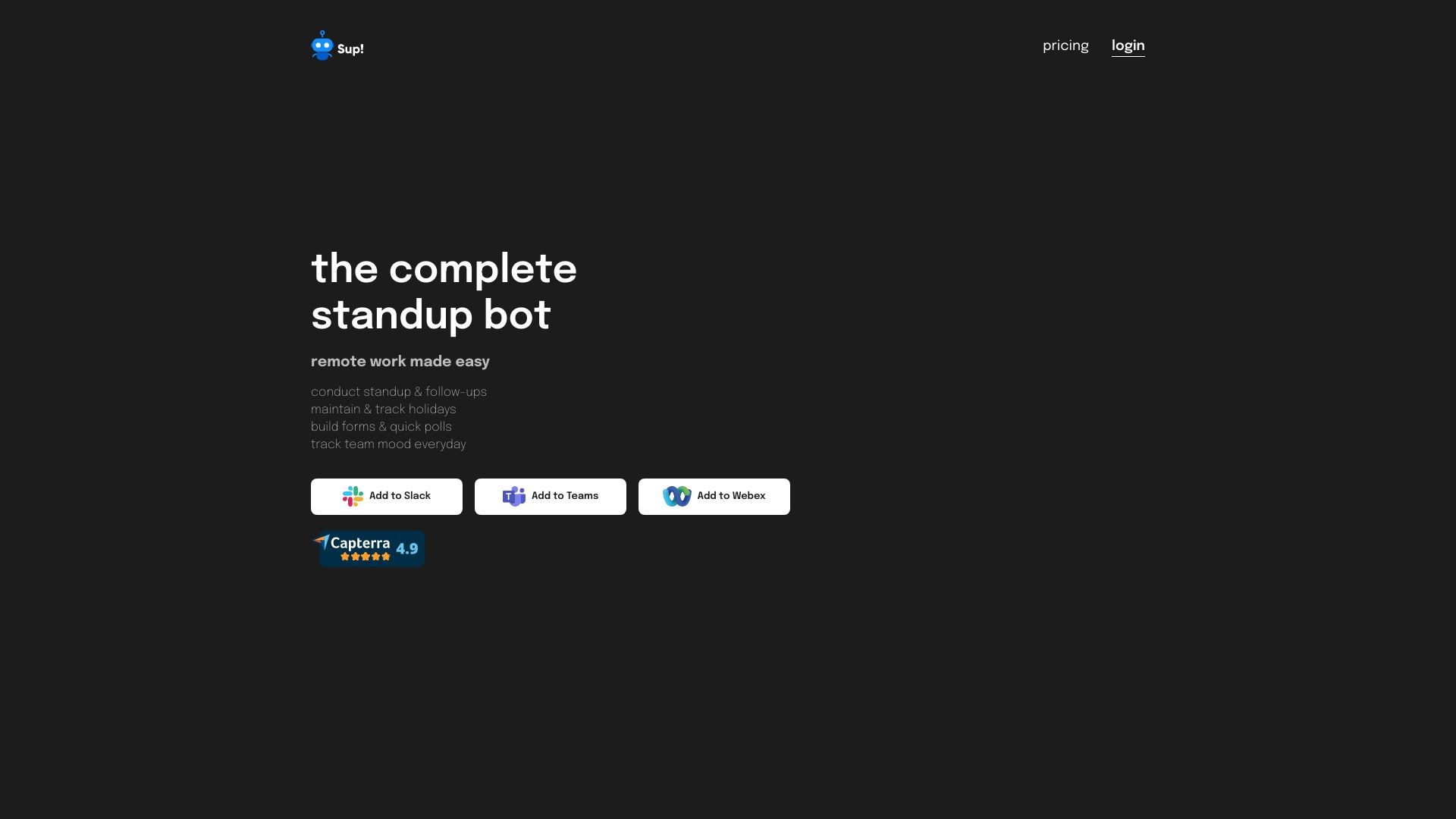
Sup Standup Bot
Standup & Vacation tracker bot for Slack, MS Teams, and Webex.
Source rating 5.0
(68)
0 views
0 saves
Paid
From $9/Month (Up to 100 workspace members)
Verdict
A quick read before you dig into the full page.
- Best if
- Standup & Vacation tracker bot for Slack, MS Teams, and Webex
- Skip if
- You need a free plan with no credit card
- Pick this when
- Paid · From $9/Month (Up to 100 workspace members)
Overview
Sup Bot is a standup and vacation tracker bot designed for Slack, MS Teams, and Webex. It helps hybrid teams become task-efficient with regular asynchronous standups, multiple follow-ups, holiday tracking, and running quick polls and surveys. It streamlines daily routine update meetings and boosts productivity. Sup Bot also helps track holidays, run quick surveys, and track team mood.
Access & connections
Where you can use Sup Standup Bot, and what it plugs into.
Platforms
Integrations
Capabilities
What this tool accepts, produces, and is strongest at.
Highlights
- Asynchronous standups
- Holiday/Leave tracking
- Quick polls and surveys
- Mood tracking
- Follow-ups
FAQ 8
What is Sup Bot?
Sup Bot is a standup and vacation tracker bot designed for Slack, MS Teams, and Webex. It helps hybrid teams become task-efficient with regular asynchronous standups, multiple follow-ups, holiday tracking, and running quick polls and surveys. It streamlines daily routine update meetings and boosts productivity. Sup Bot also helps track holidays, run quick surveys, and track team mood.
How to use Sup Bot?
To use Sup Bot, sign up for an account, integrate it with your Slack, MS Teams, or Webex workspace, and then launch productive meetings. The bot allows you to run asynchronous standups, track leaves, and conduct quick polls and surveys.
Do you have a free trial?
Yes, Sup provides a 14-day free trial of all features, enabling you to delve into all the features and assess its compatibility with their team.
Can I change my subscription plan?
Yes, you can upgrade or downgrade your subscription plan at any time. Visit the "Billing" page in your account to make changes.
What payment methods do you accept?
We accept various payment methods, including credit/debit cards (Visa, Mastercard, American Express). We use Stripe for all the payment transactions which is PCI compliant payment gateway.
Why do we offer flat-rate pricing?
At Sup, we believe in simplicity and transparency for our customers. Flat pricing ensures that you know exactly what you're paying upfront, with no hidden fees or surprises. It's all about making your experience with us as straightforward and hassle-free as possible. Visit Billing page to view pricing options for your workspace.
I want to add new users to a follow-up. How will that affect?
Sup offers a flat-rate pricing structure, meaning that the cost remains constant and there are no hidden costs.
What happens at the end of my trial?
At the end of your 14-day trial, you'll automatically be downgraded to the Free plan and you’ll be able to continue to use Sup with 1 active follow-up as long as you'd like.
Related tools
Recommended


Sup Standup Bot
From $9/Month (Up to 100 workspace members)