

Job interviews 2026 Rank: #2825
SubcueAI ✓
Real-time AI help for every interview.
Verdict
A quick read before you dig into the full page.
- Best if
- Real-time AI help for every interview
- Skip if
- Limited to Zoom, Google Meet, Microsoft Teams
- Pick this when
- Cross-platform compatibility (macOS, Windows)
Considering Acedit instead? Compare side by side
Overview

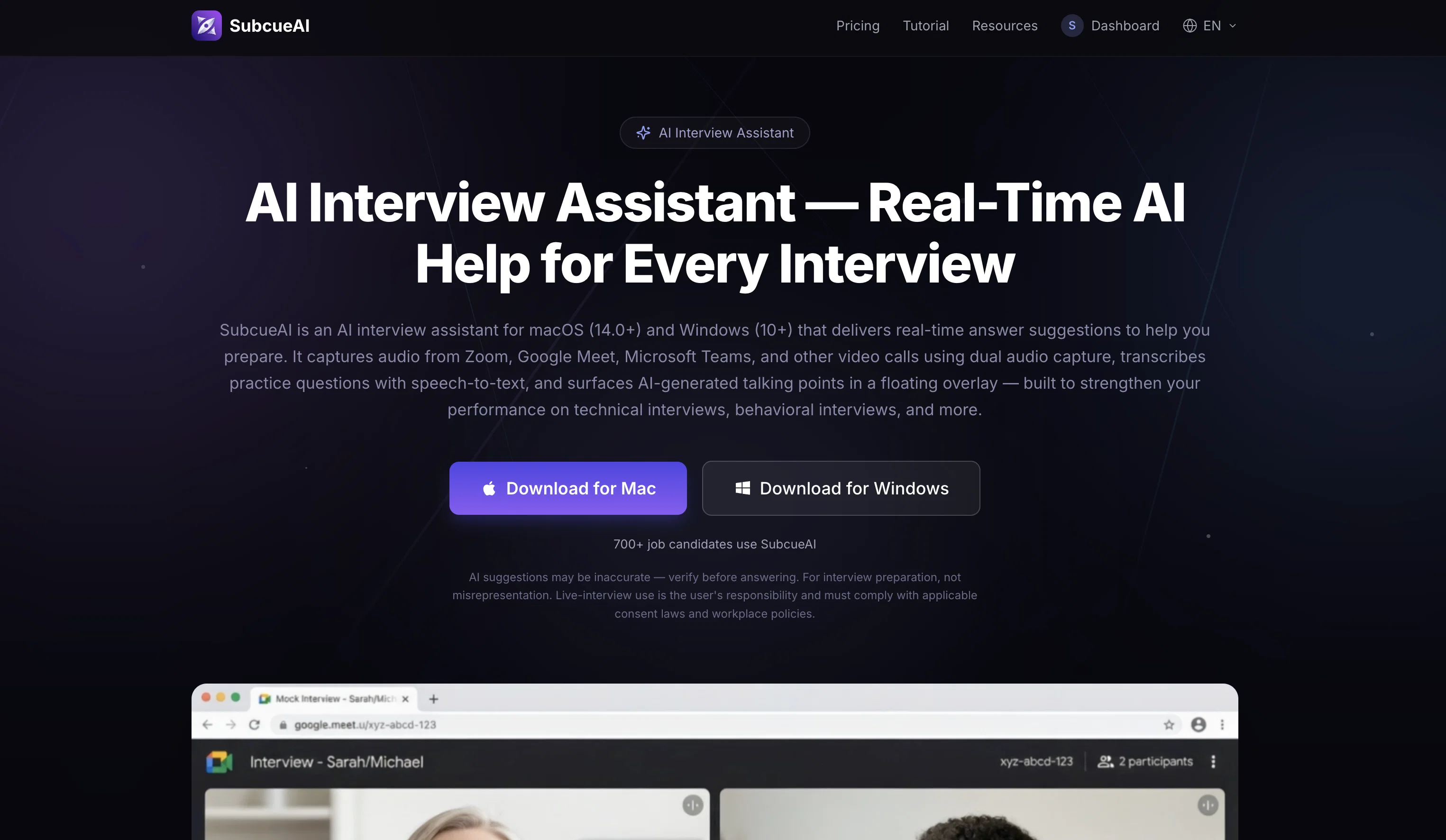
SubcueAI is an AI-powered tool specifically built for interview preparation. It is designed to operate on macOS and Windows systems, offering users real-time AI-based answer suggestions during interviews.
This tool is capable of capturing audio from a variety of video call platforms such as Zoom, Google Meet, and Microsoft Teams using dual audio capture.
It takes the captured audio and transcribes practice questions using speech-to-text technology. Then, it generates AI-based talking points, provided through a floating overlay.
SubcueAI works in various interview scenarios, from technical and behavioral interviews to others. After each interview, the tool provides post-interview analysis covering strengths, weaknesses, and points for improvement.
As an AI assistant, SubcueAI also prioritizes user privacy. Captured audio is processed locally on the user's device, ensuring your data stays with you.
Resumes input into the system are encrypted for additional safety. It's important to note that live-use of the product during actual interviews is dependent on consent laws and workplace policies.
Despite its utility in real-time situations, the platform is foremost designed as a preparation tool to help users rehearse and refine their responses before the actual interview.
Access & connections
Where you can use SubcueAI, and what it plugs into.
Platforms
Integrations
Capabilities
What this tool accepts, produces, and is strongest at.
Input
- Tabular
- Audio
Output
- Code
- Audio
- Text
Supported features
- Assistant
- STT
Pros & cons
Pros
- Cross-platform compatibility (macOS, Windows)
- Real-time answer suggestions
- Dual audio capture
- Live transcription feature
- Post-interview performance analytics
- Works with Zoom, Google Meet, Microsoft Teams
- Transcripts of practice questions
- Offers performance analysis post-session
Show 20 more
- Tracks user progress over time
- Suggests actionable improvement points
- Local data processing for privacy
- Resume encryption for safety
- Useful for technical and behavioral interviews
- Multilingual support
- Supports diverse video call platforms
- Specifically tailored for interview prep
- End-to-end encryption of resumes
- Provides strengths and weaknesses analysis
- Locally stored interview data
- Minimal CPU and memory usage
- Real-time speech-to-text feature
- Supports personal preparation and rehearsing
- Designed for various interview scenarios
- Local-first approach to privacy
- Data not stored on external servers
- No third-party involvement
- Easy quick-toggle visibility hotkey
- Allows distraction-free focus during practice
Cons
- Only supports English and Chinese
- Need continuous Internet connection
- Limited system requirements (macOS 14.0+ or Windows 10+)
- High price for premium features
- Real-time use depends on consent laws
- Requires user-initiated capture of audio
- Exclusive to desktop usage
- No persistent storage of transcripts
Show 1 more
- Limited to Zoom, Google Meet, Microsoft Teams
Compare alternatives
Similar tools in the catalog — with a clear reason to open each one.

Acedit ✓
FreemiumAI-powered interview coach for real-time assistance
Free + from $45
Full comparison
MeetAssist ✓
Free TrialGet real-time AI suggestions during interviews.
Why look Typically cheaper
Full comparison

Interview Copilot | Interviews Chat ✓
Free TrialYour secret weapon to ace any interview and land the job.
Free + from $19/mo
Full comparison
Acedly AI ✓
Free TrialYour private AI co-pilot for job interviews.
Why look More privacy-focused
Full comparison
Releases 1
FAQ 12
What platforms is SubcueAI compatible with?
What features does SubcueAI offer for interview preparation?
What kind of interview performance analytics does SubcueAI provide?
Which video call platforms can SubcueAI integrate with?
Can SubcueAI suggest AI-based talking points during a live interview?
Is SubcueAI capable of transcribing practice questions via speech-to-text technology?
Does SubcueAI offer any performance improvement suggestions?
What kind of progress tracking does SubcueAI offer?
How does SubcueAI ensure user privacy?
Does SubcueAI store any kind of interview data on external servers?
Does SubcueAI provide real-time assistance during interviews?
Can SubcueAI capture dual audio during video calls?
Related tools
Recommended

MagicSlides.app AI PPT Maker ✓
FreemiumCreate Stunning PPTs in Seconds with the AI PPT Maker

B12 AI Website Builder ✓
FreemiumAI-powered website builder

GetLogit ✓
FreemiumArtificial intelligence, available for everyone.

Thea ✓
FreemiumAI study tools to master material, not just memorize it.

ChatGPT ✓
FreemiumAsk anything, create anything, and move from idea to action.

Automateed ✓
Free TrialCreate eBooks effortlessly with Automateed, the AI-powered writing tool.