
Cloud infrastructure 2026 Rank: #3245
Stripe Projects ✓
Add any service to your app in one command.
Verdict
A quick read before you dig into the full page.
- Best if
- Add any service to your app in one command
- Skip if
- Limited Customization
- Pick this when
- Adds services via CLI
Considering Cloudgeni instead? Compare side by side
Overview
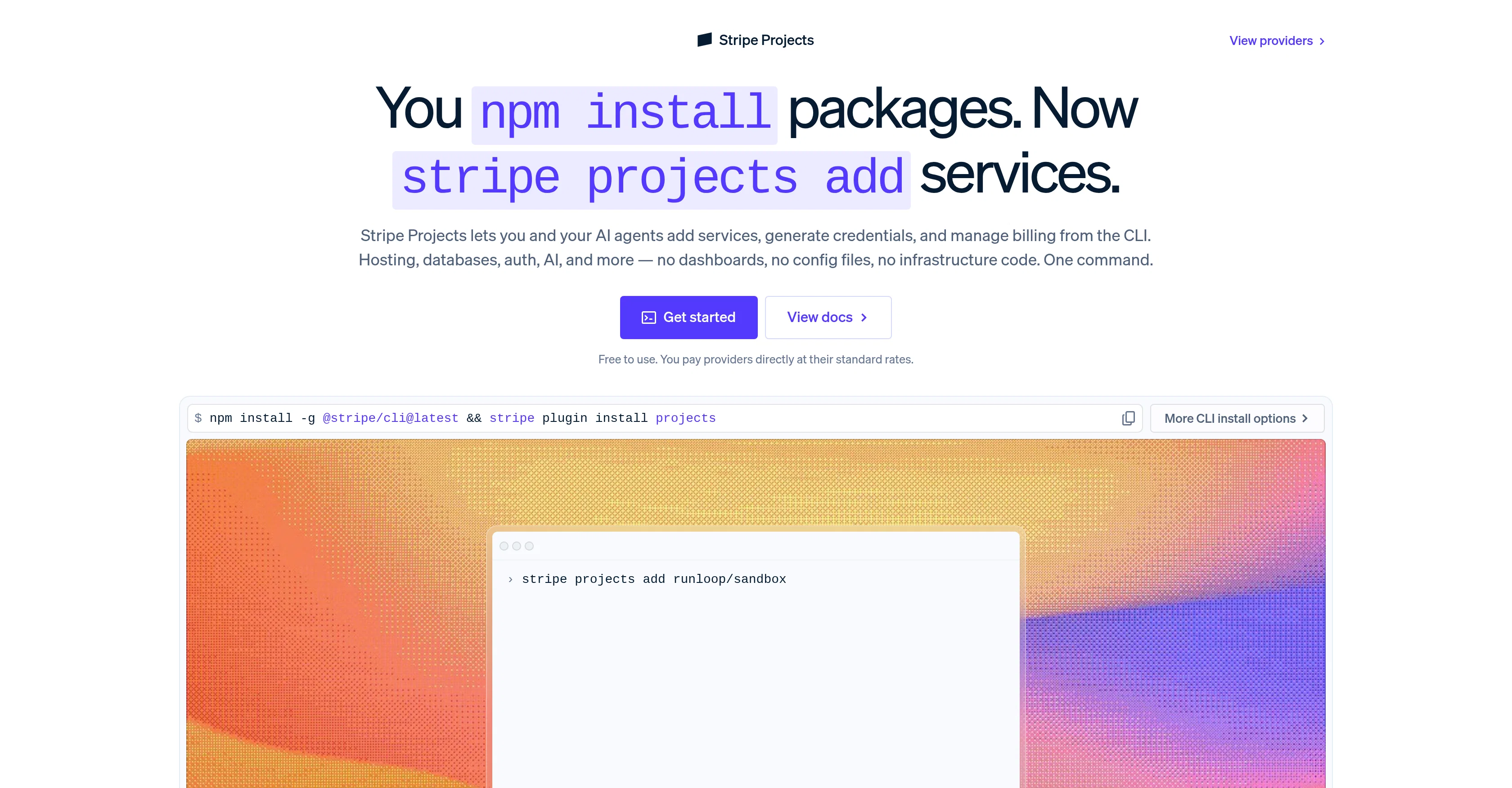
Stripe Projects is a tool designed to streamline the process of adding various services to an application. By using a simple command line interface (CLI), developers and AI agents can provision hosting, databases, authentication, AI, and other services without the need for dashboards, configuration files, or infrastructure code.
The aim of Stripe Projects is to simplify the traditionally manual process of setting up application-specific services such as creating accounts, securing API keys, managing multiple service providers, and configuring various settings.
All these actions can be executed with a single command, simplifying the stack creation and management process.Stripe Projects also enables generation and management of credentials, as well as straightforward billing directly with providers.
It offers an expedient, secure, and flexible method for infrastructure provisioning. Additionally, it facilitates the use and management of environment variables across different local setups, machines, team members, and AI agents.This tool also integrates well with different AI coding agents, simplifying the coding process.
It promotes fast, secure, and portable creation of a tech stack with features such as programmatic infrastructure provisioning, simplified billing systems, secure credential generation and storage, and provision of service for both developers and AI agents.
Access & connections
Where you can use Stripe Projects, and what it plugs into.
Platforms
Integrations
Capabilities
What this tool accepts, produces, and is strongest at.
Input
- Code
Output
- Code
Pros & cons
Pros
- Adds services via CLI
- Manages credentials
- Streamlines billing
- Secure infrastructure provisioning
- Handles environment variables
- Simplifies stack creation
- Commands for different services
- Secures API keys
Show 27 more
- Manages multiple service providers
- Cross-development environment flexibility
- Efficient infrastructure management
- Direct provider billing
- Programmatic provisioning
- One-command service integration
- Effective database management
- Efficient application hosting
- Convenient authentication services
- Supports tech stack creation
- Streamlined API keys management
- Environment variable management
- Auditable and repeatable changes
- Automated infrastructure provisioning
- Portable credentials
- Secure credential storage
- Encourages coding agent integration
- Well-supported providers
- Fast, secure, portable setup
- Simplified developer tools
- Portable environment variables
- Efficient upgrade/downgrade system
- CLI-based usage monitoring
- Simplified management subscriptions
- Promotes developers' momentum
- Responsive community feedback
- Advanced template availability
Cons
- Command Line Interface Required
- Potentially Limited Provider Integrations
- Dependency on Stripe Ecosystem
- Hard to troubleshoot
- Requires Technical Expertise
- No GUI for non-CLI users
- Single Command, Lack of Control
- Limited Customization
Show 2 more
- Updates Require Plugins Install
- Assumed Stripe Billing Dependency
Compare alternatives
Similar tools in the catalog — with a clear reason to open each one.


Pulumi ✓
FreeGenerate infrastructure-as-code with natural language prompts
Why look Better fit for coding
Full comparison
Cloud Hero AI ✓
UnknownThe AI platform built for cloud teams
Why look Higher community rating
Full comparison

Releases 1
FAQ 12
What is Stripe Projects?
How does Stripe Projects streamline the process of adding services to an application?
What are the core functions of the Command Line Interface in Stripe Projects?
How does Stripe Projects simplify the setting up of application-specific services?
What does the management of API keys involve in Stripe Projects?
Can Stripe Projects handle direct billing with providers?
How does Stripe Projects facilitate the use of environment variables?
In what way does Stripe Projects integrate with different AI coding agents?
How does Stripe Projects assist in tech stack creation?
What role does secure credential storage play in Stripe Projects?
How is application hosting provided in Stripe Projects?
Can Stripe Projects manage databases for my application?
Related tools
Recommended

MagicSlides.app AI PPT Maker ✓
FreemiumCreate Stunning PPTs in Seconds with the AI PPT Maker

GetLogit ✓
FreemiumArtificial intelligence, available for everyone.

ChatGPT ✓
FreemiumAsk anything, create anything, and move from idea to action.

Automateed ✓
Free TrialCreate eBooks effortlessly with Automateed, the AI-powered writing tool.

Kin - Personal AI Advisors ✓
FreePrivacy-first & designed your for mind, and life at work

Aiter.io | Paste a URL. Ship a Campaign That Sounds L... ✓
FreemiumAI marketing that sounds like you, not everyone else.