
Stitch art 2026 Rank: #3018
StitchCraft ✓
AI-powered cross stitch pattern maker: turn text prompts and photos into stitchable
270 views
2 saves
Freemium
Verdict
A quick read before you dig into the full page.
- Best if
- AI-powered cross stitch pattern maker: turn text prompts and photos into stitchable
- Skip if
- Limited to cross stitch
- Pick this when
- Pattern automation
Overview
Socials:

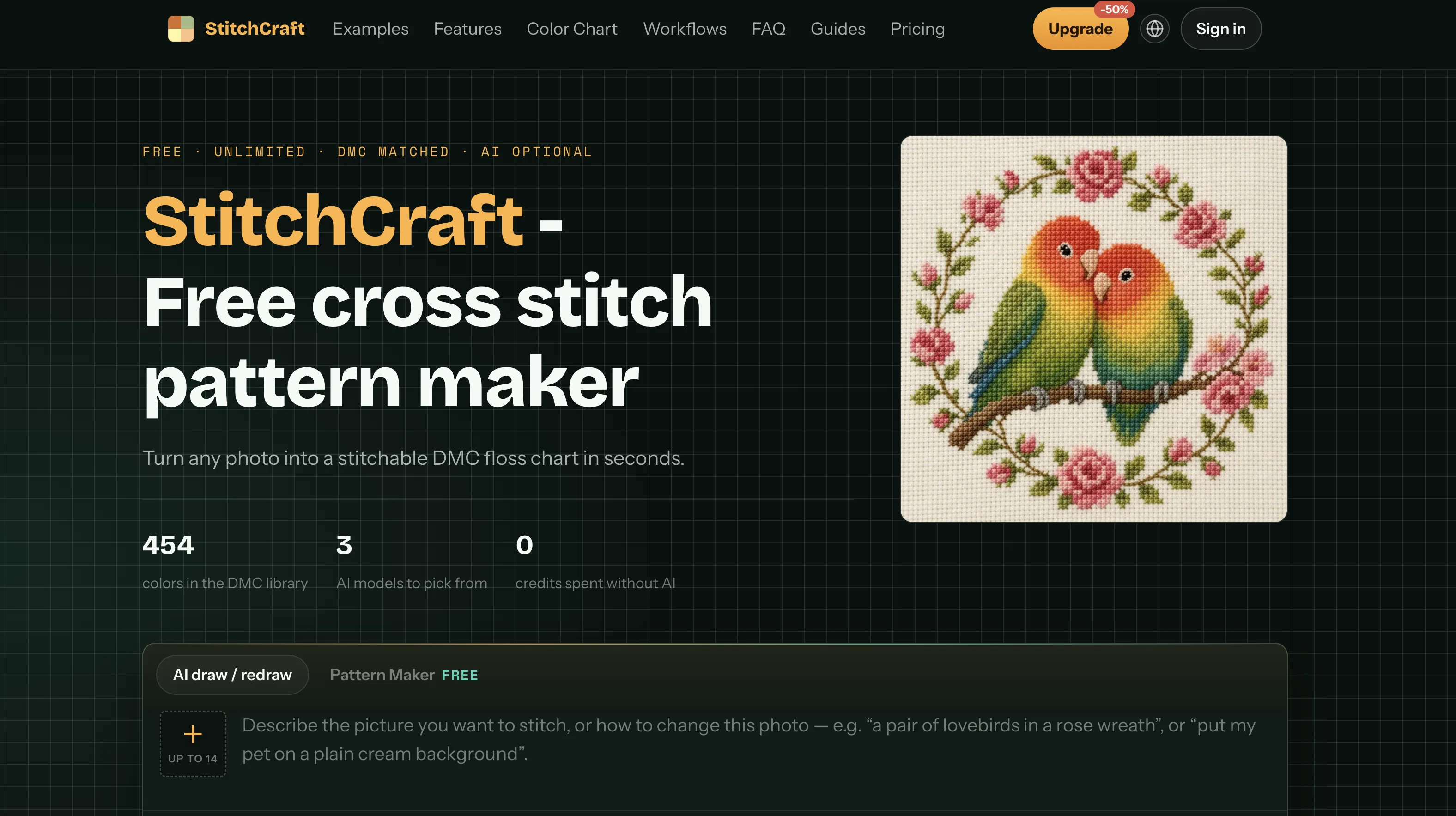
StitchCraft is the first AI-native cross stitch pattern generator designed specifically for real stitchers and needlework enthusiasts. Unlike traditional converters that merely pixelate photos into un-stitchable "confetti" messes, StitchCraft leverages state-of-the-art AI vision models to intelligently prepare, redraw, and simplify imagery into clean, solid color fields before mapping them to authentic DMC embroidery floss.
Key AI Features & Capabilities:
• Smart AI Image Preparation (Eliminates Confetti):
Powered by Google Nano Banana 2 and OpenAI GPT Image 2, StitchCraft redraws complex photographs into smooth, flat-color vector-like regions. It preserves the original subject and composition while smoothing out gradients, dramatically reducing chaotic single-stitch "confetti" and making your project a joy to stitch.
• Text-to-Pattern & Multi-Reference Redraw:
Describe any scene (e.g., "a pair of lovebirds in a rose wreath" or "my corgi on a plain cream background") or upload multiple reference photos to synthesize brand-new, customized needlework art from scratch.
• Curated Needlework AI Styles:
Choose from tailored stitch styles including Flat Floss (clean modern embroidery blocks), Vintage Sampler, Folk Art, Nordic Minimal, Pixel Art, Ghibli Storybook, and Watercolor. Each style guides the AI toward practical color limits and needlework aesthetics.
• Multi-Model Flexibility & High Resolution:
Switch between ultra-fast iterative drafting (Nano Banana 2 Lite at ~4s) and high-fidelity final rendering (GPT Image 2 and Nano Banana 2 up to 4K resolution) with multi-image reference guidance.
• Authentic 454 DMC Floss Matching:
Quantized color palettes map directly onto 454 genuine DMC thread shades, complete with exact color codes, printed symbols, and estimated skein calculations so you can buy supplies with confidence.
• Instant Live Studio & Printable PDF Export:
Adjust grid dimensions, color budgets, and smoothing in real-time in the browser. Export multi-page, print-ready PDF charts formatted for standard A4 and Letter paper.
• Free Core Charting + Commercial Rights Included:
Browser-based direct conversion and PDF exports remain 100% free with no account required. All generated designs and exported charts include full commercial licensing to sell patterns and finished crafts.
Access & connections
Where you can use StitchCraft.
Platforms
Capabilities
What this tool accepts, produces, and is strongest at.
Input
- Text
- Image
Output
- Image
Highlights
- SOTA
- No Signup
- Local
- API
Supported features
- No Signup
- Runs Locally
- API
- Visual Creation
Models
Text
Image
Audio
Video
Pros & cons
Pros
- Pattern automation
- Supports embroidery design
- Encourages creativity
- Efficient crafting aid
- Handy for hobbies
- Advanced design tool
- Universal design API
- Cross stitch facilitation
Show 32 more
- Specialist in crafting patterns
- Sewing design support
- Extensive pattern database
- Dynamic design generation
- Automated artistic creation
- Specialized hobby tool
- Versatile tool for crafts
- Hobbyists' preference
- Supports multiple craft genres
- Automated sewing pattern design
- Enables rapid crafting
- Encourage artistic expression
- User-friendly interface
- Cross Stitch specific design
- Improves crafting efficiency
- Offering unique pattern designs
- Advanced craft tool
- High-quality pattern output
- Creative design utility
- Able to automate design
- Crafting-oriented app
- High precision in designs
- Maximizes embroidery efficiency
- Advanced Cross Stitch support
- Sewing hobby support
- App for Artistic Hobbyists
- Designed for creative minds
- Maximizes crafting automation
- Incorporates a design database
- Automated cross stitch designs
- State-of-the-art craft utility
- Artistic expression facilitator
Cons
- No detailed description available
- Potential patterns complexity limitations
- May lack design flexibility
- Limited to cross stitch
- No mention of embroidery functionality
- No API revealed
- No customization mentioned
- Could lack automation features
Show 2 more
- Closed source
- Potential hobbyist-level outputs
Releases 1
Initial release of StitchCraft.
FAQ 12
What is CrossStitchPatternMaker.app?
CrossStitchPatternMaker.app is an AI-powered tool designed to aid in the creation of cross stitch patterns.
How does CrossStitchPatternMaker.app use AI?
CrossStitchPatternMaker.app employs AI technologies to automate the process of pattern creation, making it easier and more precise.
What hobby activities can I use CrossStitchPatternMaker.app for?
CrossStitchPatternMaker.app is perfect for hobbies such as cross stitching, embroidery, and other crafts that involve intricate pattern design.
Can I use CrossStitchPatternMaker.app for professional pattern design?
Certainly, CrossStitchPatternMaker.app can be used for professional pattern design, thanks to its AI-driven precision and versatility.
Is CrossStitchPatternMaker.app suitable for craft and art projects?
Yes, CrossStitchPatternMaker.app is perfectly suited for craft and art projects where pattern creation is required.
Do I need special skills to use CrossStitchPatternMaker.app?
No special skills are needed to use CrossStitchPatternMaker.app, the AI technology incorporated into the tool simplifies the process.
How can CrossStitchPatternMaker.app help with embroidery?
CrossStitchPatternMaker.app helps with embroidery by providing precise, AI-generated cross stitch patterns which can be used for embroidery designs.
Are there any automated functions in CrossStitchPatternMaker.app?
Indeed, CrossStitchPatternMaker.app has automated functions to facilitate pattern creation with minimal manual input.
How does CrossStitchPatternMaker.app improve my creativity?
CrossStitchPatternMaker.app enhances your creativity by providing a platform where you can experiment with patterns and designs using AI technology.
Can I use CrossStitchPatternMaker.app for sewing patterns?
While CrossStitchPatternMaker.app is primarily intended for cross stitch pattern generation, the patterns created can potentially be adopted for sewing.
Is CrossStitchPatternMaker.app user-friendly?
Yes, CrossStitchPatternMaker.app is user-friendly. The AI technology embedded in the tool ensures a smooth, manageable user interface.
How accurate are the patterns created by CrossStitchPatternMaker.app?
The patterns created by CrossStitchPatternMaker.app are highly accurate thanks to the AI technology used in pattern generation.
Related tools
Recommended

MagicSlides.app AI PPT Maker ✓
FreemiumCreate Stunning PPTs in Seconds with the AI PPT Maker

GetLogit ✓
FreemiumArtificial intelligence, available for everyone.

ChatGPT ✓
FreemiumAsk anything, create anything, and move from idea to action.

Automateed ✓
Free TrialCreate eBooks effortlessly with Automateed, the AI-powered writing tool.

Kin - Personal AI Advisors ✓
FreePrivacy-first & designed your for mind, and life at work

Aiter.io | Paste a URL. Ship a Campaign That Sounds L... ✓
FreemiumAI marketing that sounds like you, not everyone else.
StitchCraft
Free + from $20/mo