
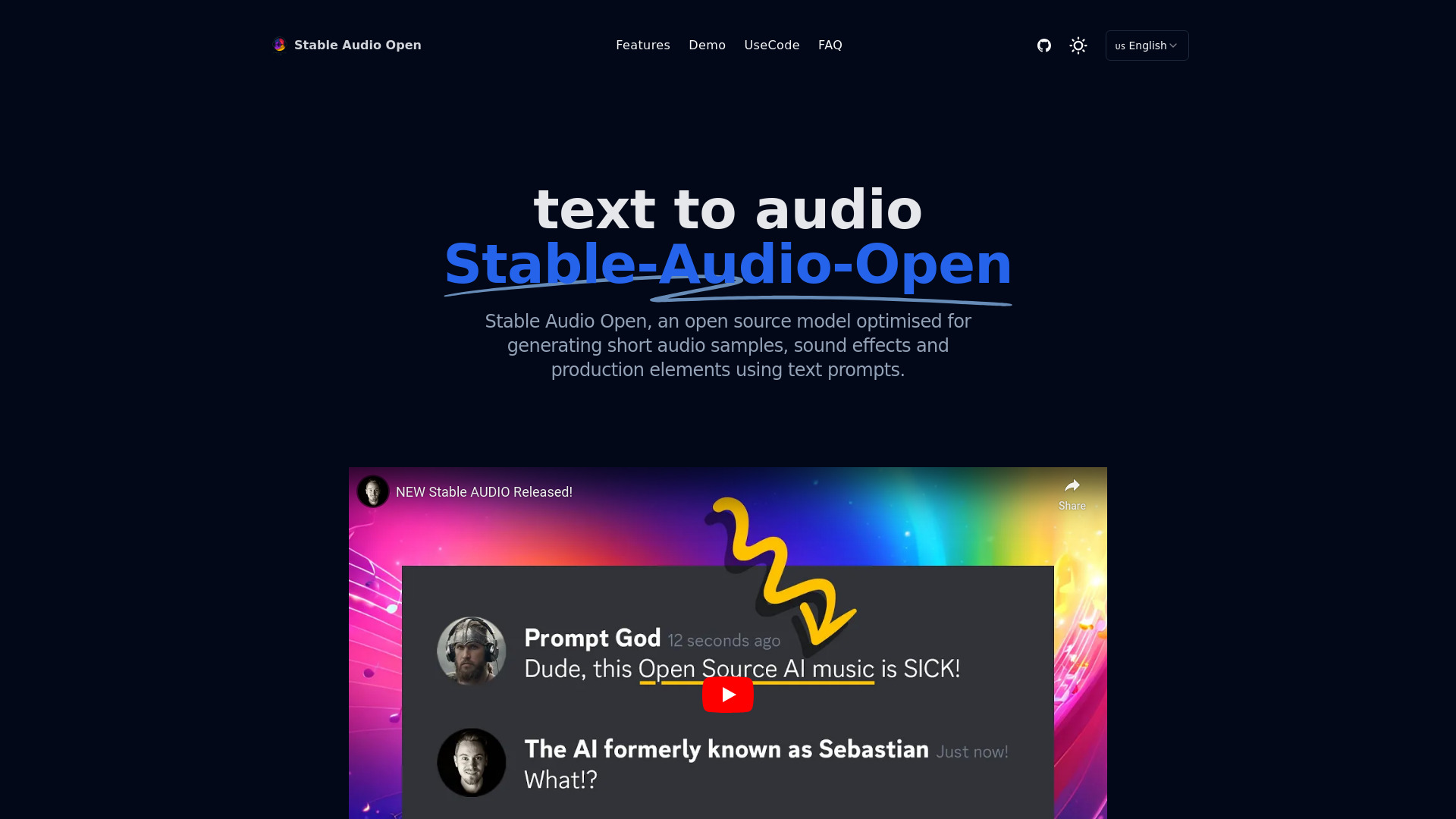
stable audio open
Open-source model for generating short audio samples and sound effects from text.
Verdict
A quick read before you dig into the full page.
- Best if
- Open-source model for generating short audio samples and sound effects from text
- Pick this when
- Open-source model for generating short audio samples and sound effects from text
Overview
Stable Audio Open is an open source model optimised for generating short audio samples, sound effects and production elements using text prompts. It allows anyone to generate up to 47 seconds of high-quality audio data from a simple text prompt. Its specialised training makes it ideal for creating drum beats, instrument riffs, ambient sounds, foley recordings and other audio samples for music production and sound design.
Access & connections
Where you can use stable audio open.
Platforms
Capabilities
What this tool accepts, produces, and is strongest at.
Highlights
- Open Source Model
- Specialized Training for high-quality audio generation
- Customizable with user's own data
- Generates up to 47 seconds of audio
FAQ 8
What is Stable Audio Open?
How to use Stable Audio Open?
What is Stable Audio Open?
How is Stable Audio Open different from the commercial version?
Can I customize the model?
What types of audio can I create with Stable Audio Open?
Is Stable Audio Open free to use?
Can I use Stable Audio Open for commercial purposes?
Related tools
Recommended

Wondershare Filmora ✓
PaidEdit smarter, faster and easier with Filmora’s powerful AI video tools.

AirMusic ✓
Free TrialAI music generator and music video creator in one platform.

PoYo.AI ✓
FreemiumHigh concurrency. Stable AI API. Better pricing.

APIMart ✓
UnknownOne API for 500+ AI models at 70% less cost.

YinsoAI ✓
FreemiumCompose complete pieces of music based on a story, a memory, a mood, or a simple situation. Hundreds of style…