
SRead
AI-powered reading assistant with intelligent features for enhanced understanding.
Source rating 5.0
(75)
0 views
0 saves
Unknown
Verdict
A quick read before you dig into the full page.
- Best if
- AI-powered reading assistant with intelligent features for enhanced understanding
- Pick this when
- AI-powered reading assistant with intelligent features for enhanced understanding
Overview
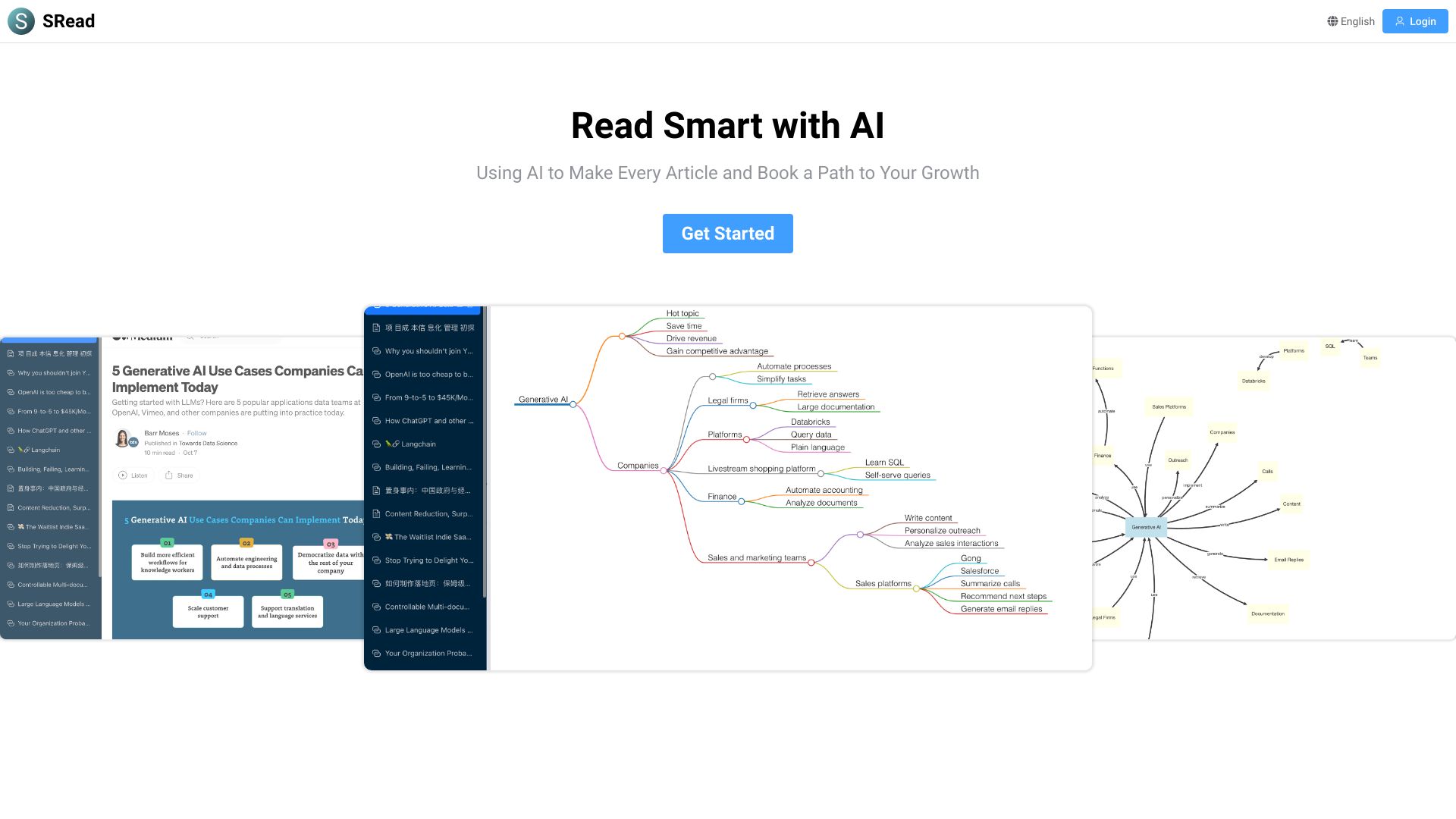
SRead is an AI-powered reading assistant that enhances the reading experience beyond a simple e-book reader. It offers features like Intelligent Q&A, Knowledge Graph, Mind Mapping, and Reading Summary to transform reading into an enlightening journey. It can be used for assisted reading of articles and documents.
Access & connections
Where you can use SRead, and what it plugs into.
Platforms
Integrations
Capabilities
What this tool accepts, produces, and is strongest at.
Highlights
- Intelligent Q&A
- Knowledge Graph
- Mind Mapping
- Reading Summary
- Chat with Online Articles
- Chat with Document Files
- Chrome Extension
FAQ 6
What is SRead?
SRead is an AI-powered reading assistant that enhances the reading experience beyond a simple e-book reader. It offers features like Intelligent Q&A, Knowledge Graph, Mind Mapping, and Reading Summary to transform reading into an enlightening journey. It can be used for assisted reading of articles and documents.
How to use SRead?
Use SRead to chat with online articles or document files (PDF, DOCX, PPTX). You can also use the Chrome extension to chat with online articles in your browser.
What is SRead?
SRead is an AI-powered smart reading assistant that helps you understand articles and documents better.
What features does SRead offer?
SRead offers features like Intelligent Q&A, Knowledge Graph, Mind Mapping, and Reading Summary.
What types of files does SRead support?
SRead supports PDF, DOCX, and PPTX files.
Is there a free trial?
New users can enjoy a 7-day free membership.
Related tools
Recommended


SRead