
Game sprites 2026 Rank: #1252
SpriteFlow ✓
Game-ready sprite animations, no drawing skills needed.
Verdict
A quick read before you dig into the full page.
- Best if
- Game-ready sprite animations, no drawing skills needed
- Skip if
- Limited to 2D animation
- Pick this when
- Supports multiple game engines
Considering God Mode AI instead? Compare side by side
Overview
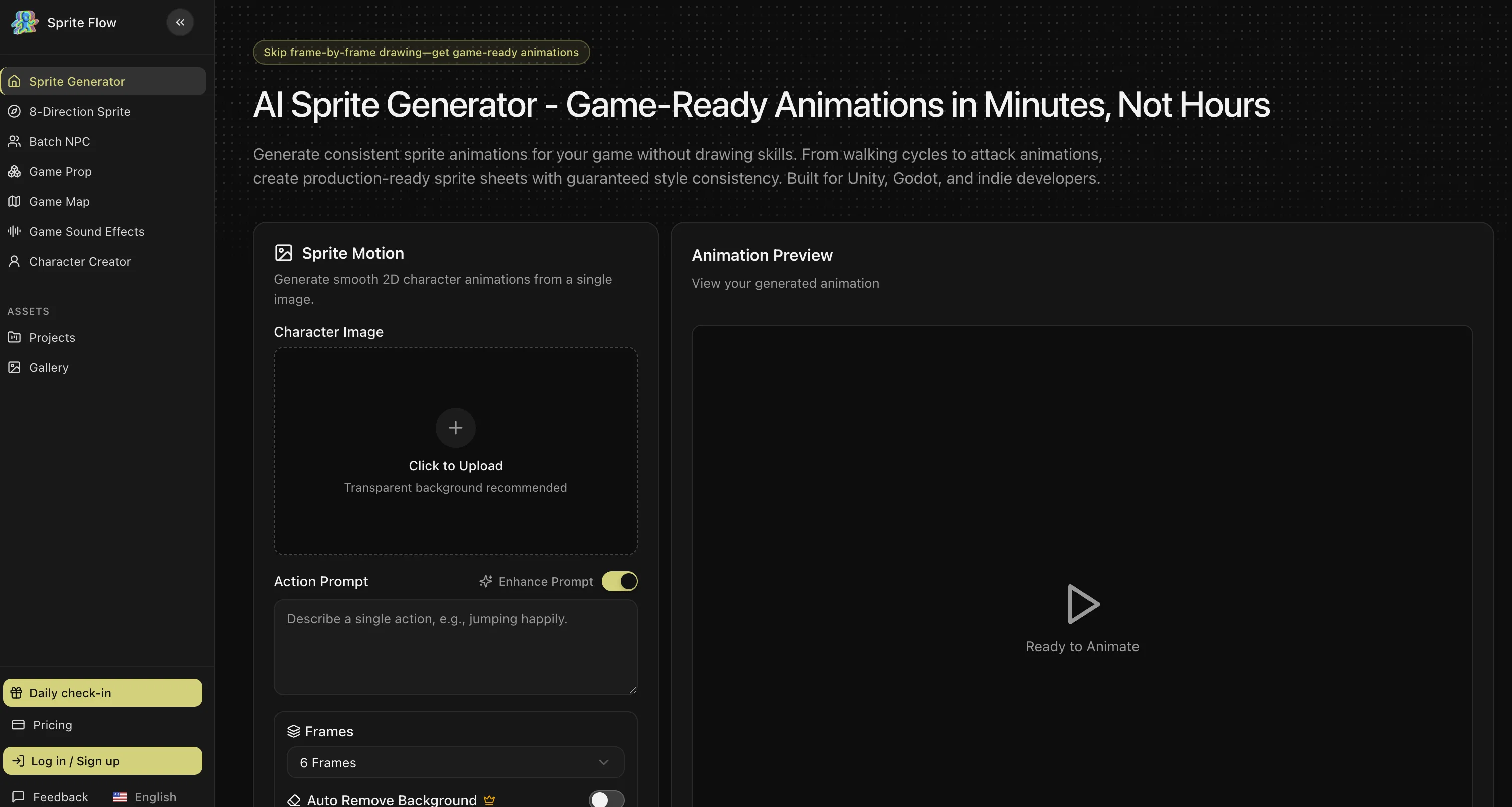
The AI Sprite Generator is an artificial intelligence-based tool designed for creating high-quality sprite animations for games. This tool offers an automated approach to generating game-ready sprite sheets in a consistent style without the need for drawing skills.
It generates animations such as walking cycles and attack animations with style consistency, ideal for Unity, Godot, and indie game developers.The tool's innovative feature allows smooth 2D character animations to be generated from a single image.
Users can preview their generated animations ensuring the desired output before proceeding. In comparison to traditional sprite creation methods with tools like Aseprite or Photoshop, the AI Sprite Generator significantly reduces both the time required and the associated costs.Style consistency remains one of the challenges in traditional sprite creation.
The AI Sprite Generator addresses this challenge by enabling the training of an art style once. It then generates every frame with an identical color palette, consistent detail level, and perfect character proportions.
The AI Sprite Generator supports a broad range of game developers, offering features to create complete character sprite sheets, generate walk cycles, and creating NPC variations faster than manual pixel art.
It can generate 8-directional sprites for top-down and isometric views and character variations for idle games.The process involves uploading a character image, choosing an animation type from amongst walk, idle, attack, etc., and exporting.
Additionally, the tool features style consistency guarantee, complete animation sets, game-ready sprite sheets, and 8-directional support, making it a comprehensive solution for professional game sprite creation.
Access & connections
Where you can use SpriteFlow.
Platforms
Capabilities
What this tool accepts, produces, and is strongest at.
Input
- Image
- Text
Output
- API
- Image
Supported features
- Image Generation
- Visual Creation
Pros & cons
Pros
- Supports multiple game engines
- Single image animation generation
- Auto background removal
- Animation preview feature
- Supports APNG, GIF, ZIP exports
- One-click export to Unity, Godot, Unreal
- Includes JSON metadata, animation controller presets
- Generates 8-directional sprites
Show 23 more
- Style consistency guarantee
- Complete animation sets
- Reduces time and cost
- Addresses sprite creation challenges
- Maintains consistent color palette, detail level
- Supports different animation types
- Generates top-down, isometric sprites
- Supports generating NPC variations
- 100x faster than Aseprite, Photoshop
- Consistent style across frames
- Style training from reference images
- Supports 4 or 8-directional views
- Game engine seamless integration
- Automatically ensures style consistency
- Generate complete character sprite sheets
- Faster character variation generation
- Supports Unity, Godot integration
- Auto collision box suggestions
- Pixel Art, 2D Cartoon, Anime Styles
- Custom style training
- Affordable for Indie Developers
- Locks color palette, art style, proportions
- Allows user to test gameplay before polishing art
Cons
- Limited to 2D animation
- Requires image with transparent background
- No multi-language support
- No support for drawing within tool
- No collaboration feature
- Requires credits to remove backgrounds
- Custom art style needs training
- No 3D Game Engine support
Compare alternatives
Similar tools in the catalog — with a clear reason to open each one.
God Mode AI ✓
FreemiumGenerate professional game sprites and animations with AI.
Free + from $19/mo
Full comparison
SpriteCook ✓
FreemiumAI pixel art generator for game developers.
Why look Typically cheaper
Full comparisonReleases 1
FAQ 12
What is the AI Sprite Generator?
What gaming engines does the AI Sprite Generator support?
How does the AI Sprite Generator ensure style consistency across animations?
What animation sets can I create using the AI Sprite Generator?
Can I use the AI Sprite Generator without any drawing skills?
Does the AI Sprite Generator support the generation of 8-directional sprites?
Is the AI Sprite Generator suitable for both indie developers and larger teams?
What types of image files can I use with the AI Sprite Generator?
What file formats does the AI Sprite Generator support for animation export?
Can I preview animations on the AI Sprite Generator?
How does the AI Sprite Generator's one-click export to gaming engines work?
Can I remove background in images using the AI Sprite Generator?
Related tools
Recommended

Automateed ✓
Free TrialCreate eBooks effortlessly with Automateed, the AI-powered writing tool.

The Influencer AI ✓
Free TrialCreate your own consistent AI influencer in minutes.

Video Character Swap | Creatii AI ✓
PaidSwap characters in videos while preserving motion.

MagicSlides.app AI PPT Maker ✓
FreemiumCreate Stunning PPTs in Seconds with the AI PPT Maker

GetLogit ✓
FreemiumArtificial intelligence, available for everyone.

ChatGPT ✓
FreemiumAsk anything, create anything, and move from idea to action.