
Sprite-AI
AI generator creating game-ready pixel art sprites from text prompts for indie developers.
From $5 / mo
Verdict
A quick read before you dig into the full page.
- Best if
- You are indie game developers and need: Rapidly generating character and enemy sprites for game jams
- Skip if
- You need a free plan with no credit card
- Pick this when
- Paid · From $5 / mo
Overview
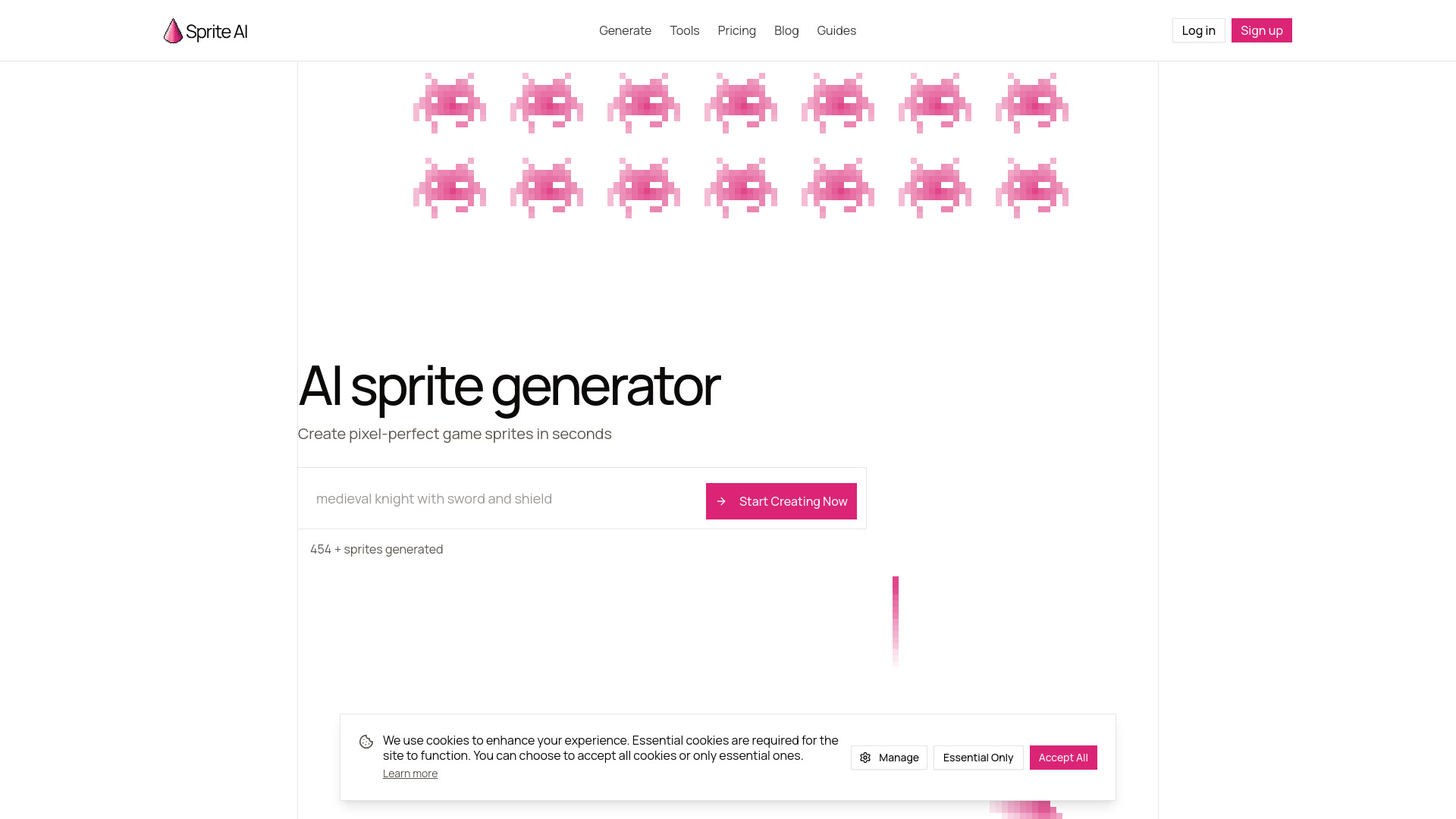
Sprite-AI is an AI-powered platform designed to generate pixel-perfect game sprites from text prompts in seconds. It allows game developers to create characters, enemies, and items by simply describing them, eliminating the need for professional drawing skills. The website features a built-in pixel editor for manual refinements and supports various export formats like PNG and SVG. It is optimized for indie game developers using engines such as Unity, Godot, and GameMaker, offering resolutions from 16x16 to 128x128 pixels.
Best for
Short scenarios where Sprite-AI tends to shine.
-
Rapidly generating character and enemy sprites for game jams
Best for Indie game developers
-
Creating consistent environment props and item icons for 2D games
Best for Game jam participants
-
Prototyping game visuals without needing an artist
Best for Solo developers
-
Fine-tuning AI-generated pixel art with a built-in editor
Best for 2D game designers
How it works
Example outputs 1
Sample generations and before/after results for Sprite-AI.
Access & connections
Where you can use Sprite-AI.
Platforms
Capabilities
What this tool accepts, produces, and is strongest at.
Highlights
- Text-to-pixel art generation
- Built-in pixel editor for fine-tuning
- Support for sizes from 16x16 to 128x128 pixels
- PNG and SVG export options
- Commercial licensing for Creator and Studio tiers
- Direct compatibility with Unity, Godot, and GameMaker
People also view
Tools that often show up alongside Sprite-AI in collections and comparisons.

