
Splotch
AI-powered tool that converts text into live, editable diagrams.
Source rating 5.0
(66)
3.7k views
3.7k/mo traffic
0 saves
Freemium
Free + from $14/mo ($11/mo billed annually)
Verdict
A quick read before you dig into the full page.
- Best if
- AI-powered tool that converts text into live, editable diagrams
- Skip if
- You need enterprise SLAs or a fully managed team plan right away
- Pick this when
- Freemium · Free + from $14/mo ($11/mo billed annually)
Overview
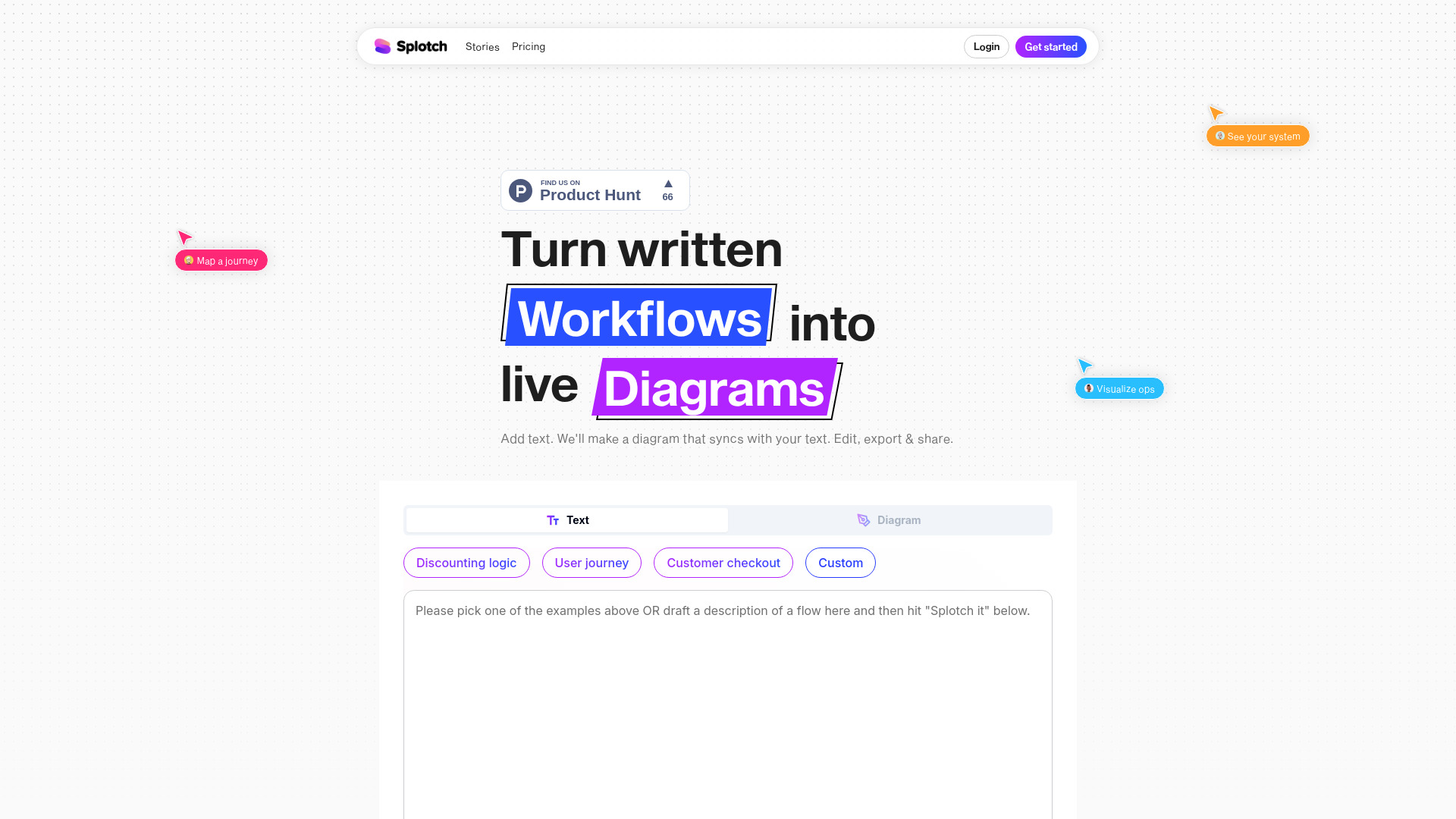
Splotch turns any written process into a live diagram synced to its text description. Edit the diagram, then push your changes to the text–or vice versa. Visualize, share and evolve any process using AI. It offers a free AI flowchart generator to automate diagram creation, streamline workflows, and visualize ideas in seconds—no design skills needed.
Access & connections
Where you can use Splotch.
Platforms
Capabilities
What this tool accepts, produces, and is strongest at.
Highlights
- AI-powered flowchart generation
- Two-way sync between diagram and text
- Manual and AI-assisted editing
- Sharing and export options
- Google Docs import and plugin
FAQ 7
What is Splotch?
Splotch turns any written process into a live diagram synced to its text description. Edit the diagram, then push your changes to the text–or vice versa. Visualize, share and evolve any process using AI. It offers a free AI flowchart generator to automate diagram creation, streamline workflows, and visualize ideas in seconds—no design skills needed.
How to use Splotch?
Add text describing your workflow or process, and Splotch will automatically generate a flowchart. You can then edit the diagram or the text, and the changes will sync between the two. Finally, export and share your diagram.
What kinds of text can I turn into flows?
You can turn almost any series of actions into a flow. It’s most useful to map out branching processes with decision points, dependencies, return paths and other complexities that you want to visualize in sequence.
Do I need to format my input text in a specific way?
Nope. Splotch can understand any description written in everyday English. You can also ask it to expand on a prompt, like “Create a typical e-commerce checkout flow,” and it will add the detail, which you can edit as needed. Feel free to use bullets and headers, but they’re not necessary.
How do I edit nodes manually?
Inside the full app, click any node to see a menu to add, remove or change node type. Click and drag from one node to another to draw connectors. Grab the beginning of any connector to associate it with a different node.
How do I edit flows using AI?
Inside the full app, when you select multiple nodes, you’ll see an option to edit with AI. Describe and submit the changes you want, and it will automatically make the changes to any selected nodes, while holding the rest of the diagram constant. You can also edit a single node using AI from the drop down menu.
How does 2-way sync work?
After you’ve made changes to the diagram, click the “update text” button to merge those changes back into the original input text to keep your diagram and text in sync.
Related tools
Recommended


Splotch
Free + from $14/mo ($11/mo billed annually)