

SplitMyExpenses ✓
Split bills, charge friends on Venmo instantly.
Free + from $3/mo
Verdict
A quick read before you dig into the full page.
- Best if
- Split bills, charge friends on Venmo instantly
- Skip if
- Linking financial accounts limited to highest plan
- Pick this when
- Automated splitting of bills
Considering BillSense Australia instead? Compare side by side
Overview
SplitMyExpenses is a free tool designed to streamline the process of sharing expenses among friends, roommates, and couples. Users can create a group, add friends and bills, and track who owes whom.
The tool allows users to itemize receipts from images and link credit cards for daily automatic expense imports. Within the platform, debts can be settled using integrated payment apps.
SplitMyExpenses supports over 150 currencies and allows secure, fast, and private transactions without selling user data. It features a modern design that gives control and clarity when adding shared expenses with expansive split types, custom paid amount, AI-powered features, and customization.
The AI-powered tool also automatically itemizes receipts, enabling users to split per item. Users can view spending charts, integrate with payment apps, and link credit cards for daily expense tracking.
Debts are automatically and intelligently shuffled to minimize the number of payments needed for settling up in groups. For additional features, the tool offers premium plans.

Access & connections
Where you can use SplitMyExpenses.
Platforms
Capabilities
What this tool accepts, produces, and is strongest at.
Input
- Tabular
- Image
- Text
Output
- API
- Text
Pros & cons
Pros
- Automated splitting of bills
- Direct charging on Venmo, CashApp
- Automatic receipt scanning and itemization
- Integration with credit cards and bank accounts
- Secure handling of financial data
- Expense import from various sources
- Detailed charge history
- Charge review feature increasing transparency
Show 12 more
- Effective spending tracking charts
- Offers free plan
- Clear, transparent pricing
- One tap payment requests
- Supports and handles receipts
- File import for expense data
- Ability to pick up where left off
- Facilitates faster payments
- Elegant, modern UI
- Option to link financial accounts
- No bloat
- Robust splits
Cons
- Limited to 10 friends in free plan
- Automatic import limited to 1-month old expenses
- Charges for increased limits
- Limited integrations with payment platforms
- Limited priority support in cheaper plans
- Receipt scanning might not be accurate
- Extra cent splitting algorithm might be confusing
- Linking financial accounts limited to highest plan
Show 1 more
- Bank account linking handled by third-party
Compare alternatives
Similar tools in the catalog — with a clear reason to open each one.

BillSense Australia ✓
FreeFind out if your energy bill is ripping you off.
Why look Fully free option
Full comparison
Stmt: Bank Statement Converter ✓
FreemiumPDF Bank Statements to Spreadsheets with High Accuracy AI & Security
Free + from $14.99/mo
Full comparison
StemSplitterAI ✓
FreemiumSplit any song into stems and custom backing tracks online.
Why look Typically cheaper
Full comparison
BurkettOpti ✓
FreemiumOne AI platform to run your entire B2B sales pipeline.
Free + from $99/mo
Full comparison

Releases 1
Imported reviews 1
There was an error when making a group. it kept telling to send an email to support
FAQ 12
How does SplitMyExpenses work for bill splitting?
What's AI's role in SplitMyExpenses?
What platforms can I charge on using SplitMyExpenses?
How does the receipt scan and itemization feature work in SplitMyExpenses?
Can I link my credit cards and bank accounts to SplitMyExpenses?
Is it safe to input my financial information on SplitMyExpenses?
How can I import expenses to SplitMyExpenses?
What does the charge history feature in SplitMyExpenses show?
What is the charge review feature on SplitMyExpenses?
How can SplitMyExpenses help me track my spending?
What does the free plan of SplitMyExpenses offer?
Are there any hidden fees in SplitMyExpenses' pricing plans?
Related tools
Recommended

B12 AI Website Builder ✓
FreemiumAI-powered website builder

FinanceBrain ✓
FreemiumTransform financial data into visual insights.
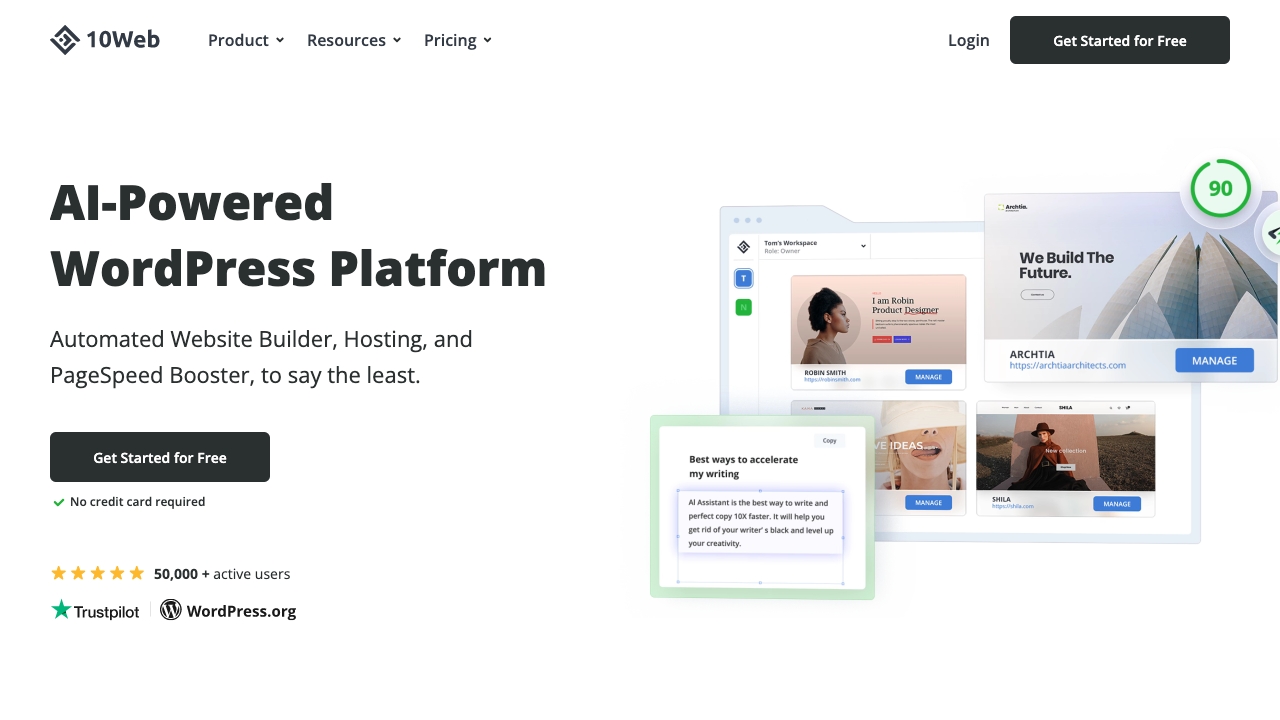
10Web
PaidAI-powered WordPress platform for building, hosting, and scaling websites.

Stunning ✓
PaidBuild AI-powered websites in seconds

GPTinf ✓
PaidBypass AI detectors with one-click rephrasing.

Flowpoint ✓
FreemiumWebsite Analytics Reports with AI Agents