Text to speech

Speakoala

AI reading assistant that converts websites and local documents into natural speech.

Source rating 5.0 (55) 610 views 610/mo traffic 0 saves Freemium
More categories (6)

Free + from $4.99 / month

Verdict

A quick read before you dig into the full page.

Best if
AI reading assistant that converts websites and local documents into natural speech
Skip if
You need enterprise SLAs or a fully managed team plan right away
Pick this when
Freemium · Free + from $4.99 / month

Overview

Speakoala is an AI-powered text-to-speech (TTS) reading assistant designed to help users consume digital content through listening. It can read any website, email, and local document (including PDF, DOCX, and EPUB) with natural, lifelike voices. The tool supports over 70 languages and features advanced capabilities like box-selection playback, word-level synchronized highlighting, and adjustable speeds from 0.25x to 4x. It is available as a browser extension, allowing users to stay productive during commutes, workouts, or breaks while reducing eye strain.

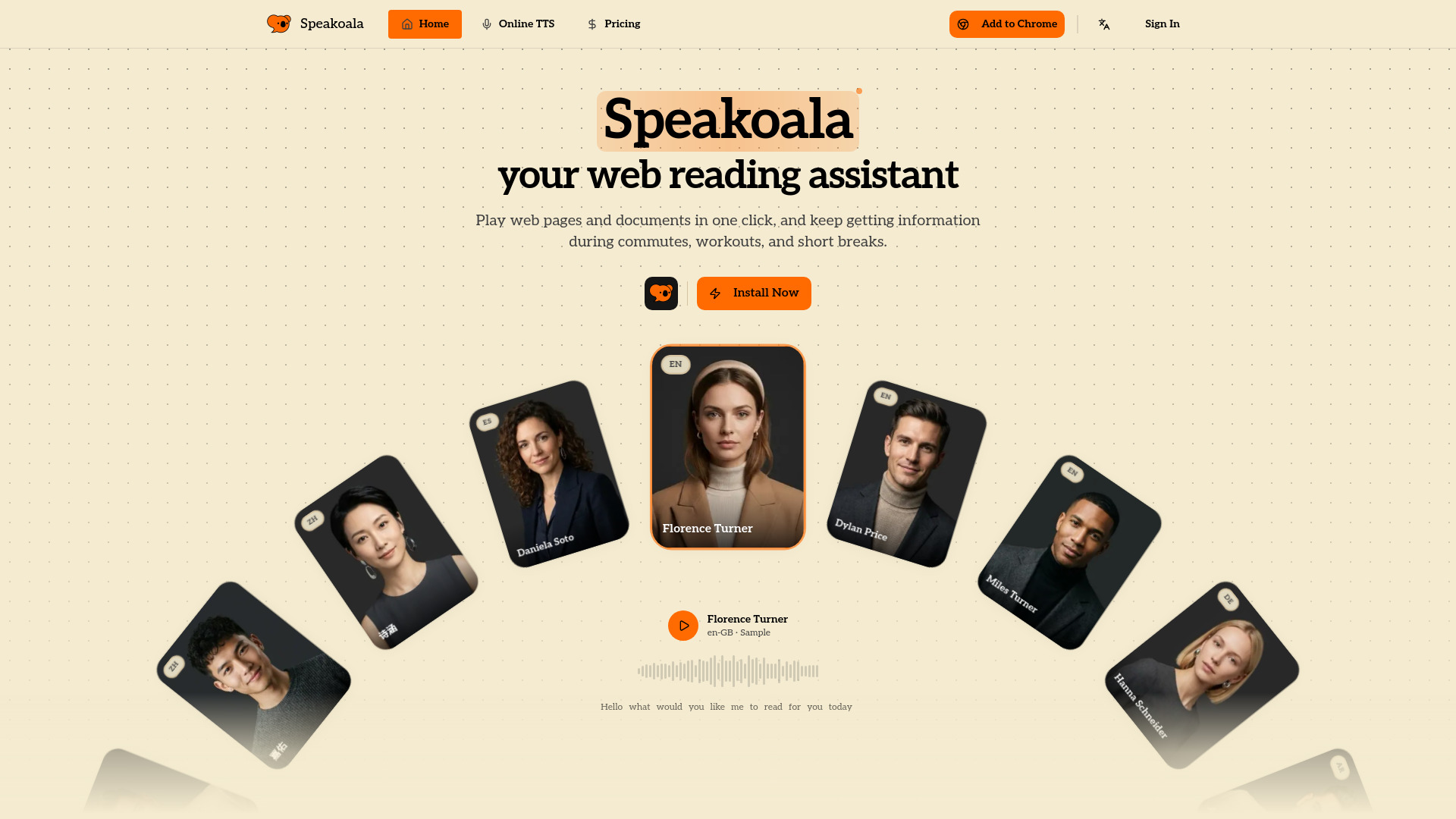
Speakoala screenshot

Access & connections

Where you can use Speakoala.

Platforms

Capabilities

What this tool accepts, produces, and is strongest at.

Highlights

  • 75+ languages with 300+ natural AI voices
  • Support for local files (PDF, DOCX, EPUB)
  • Box-selection and selected-text playback
  • Word-level synchronized highlighting
  • Playback speed control (0.25x–4x)
  • Immersive ambient soundscapes (rain, library, etc.)

FAQ 5

What is Speakoala?
Speakoala is an AI-powered text-to-speech (TTS) reading assistant designed to help users consume digital content through listening. It can read any website, email, and local document (including PDF, DOCX, and EPUB) with natural, lifelike voices. The tool supports over 70 languages and features advanced capabilities like box-selection playback, word-level synchronized highlighting, and adjustable speeds from 0.25x to 4x. It is available as a browser extension, allowing users to stay productive during commutes, workouts, or breaks while reducing eye strain.
How to use Speakoala?
Install the Speakoala browser extension. Open any webpage or upload a local file like a PDF. Use the play button to start reading the entire page, or select a specific block of text or area using the box-selection tool to hear only that part read aloud. You can customize the voice, language, and speed from the control panel.
What is the difference between natural and robotic voices?
Robotic voices are basic synthesis voices available for free. Natural voices are powered by advanced AI to sound lifelike and human, available via daily free credits or paid plans.
Can I read local PDF or Word files?
Yes, you can upload and read local PDF, DOCX, and EPUB files through the Speakoala extension, though this feature is part of the Pro and Max plans.
Is my web content uploaded to a server?
No, Speakoala processes the text on your current page locally to ensure privacy and security.
Speakoala Free + from $4.99 / month

