
speakflow.com
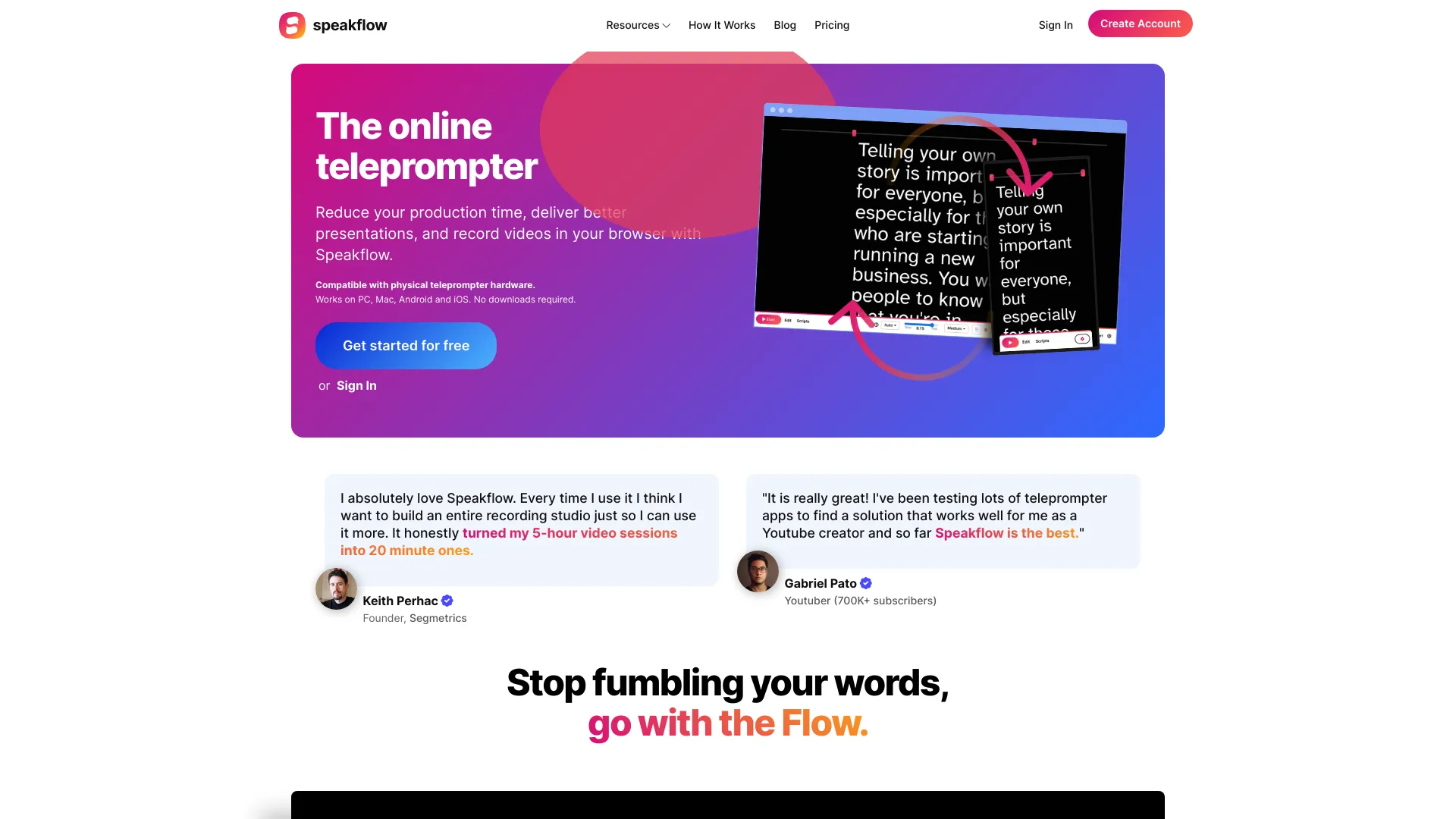
Online teleprompter with voice-activated scrolling and collaboration features.
Free + from $15 / month
Verdict
A quick read before you dig into the full page.
- Best if
- You are content creators and need: Delivering better presentations
- Skip if
- You need enterprise SLAs or a fully managed team plan right away
- Pick this when
- Freemium · Free + from $15 / month
Overview
Speakflow is an online teleprompter that allows users to write and save scripts, collaborate with their team, and includes voice-activated scrolling. It works across various platforms including Windows, Mac, iOS, and Android, with no downloads required. It aims to reduce production time, help deliver better presentations, and enable video recording directly in the browser. It is also compatible with physical teleprompter hardware.
Best for
Short scenarios where speakflow.com tends to shine.
-
Delivering better presentations
Best for Content creators
-
Recording videos in the browser
Best for YouTubers
-
Collaborating on scripts with a team
Best for Presenters
-
Syncing scripts across multiple devices for seamless use
Best for Production teams
-
Reducing production time and costs for video creation
Best for Educators (K-12 teachers)
-
Conquering stage fright with teleprompter technology
Best for Students
How it works
Example outputs 1
Sample generations and before/after results for speakflow.com.
Access & connections
Where you can use speakflow.com.
Capabilities
What this tool accepts, produces, and is strongest at.
Highlights
- Online teleprompter
- Voice-activated scrolling (Flow mode)
- Script writing, editing, and organization
- Collaboration features for teams
- Multi-device syncing (Remote mode)
- Video recording (up to 1080p HD)
- AI writing assistant
- Revision history for scripts
Show 3 more
- Overlay (Virtual Teleprompter)
- Voice commands
- Bookmark sections
People also view
Tools that often show up alongside speakflow.com in collections and comparisons.
