
soundoftext.app
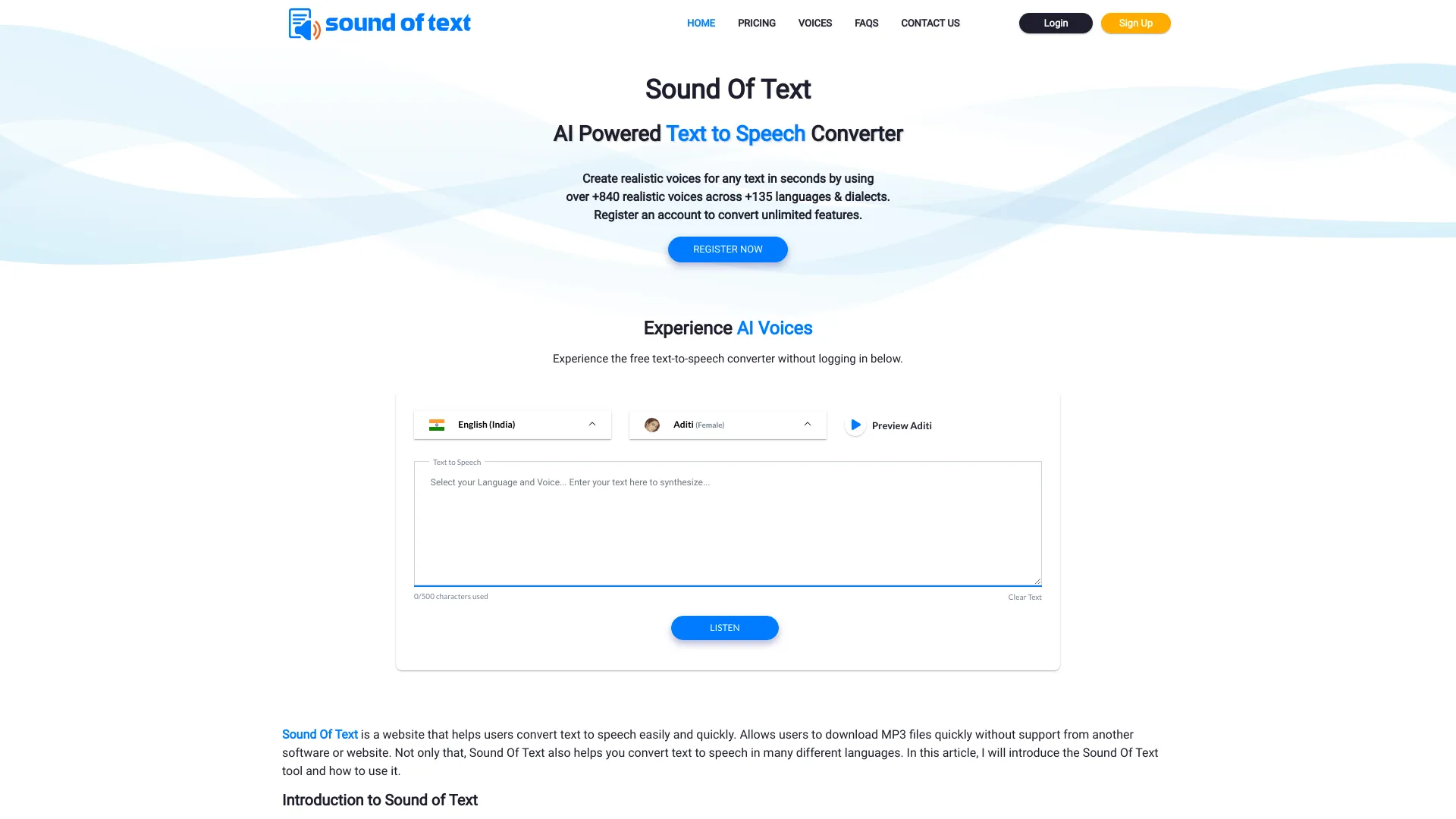
Free online text-to-speech converter with multiple languages and voices.
Source rating 5.0
(70)
0 views
0 saves
Unknown
Verdict
A quick read before you dig into the full page.
- Best if
- Free online text-to-speech converter with multiple languages and voices
- Pick this when
- Free online text-to-speech converter with multiple languages and voices
Overview
Sound of Text is a free online text-to-speech converter that allows users to convert written text into spoken words. It supports a wide range of languages and voices, enabling users to create audio files from text easily and quickly. The website offers various features, including voice selection, and downloadable audio formats.
Access & connections
Where you can use soundoftext.app.
Platforms
Capabilities
What this tool accepts, produces, and is strongest at.
Highlights
- Text-to-speech conversion
- Multiple language support (+135 languages)
- Voice selection (over 840 voices)
- Downloadable audio files (mp3, wav, ogg, webm)
- SSML Features
- Standard & Neural Voices
FAQ 7
What is Sound of Text?
Sound of Text is a free online text-to-speech converter that allows users to convert written text into spoken words. It supports a wide range of languages and voices, enabling users to create audio files from text easily and quickly. The website offers various features, including voice selection, and downloadable audio formats.
How to use Sound of Text?
To use Sound of Text, visit the website, enter the text you want to convert into the text box, choose the desired language and voice, and then click 'Listen' to preview the audio. If satisfied, click 'Download' to save the audio file to your device.
How does Sound Of Text work?
Sound Of Text uses text-to-speech (TTS) technology to convert written text into spoken words. You enter the text, choose the language and voice, and the website generates an audio file that you can listen to or download.
What languages are supported by Sound Of Text?
Sound Of Text supports a wide range of languages, including English, Spanish, French, German, Chinese, Japanese, Vietnamese and many more. You can check the website to see the full list of supported languages.
Is Sound Of Text free to use?
Yes, Sound Of Text offers a free service that allows you to convert text to speech in various languages. However, there may be limitations on the number of conversions or features available in the free version.
Can I customize the voice and accent when using Sound Of Text?
Yes, Sound Of Text typically allows you to choose from a variety of voices and accents for supported languages. You can select the voice that best suits your preferences or the context of your text.
How can I save the audio generated by Sound Of Text?
You can save the audio generated by Sound Of Text by clicking on the provided download link or button. The website usually offers an option to download the audio file in a commonly used format, such as MP3 or WAV.
Related tools
Recommended



soundoftext.app