
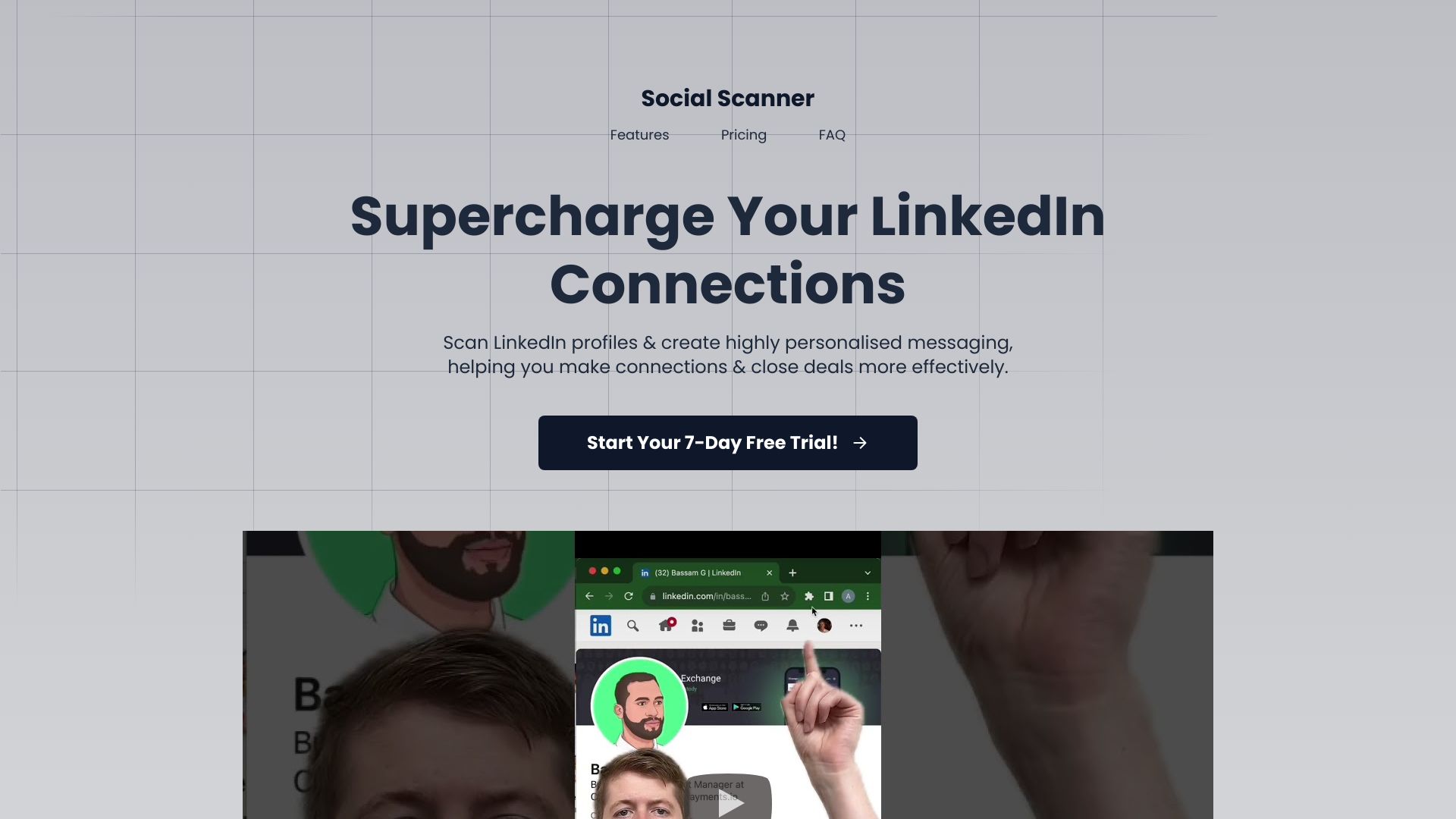
Social Scanner
AI-powered LinkedIn networking assistant for personalized messaging and increased response rates.
Source rating 5.0
(91)
0 views
0 saves
Unknown
Verdict
A quick read before you dig into the full page.
- Best if
- AI-powered LinkedIn networking assistant for personalized messaging and increased response rates
- Pick this when
- AI-powered LinkedIn networking assistant for personalized messaging and increased response rates
Overview
SocialScanner is your LinkedIn networking assistant. It helps you create personalized messages, increase response rates, and save time connecting with professionals in your industry. It's an AI sales tool designed for sales professionals, recruiters, and anyone looking to thrive on LinkedIn.
Access & connections
Where you can use Social Scanner, and what it plugs into.
Platforms
Capabilities
What this tool accepts, produces, and is strongest at.
Highlights
- Personalized connection request generation
- Tailored follow-up message creation
- Conversation relighting
- Chrome extension integration
FAQ 5
What is SocialScanner?
SocialScanner is your LinkedIn networking assistant. It helps you create personalized messages, increase response rates, and save time connecting with professionals in your industry. It's an AI sales tool designed for sales professionals, recruiters, and anyone looking to thrive on LinkedIn.
How to use SocialScanner?
SocialScanner operates through an easy-to-use Chrome extension. Scan LinkedIn profiles, and the AI will generate personalized connection requests and follow-up messages.
How much time can SocialScanner save?
SocialScanner can save an average of 12 minutes for every profile scanned. 100 personalized connection requests can save up to 20 hours of productivity.
Is SocialScanner safe to use with my LinkedIn account?
Yes, SocialScanner operates entirely through a Chrome extension and does not require login, removing any account risks.
What types of messages can SocialScanner generate?
SocialScanner can generate personalized connection requests, tailored follow-up messages, and messages to relight conversations.
Related tools
Recommended


Social Scanner