

SnapSummary ✓
AI-powered YouTube video summaries in a snap.
Free + from $5/mo
Verdict
A quick read before you dig into the full page.
- Best if
- AI-powered YouTube video summaries in a snap
- Skip if
- Limited summary types
- Pick this when
- Summarizes YouTube videos
Considering Eightify instead? Compare side by side
Overview



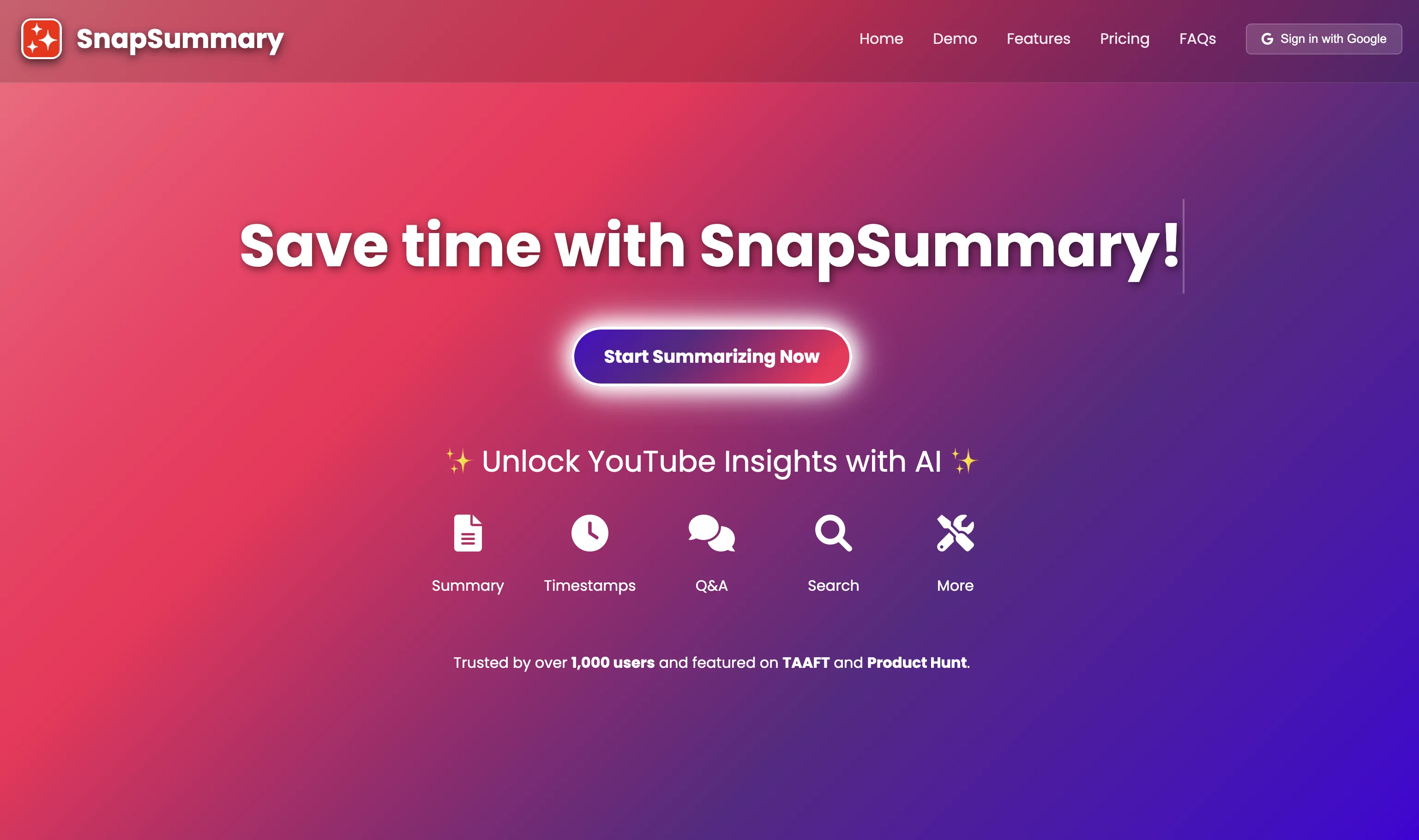
SnapSummary is an AI-driven tool designed to summarize YouTube videos efficiently and conveniently. The tool provides users with the means to paste any YouTube URL and consequently receive a succinct summary of its content.
The length of the synopsis can be adjusted according to user preference. SnapSummary is capable of generating two types of summaries: Overall Summary and Timestamp Summary.
The Overall Summary provides a general summarization of the entire video, whereas the Timestamp Summary breaks down the content into more digestible parts according to video timestamps.
One unique feature of SnapSummary includes a Chat with Video function. Here, users can engage in a simulated dialogue with the given video by asking direct questions, to which the tool strives to return accurate responses based on the video's core discussions aided by AI interpretation.
A Search Term function is also available. It allows users to identify and locate specific mentions or terms within the video. The tool aims to ensure smooth user experience but also provides support in case of error fetching summaries or dissatisfaction with the response format.
Extensive information about the tool, along with its policies and terms of use, is easily accessible through links to various informational pages including FAQs, About, Terms & Conditions, Privacy Policy, and Cookie Policy.
Best for
Short scenarios where SnapSummary tends to shine.
-
AI-powered YouTube video summaries in a snap.
Example outputs 1
Sample generations and before/after results for SnapSummary.
Access & connections
Where you can use SnapSummary.
Platforms
Pros & cons
Pros
- Summarizes YouTube videos
- User-customizable summary length
- Overall or timestamp summaries
- Chat with Video function
- Search Term function
- Engaging simulated dialogue
- Locates specific video mentions
- Support for error fetching
Show 2 more
- Transparent policy documents
- Quickly identify core discussions
Cons
- Limited to YouTube videos
- No subtitle support mentioned
- Chat function can misinterpret
- No multi-language support mentioned
- Limited summary types
- Dependent on video's clarity
- Error-prone fetching summaries
- User-dependent summary adjustment
Show 2 more
- No API mentioned
- Single platform (web) usage
Compare alternatives
Similar tools in the catalog — with a clear reason to open each one.

Eightify
UnknownAI-powered YouTube video summarizer extracting key ideas for quick content assessment.
Why look Better for writing
Full comparison
SummYT - YouTube Summarized ✓
Free TrialInstant YouTube Summary Generator
Free + from $7.99/mo
Full comparison
InfoCaptor ✓
FreemiumTurn YouTube videos into visual knowledge graphs.
Why look Higher community rating
Full comparison
AI YouTube & Web Summarizer + Instant Translator | TL... ✓
FreeInstantly summarize and translate any YouTube video or website with AI
Why look Fully free option
Full comparison
Youtube Transcript AI Summary ✓
FreemiumAI summaries for Youtube video transcripts.
Free + from $6.99/yr
Full comparison
YouTube Summary ✓
FreeSummarize any YouTube video, any size, under 30 seconds, for free.
Why look Fully free option
Full comparisonPeople also view
Tools that often show up alongside SnapSummary in collections and comparisons.
InfoCaptor ✓
FreemiumTurn YouTube videos into visual knowledge graphs.
Youtube Transcript AI Summary ✓
FreemiumAI summaries for Youtube video transcripts.
YouTube Summary ✓
FreeSummarize any YouTube video, any size, under 30 seconds, for free.
SummYT - YouTube Summarized ✓
Free TrialInstant YouTube Summary Generator
AI YouTube & Web Summarizer + Instant Translator | TL... ✓
FreeInstantly summarize and translate any YouTube video or website with AI
Eightify
UnknownAI-powered YouTube video summarizer extracting key ideas for quick content assessment.

SenseFeed ✓
PaidAI summaries delivered to your inbox daily.

ResearchMonkey AI | YouTube Summarizer ✓
Free TrialSave Hours of Research in Seconds with 40+ AI Tools
Releases 1
Imported reviews 5
It works perfectly but only 1 free credits per week, so use it wisely.
SnapSummary works better but, hate to say it, it's no longer 100% free, it's freemium.
They really improved. Along with the generated video summary, they now:
- added a generator tool that can make detailed notes with relevant timestamps
- added an AI chatbot to ask questions about the video
- added a 'search term' look-up to find when a specific term was used in the video
- added 'additional tools' that can do all sorts of things
Absolutely amazing technology! Highly recommend for anyone wanting to get a summery of a YouTube video.
Works just fine
FAQ 12
What is SnapSummary?
What kind of summaries does SnapSummary generate?
Where does SnapSummary fetch the content for its summaries?
Can the length of the summaries generated by SnapSummary be adjusted?
What is the difference between Overall Summary and Timestamp Summary in SnapSummary?
How does the Chat with Video feature on SnapSummary work?
What kind of questions can I ask the Chat with Video function in SnapSummary?
How does SnapSummary return accurate answers during the Chat with Video interaction?
What is the Search Term function in SnapSummary?
Can I use SnapSummary to find specific mentions or terms within the video?
What to do if SnapSummary errors out while fetching summaries?
What to do if I am not satisfied with SnapSummary's response format?
Related tools
Recommended

SellerPic ✓
FreemiumSupercharge photos with AI, boost sales in minutes.

Gurubase ✓
Free TrialShortcut search for tech resources and answers.

BypassGPT.co ✓
PaidHumanize AI text to bypass detection tools.

Free Text-To-Speech ✓
FreeText transformed into customizable spoken output.

Humanize AI Text ✓
FreeTransform AI text into human-like content.

Kin - Personal AI Advisors ✓
FreePrivacy-first & designed your for mind, and life at work