
Snapmark-
Visual UI development tool for precise AI code generation.
Source rating 5.0
(95)
0 views
0 saves
Freemium
Free + from $9 / month
Verdict
A quick read before you dig into the full page.
- Best if
- Visual UI development tool for precise AI code generation
- Skip if
- You need enterprise SLAs or a fully managed team plan right away
- Pick this when
- Freemium · Free + from $9 / month
Overview
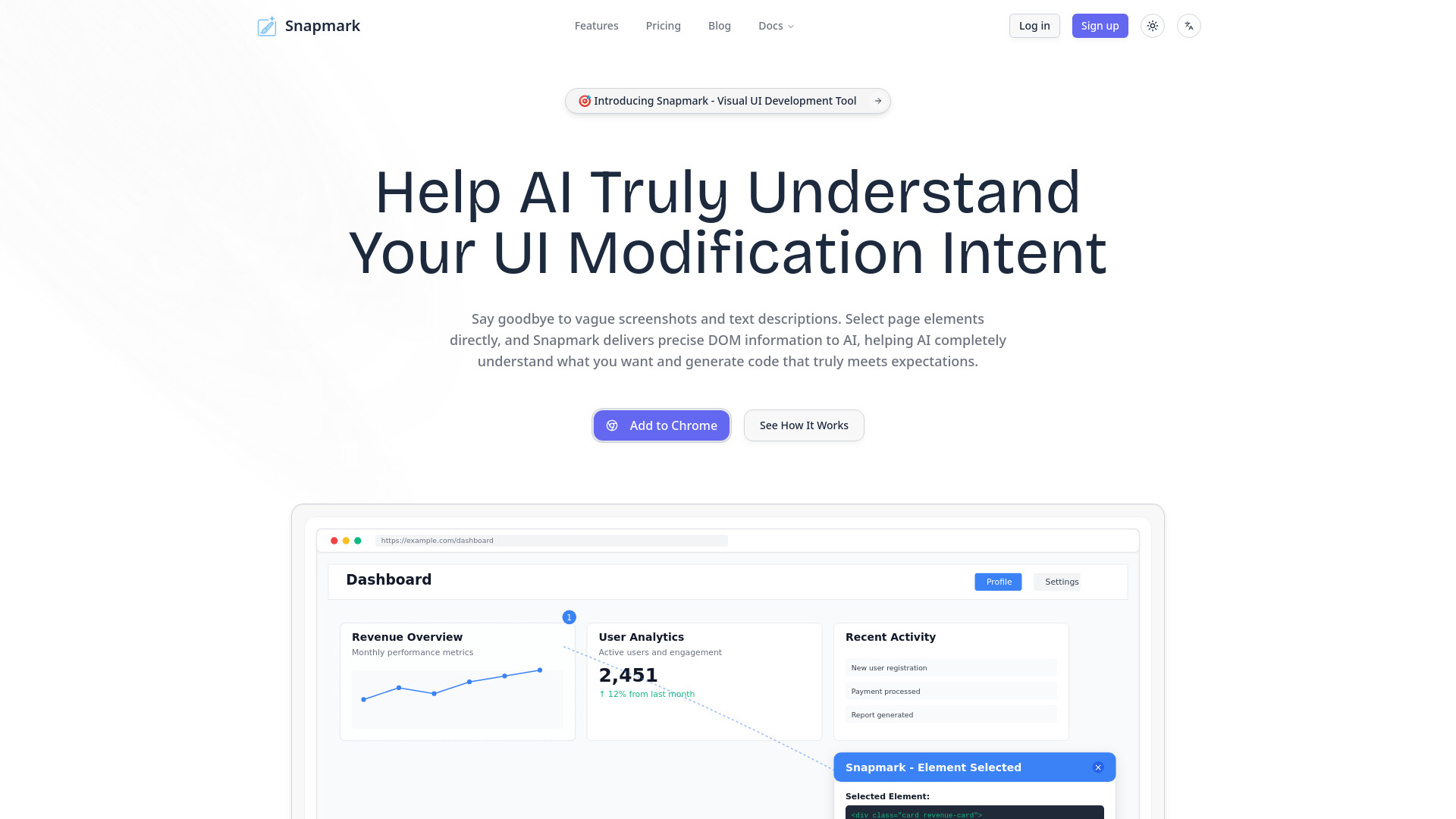
Snapmark is a visual UI development tool that helps AI precisely understand your UI modification intent. It allows users to select page elements directly, providing precise DOM information to AI, which then generates code that truly meets expectations. This eliminates the need for vague screenshots and text descriptions, ensuring AI completely understands what modifications are desired.
Access & connections
Where you can use Snapmark-.
Platforms
Capabilities
What this tool accepts, produces, and is strongest at.
Highlights
- Precise Visual Selection of UI elements
- Natural Language Modification Description
- AI-powered Code Generation
- Seamless Integration with Browsers, IDEs, and AI Models
- Specialized optimization for Next.js & Tailwind CSS
FAQ 8
What is Snapmark?
Snapmark is a visual UI development tool that helps AI precisely understand your UI modification intent. It allows users to select page elements directly, providing precise DOM information to AI, which then generates code that truly meets expectations. This eliminates the need for vague screenshots and text descriptions, ensuring AI completely understands what modifications are desired.
How to use Snapmark?
Users install the Snapmark browser extension to visually select UI elements on any webpage. They then provide natural language descriptions of their desired modifications. Snapmark captures precise DOM information and style context, which is then sent to integrated AI models (like OpenAI GPT, Anthropic Claude) via IDE plugins (Cursor, VS Code) to generate accurate, production-ready code.
How do I install the Snapmark browser extension?
The website indicates an 'Add to Chrome' button, suggesting installation via the Chrome Web Store.
Which IDEs does Snapmark support?
Snapmark supports Cursor IDE and VS Code with dedicated plugins.
How are the 20 daily instructions in the free plan calculated?
The website states '20 daily instructions' for the Free plan, implying a daily limit on AI-driven modification requests or actions.
Which AI models does Snapmark support?
Snapmark supports Gemini, OpenAI's GPT-4 and GPT-3.5 models, and Anthropic's Claude models.
Is my data secure?
The website mentions 'Cookie Policy', 'Privacy Policy', and 'Terms of Service' in the legal section, implying data security measures are in place, but specific details are not provided in the content.
Can I use Snapmark for team collaboration?
Yes, the Team plan includes features like multi-person collaborative development with real-time synchronization of selections and annotations.
Related tools
Recommended


Snapmark-
Free + from $9 / month