
Skribr
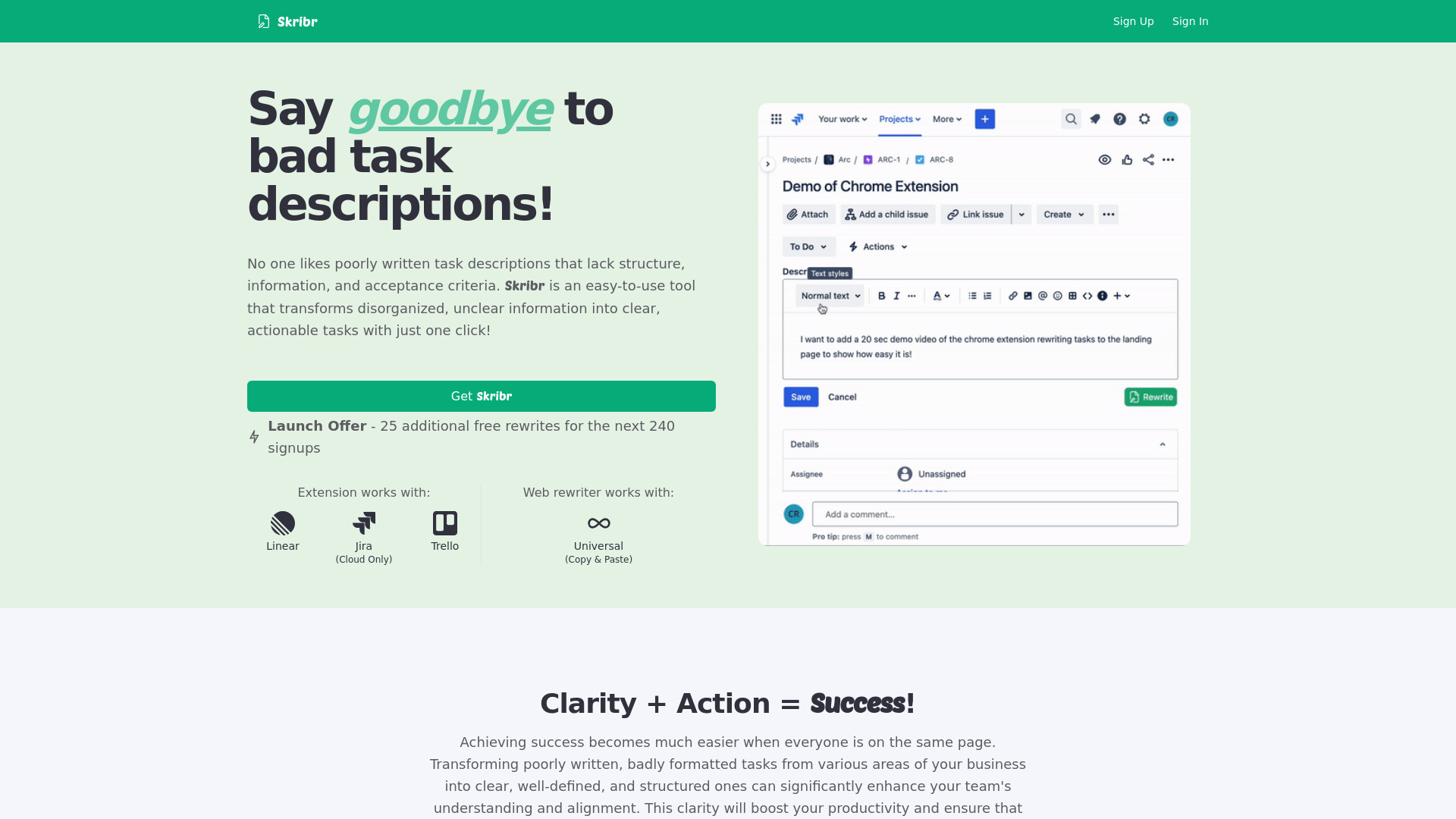
Skribr transforms bad task descriptions into clear, actionable tasks with one click.
Source rating 5.0
(77)
1.3k views
1.3k/mo traffic
0 saves
Paid
From $5 per month
Verdict
A quick read before you dig into the full page.
- Best if
- Skribr transforms bad task descriptions into clear, actionable tasks with one click
- Skip if
- You need a free plan with no credit card
- Pick this when
- Paid · From $5 per month
Overview
Skribr is a tool designed to improve task descriptions in platforms like Jira, Trello, and Linear. It transforms messy, poorly written task descriptions into clear, concise, and well-formatted ones with a single click. Skribr also analyzes the ticket's context, adding outstanding questions and assumptions to ensure clarity and completeness.
Access & connections
Where you can use Skribr, and what it plugs into.
Platforms
Capabilities
What this tool accepts, produces, and is strongest at.
Highlights
- One-click task description rewriting
- Browser plugin integration with Jira, Trello, and Linear
- Website-based rewriting via copy and paste
- AI-powered analysis to identify missing information and assumptions
FAQ 6
What is Skribr?
Skribr is a tool designed to improve task descriptions in platforms like Jira, Trello, and Linear. It transforms messy, poorly written task descriptions into clear, concise, and well-formatted ones with a single click. Skribr also analyzes the ticket's context, adding outstanding questions and assumptions to ensure clarity and completeness.
How to use Skribr?
Use the Skribr browser plugin to rewrite task descriptions directly within Jira, Trello, or Linear. Alternatively, copy and paste the task description into the Skribr website for rewriting.
What platforms does Skribr work with?
Skribr works with Jira (Cloud Only), Trello, and Linear. It also offers a web rewriter that works with any platform via copy and paste.
How many free rewrites do I get?
You get 10 free task rewrites to try Skribr out.
How do I install the Chrome Plugin?
Follow the setup wizard after signing up for a free Skribr account.
What happens to my data when I use Skribr?
All content you upload or generate with Skribr is yours alone. Skribr will not access, sell, or train their models on your data.
Related tools
Recommended



Skribr
From $5 per month