Chatbot

SigmaNote - your second brain

AI-powered tool turning files/links into editable, searchable notes.

Source rating 5.0 (73) 0 views 0 saves Freemium
More categories (7)

Verdict

A quick read before you dig into the full page.

Best if
AI-powered tool turning files/links into editable, searchable notes
Skip if
You need enterprise SLAs or a fully managed team plan right away
Pick this when
Freemium · Free + from $4.99

Overview

SigmaNote is an AI-powered tool designed to transform any file, link, or video into editable, searchable, and chat-enabled notes. It functions as a 'Second Brain' by allowing users to capture diverse content, convert it into clean, AI-ready Markdown notes, and then interact with these notes through search, chat, and organization features. The platform aims to help users efficiently capture, convert, and remember information, providing a unified workspace for raw sources, personal notes, and AI chat.

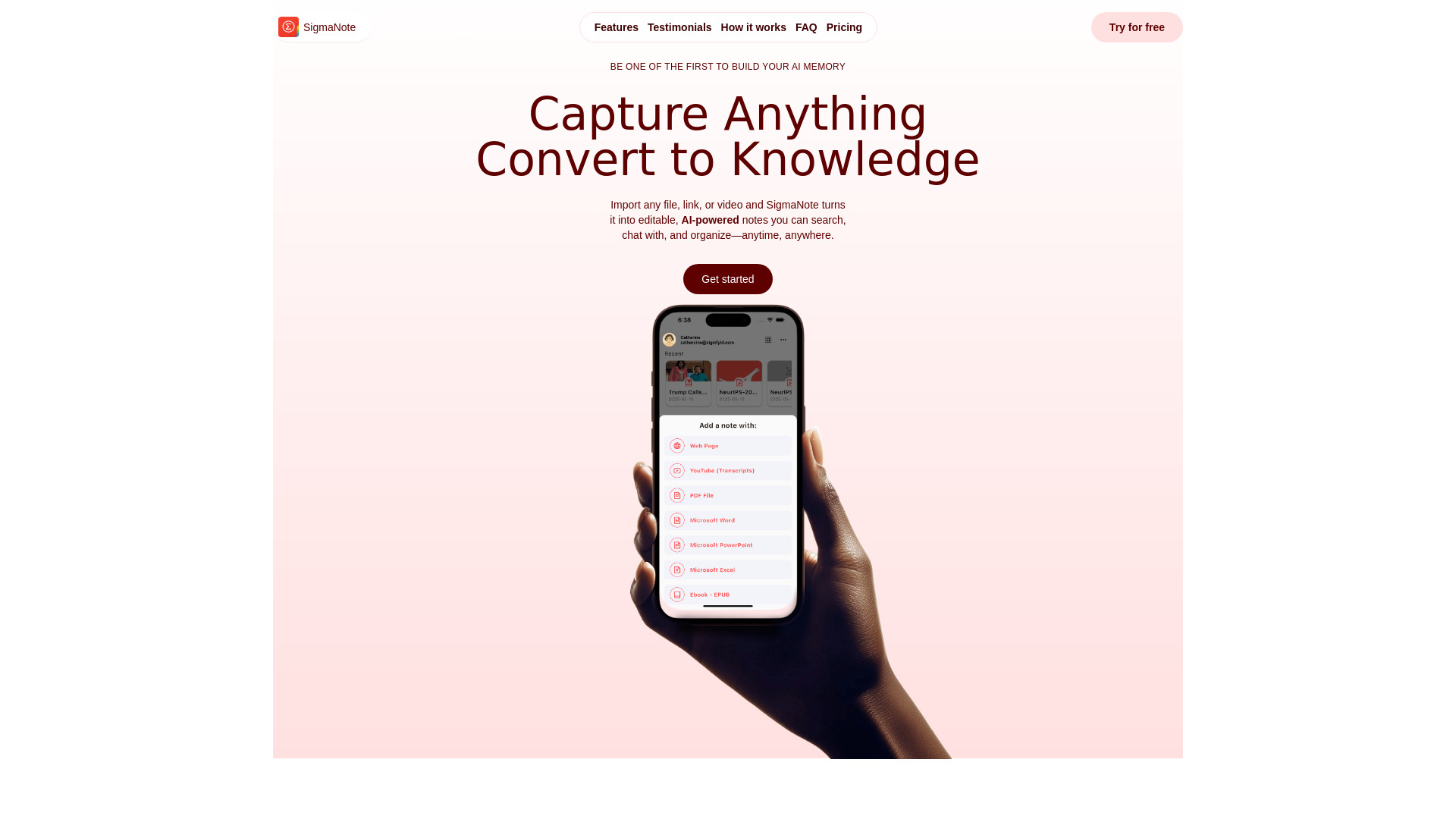
SigmaNote - your second brain screenshot

Access & connections

Where you can use SigmaNote - your second brain, and what it plugs into.

Platforms

Web

Integrations

Capabilities

What this tool accepts, produces, and is strongest at.

Highlights

  • AI-powered note conversion from files, links, and videos
  • Editable notes with search and chat capabilities
  • Capture content from various sources (web links, PDFs, YouTube, Dropbox, Mail)
  • Instant conversion to AI-ready Markdown
  • Chat with notes for summaries, follow-ups, and brainstorming
  • Organize notes into spaces (folders)
  • Smart Note Editor with AI organization and referencing
  • Task-Aware Chat History with access to original files

FAQ 8

What is SigmaNote?
SigmaNote is an AI-powered tool designed to transform any file, link, or video into editable, searchable, and chat-enabled notes. It functions as a 'Second Brain' by allowing users to capture diverse content, convert it into clean, AI-ready Markdown notes, and then interact with these notes through search, chat, and organization features. The platform aims to help users efficiently capture, convert, and remember information, providing a unified workspace for raw sources, personal notes, and AI chat.
How to use SigmaNote?
To use SigmaNote, users can capture content by sharing a PDF, pasting a URL, or utilizing the built-in editor. The app then converts the content into editable Markdown notes with a single tap, while keeping the original file viewable. Users can then chat with their notes to ask follow-up questions, get summaries, brainstorm ideas, or cross-reference old notes. Notes can be organized into 'spaces' (folders) for easy management.
Is SigmaNote free to use?
Yes. The Starter tier is free forever and lets you convert up to 20 files or links per month, chat with AI 15 times, and store 1 GB of notes. You can upgrade for more capacity.
What file types and links can I import?
You can import PDF, EPUB, Word, PowerPoint, Excel, web articles, YouTube links (auto-transcript), and any file shared from other iOS apps (Files, Dropbox, Safari, Gmail, etc.). More formats are on the roadmap.
How secure is my data and chat history?
All notes are stored using end-to-end encryption; sync traffic is protected with TLS 1.3. Your content is never used for model training. You can delete notes, original files, or entire chat threads at any time.
Can I upgrade, downgrade, or cancel anytime?
Yes. Subscriptions are managed through the App Store. Changes take effect at the next billing cycle, and you keep full access to any credits already allotted for that period.
How do I cancel my subscription?
You can cancel your subscription anytime from your account settings. If you cancel, you'll still have access until the end of your billing period.
How do I get help if I run into issues?
You can use their official Discord server by clicking the 'Contact Us' button, or email them at [email protected].
SigmaNote - your second brain Free + from $4.99
