

ShotSolve
Solve any screenshot-based question with GPT-4 Vision.
Verdict
A quick read before you dig into the full page.
- Best if
- Solve any screenshot-based question with GPT-4 Vision
- Skip if
- Limited to screenshot queries
- Pick this when
- Mac menu bar application
Overview
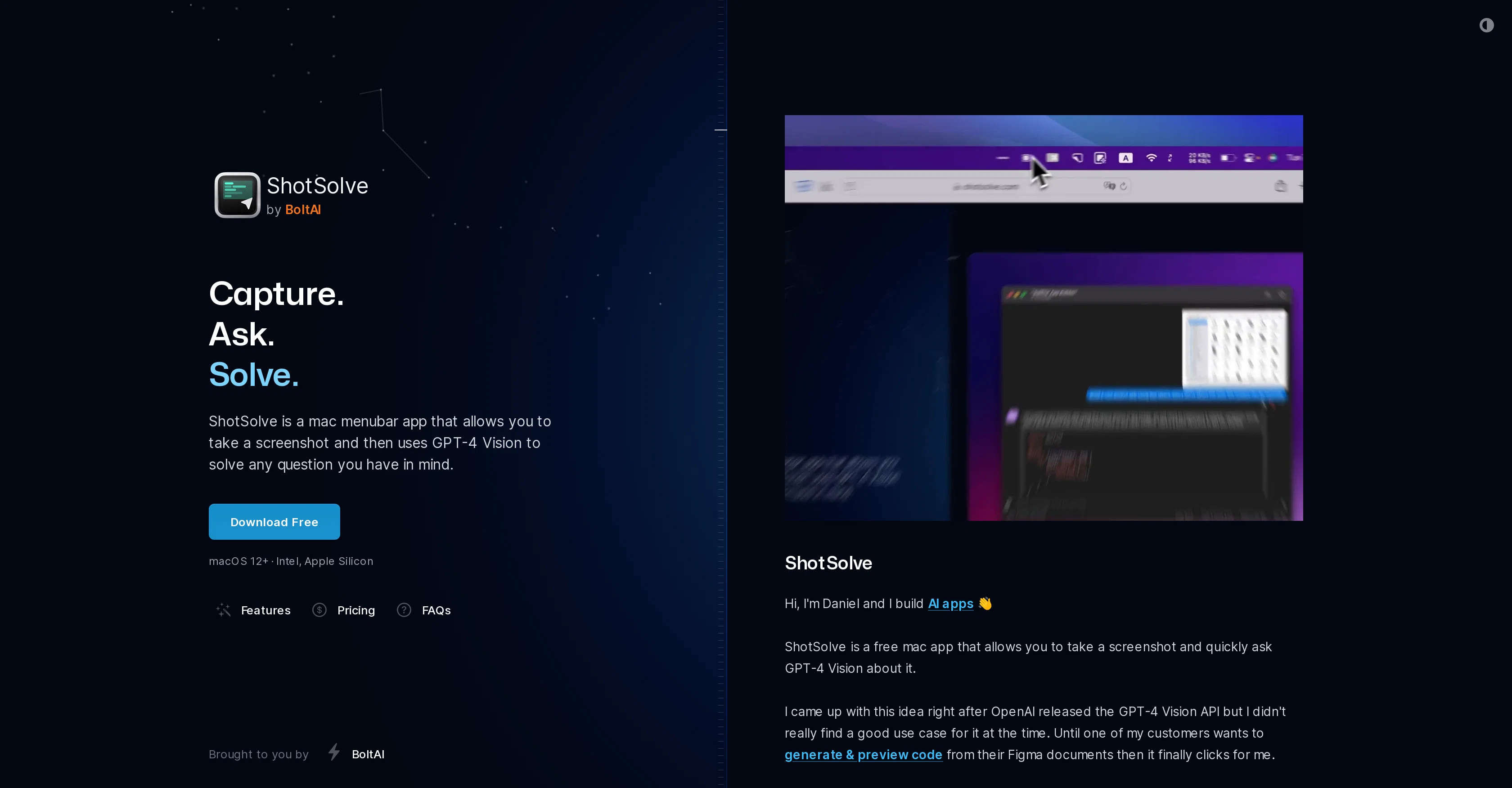
ShotSolve is an application available on the Mac menu bar that leverages GPT-4 Vision to answer queries related to a captured screenshot. Developed by BoltAI, it serves as a versatile tool for interpretation and understanding screenshot content, aiding in tasks such as code generation and preview from design documents, design critique, software UI/UX feedback, marketing material evaluation, offering software contextual help, and generating programming tutorials.
Its operation involves capturing a screenshot, inputting a question, and then allowing GPT-4 Vision to produce a solution or explanation for the query.
The ability to apply a pre-configured prompt to a screenshot broadens its utility. The tool requires an active OpenAI API Key for functioning, emphasizing the validity of the payment method associated with the API account.
ShotSolve is built natively, featuring swift performance, intuitive interface, universal shortcut keys, API advanced configuration, chat UI, and more.
In addition, it ensures users' privacy and security by storing API keys securely and not storing or evaluating the typed content. It's part of the broader BoltAI suite and aims to demonstrate the potential applications of the underlying BoltAI engine.
Access & connections
Where you can use ShotSolve.
Platforms
Capabilities
What this tool accepts, produces, and is strongest at.
Input
- Image
Output
- Text
Pros & cons
Pros
- Mac menu bar application
- Screenshot analysis capability
- Code generation from screenshot
- Design document preview
- Offers design critique
- Provides UI/UX feedback
- Useful for marketing evaluation
- Gives software contextual help
Show 21 more
- Generates programming tutorials
- Question-input based operation
- Utilizes pre-configured prompts
- Native construction
- Fast performance
- Intuitive interface
- Universal shortcut keys
- API advanced configuration
- Chat UI
- Secure storage of API keys
- No typed content storage
- Screenshot content interpretation
- Apple M1/M2 performance
- Custom font and theme
- Keyboard shortcuts in chat
- Message edit and deletion
- Supports answering regeneration
- Customizable GPT parameters
- Light and dark mode
- API live-connection validation
- Instant problem-solving utility
Cons
- Mac only
- Depends on valid payment method
- No stated offline functionality
- Limited to screenshot queries
- No multi-platform availability
- No mobile version
- Privacy concerns with Chat UI
Releases 1
FAQ 12
What is ShotSolve?
How does ShotSolve use GPT-4 Vision?
What tasks can ShotSolve assist me with?
What devices is ShotSolve compatible with?
How does ShotSolve operation work?
What is the purpose of pre-configured prompts in ShotSolve?
What requirements are essential for ShotSolve to function?
Why does ShotSolve need an active OpenAI API Key?
What features does ShotSolve provide?
How does ShotSolve ensure user privacy and security?
What is BoltAI suite and how is ShotSolve related to it?
Can ShotSolve help in code generation?
Related tools
Recommended

Kin - Personal AI Advisors ✓
FreePrivacy-first & designed your for mind, and life at work

LearnGPT ✓
FreeLearn any topic with AI-powered guidance

My AI Tarot - Free Tarot Card Readings ✓
FreeInsightful guidance tailored to your life's questions.

AI Mind Mapper ✓
FreeTransform PDFs into easy-to-digest mind maps.

Markifact ✓
Free TrialYour daily app for digital marketing insights!

ImageUpscaling.net ✓
FreeUpscale images by 400% with AI, for free.