
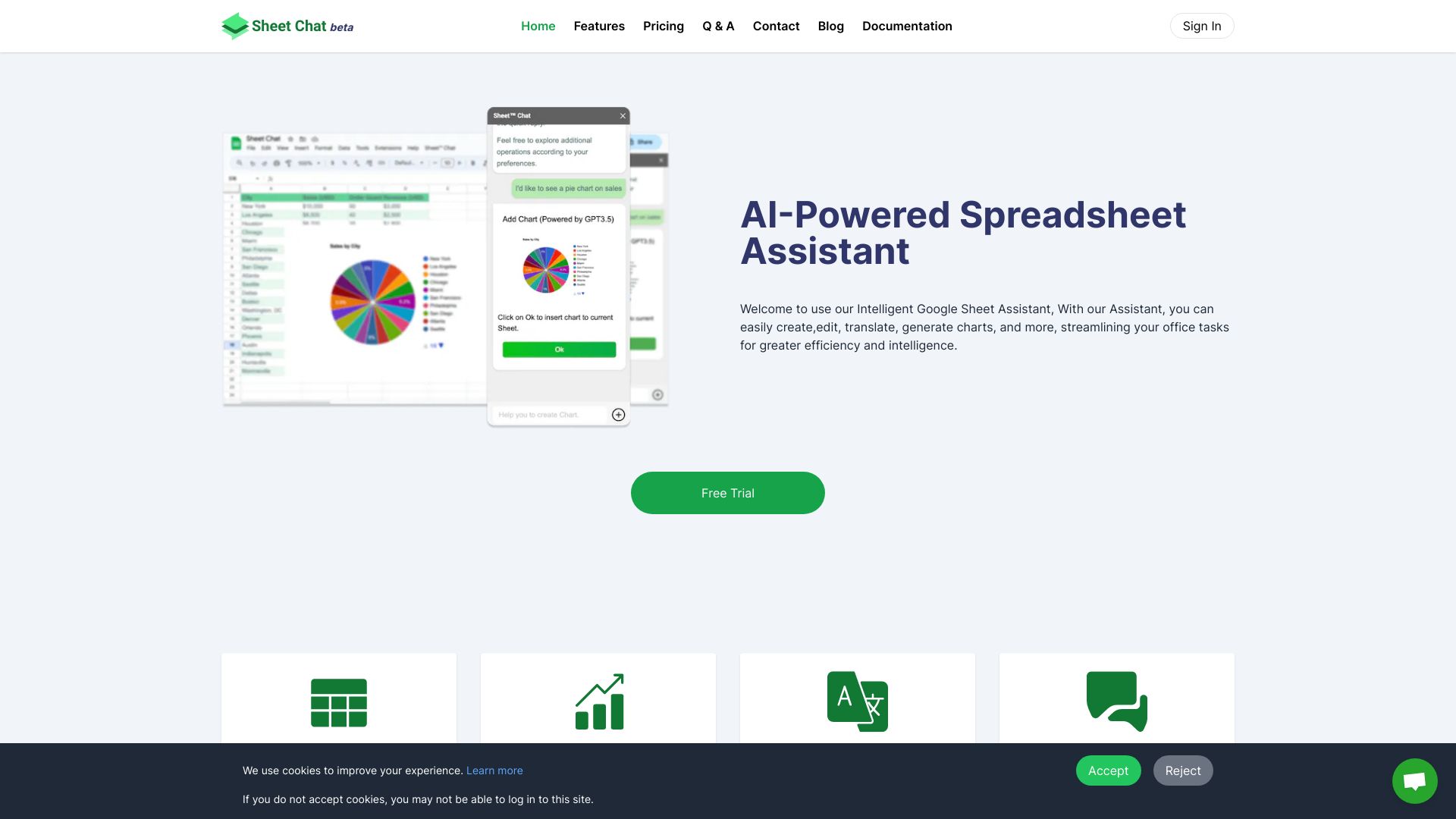
Sheet Chat
AI-Agent Copilot integrating with Google Workspace and Microsoft Office for productivity and workflow streamlining.
Verdict
A quick read before you dig into the full page.
- Best if
- AI-Agent Copilot integrating with Google Workspace and Microsoft Office for productivity and workflow streamlining
- Pick this when
- AI-Agent Copilot integrating with Google Workspace and Microsoft Office for productivity and workflow streamlining
Overview
Sally Suite is an AI-Agent based Copilot designed to boost productivity and streamline workflows. It seamlessly integrates with Google Workspace and Microsoft Office, offering intelligent data analysis, enhanced writing assistance, and automated presentation generation. It supports both Google Workspace and Microsoft Office. Thinking: Can recommend functions, charts and analyze data in Spreadsheets , improve writing in Doc and Slide etc. Working: Can generate code, performing heavy tasks like data cleaning, generate presentation, generate article etc. Scalable: Can customize Agent according to your requirements.
Access & connections
Where you can use Sheet Chat, and what it plugs into.
Platforms
Integrations
Capabilities
What this tool accepts, produces, and is strongest at.
Highlights
- AI-Agent based Copilot
- Integration with Google Workspace and Microsoft Office
- Intelligent data analysis
- Enhanced writing assistance
- Automated presentation generation
- Email Copilot
- Chrome Extension Writing Assistant
FAQ 8
What is Sally Suite AI?
How to use Sally Suite AI?
Can I use my own model?
Can the Python environment access the local file system?
Which model performs better?
Can Sally be deployed privately?
How is data security ensured?
What languages does Sally support?
Related tools
Recommended

iDox.ai Guardrail ✓
Free TrialStop sensitive data leaks to AI tools.

Qoder ✓
FreemiumAgentic Coding Platform for Real Software

Nextbrowser ✓
FreemiumAI Browser Agent that automates professional tasks through chat.

Chatbot App
PaidMulti-Model AI Chat Platform that lets you switch between 30+ leading AI models instantly or run them side by…