
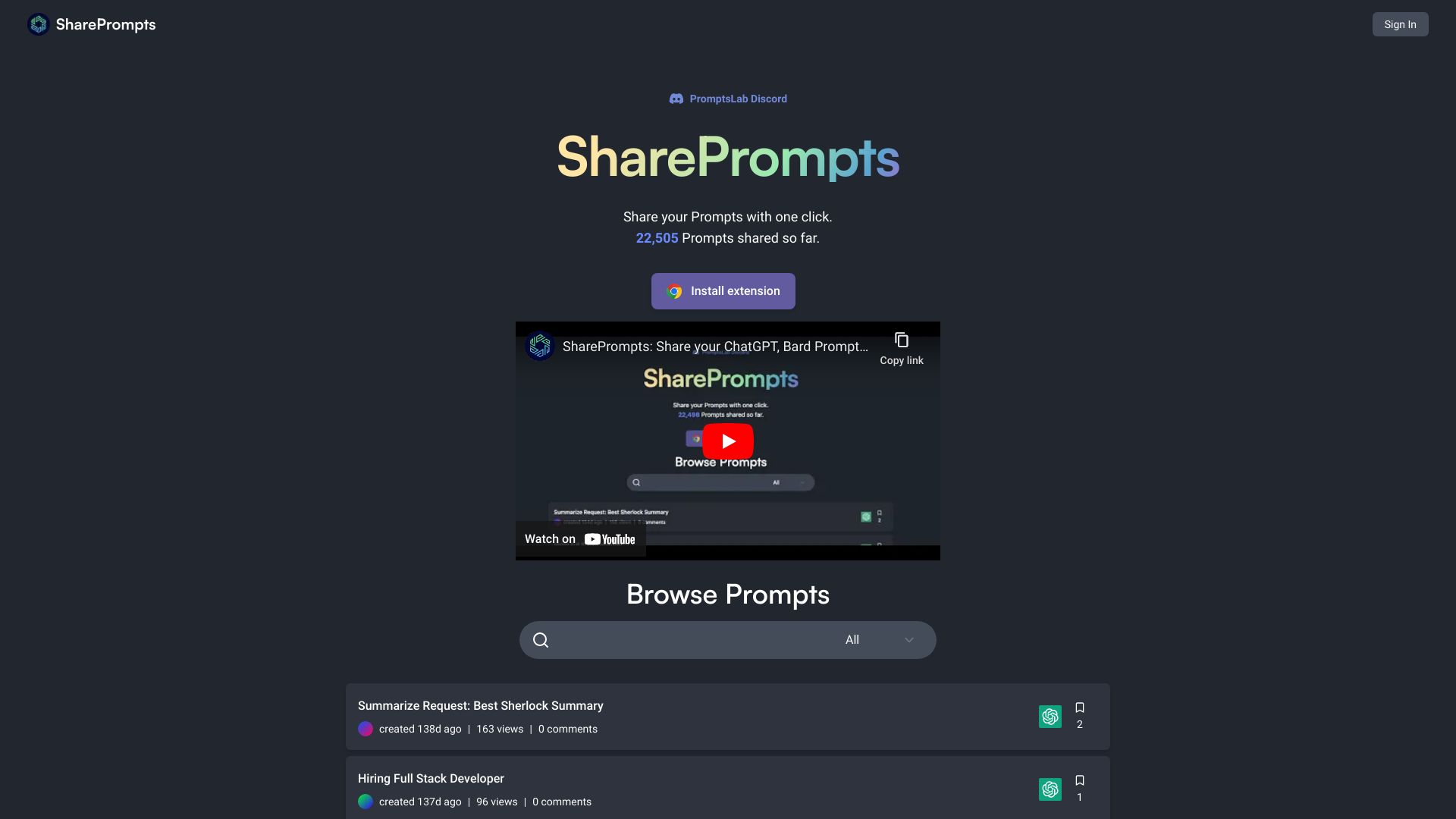
Share Prompts
Share, discover, and organize AI prompts with a Chrome extension.
Source rating 5.0
(58)
0 views
0 saves
Unknown
Verdict
A quick read before you dig into the full page.
- Best if
- Share, discover, and organize AI prompts with a Chrome extension
- Pick this when
- Share, discover, and organize AI prompts with a Chrome extension
Overview
SharePrompts is a Chrome extension and website that allows users to share, discover, bookmark, organize, and search ChatGPT, Bard, and Claude prompts with one click. It offers both public and private sharing options and open-source website code.
Access & connections
Where you can use Share Prompts, and what it plugs into.
Platforms
Integrations
Capabilities
What this tool accepts, produces, and is strongest at.
Highlights
- One-click sharing of ChatGPT, Bard, Claude prompts
- Public or private sharing options
- Bookmark and organize prompts
- Search and explore prompts
- Open-source website code
FAQ 5
What is SharePrompts?
SharePrompts is a Chrome extension and website that allows users to share, discover, bookmark, organize, and search ChatGPT, Bard, and Claude prompts with one click. It offers both public and private sharing options and open-source website code.
How to use SharePrompts?
Install the Chrome extension, then share your prompts with one click. Browse and search prompts on the SharePrompts website. Bookmark and organize prompts for later use.
What is SharePrompts?
SharePrompts is a Chrome extension and website for sharing, discovering, and organizing AI prompts.
How do I share a prompt?
Install the Chrome extension and share your prompts with one click.
Is SharePrompts free?
Yes, SharePrompts is free to use.
Related tools
Recommended



Share Prompts