
Sense 2.0
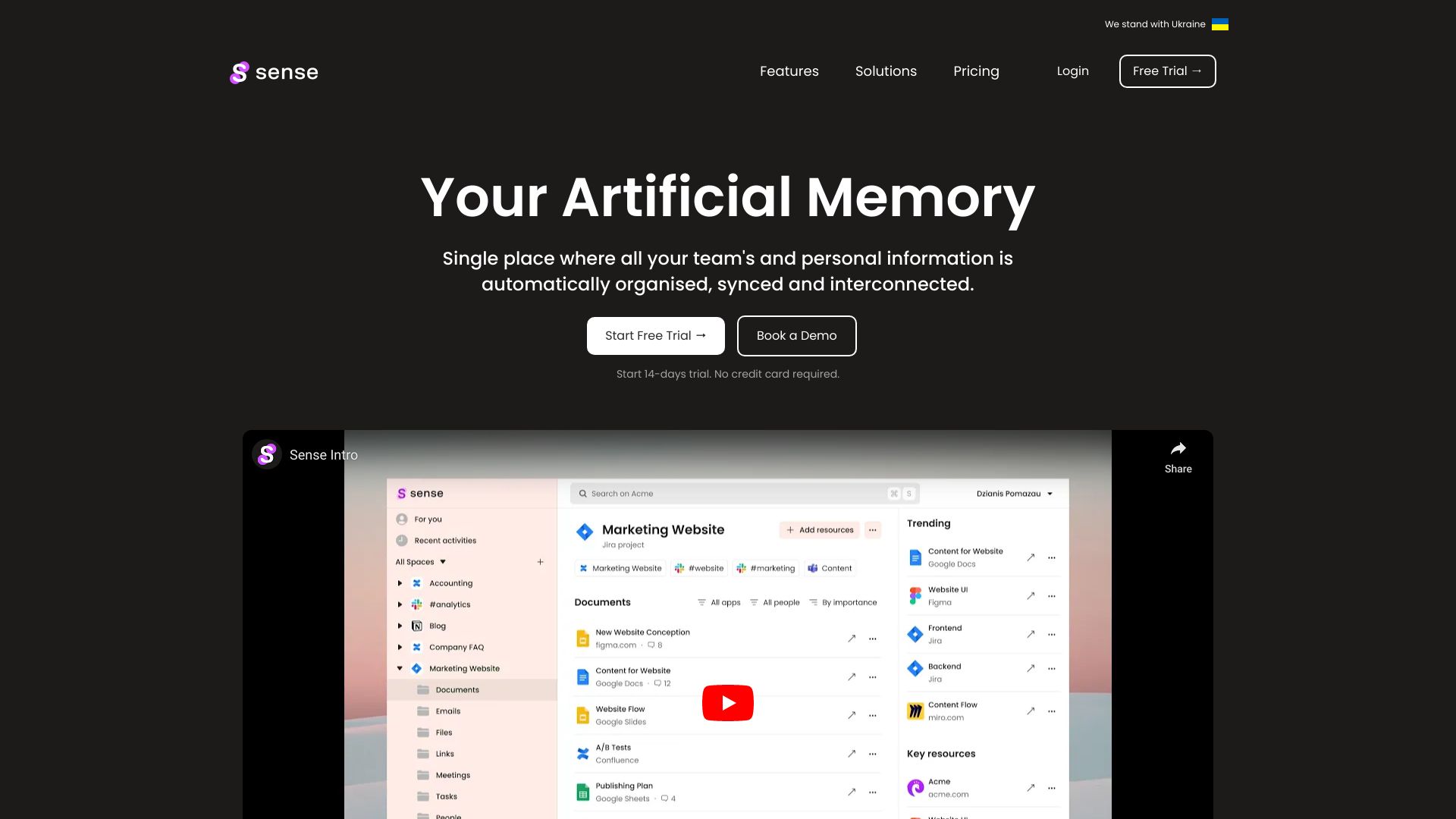
AI platform that automatically organizes work resources from connected apps for teams.
Source rating 5.0
(54)
0 views
0 saves
Freemium
Free + from $9/user per month () or $7/user per month (annually)
Verdict
A quick read before you dig into the full page.
- Best if
- AI platform that automatically organizes work resources from connected apps for teams
- Skip if
- You need enterprise SLAs or a fully managed team plan right away
- Pick this when
- Freemium · Free + from $9/user per month () or $7/user per month (annually)
Overview
Sense is an AI-powered platform designed to be the single source of truth for teams by automatically collecting and organizing tasks, documents, links, meetings, and discussions from connected apps. It aims to provide transparency and ensure team members have access to all relevant resources and updates across various applications, helping them stay informed and prioritize important information.
Access & connections
Where you can use Sense 2.0.
Platforms
Capabilities
What this tool accepts, produces, and is strongest at.
Highlights
- Automatic collection and organization of work resources
- AI-powered search and information retrieval
- Integration with various popular team collaboration tools
- Prioritization of important updates and notifications
- Team transparency and access to relevant resources
FAQ 8
What is Sense?
Sense is an AI-powered platform designed to be the single source of truth for teams by automatically collecting and organizing tasks, documents, links, meetings, and discussions from connected apps. It aims to provide transparency and ensure team members have access to all relevant resources and updates across various applications, helping them stay informed and prioritize important information.
How to use Sense?
To use Sense, you need to create an account, connect your apps (like Slack, Google Drive, etc.), and let Sense automatically organize resources from those apps into spaces and analyze their relationships. You can then ask Sense questions about your company's work using its OpenAI integration.
Is my data protected enough?
Yes. We encrypt data exchange and data storage using the most powerful encryption approaches. Our servers are located in Germany and we are fully GDPR compliant.
Can anyone just see everything?
No. Teammates are only able to see those resources they have access in the apps these resources come from. Everybody can connect their Slack or Teams channels, but the conversations from there are going to be accessible only for their participants.
Can people get access to restricted assets?
No. We use the existing access levels from the apps you connect. Nobody will gain access to resources they don't already have access to.
How do we create relationships between assets?
We use our special algorithms to find relationships for every asset across all the apps your team uses. For example, we create a relationship when a file contains a link to another file or when a chat message contains a mention of that same file. However, there are many more ways we can safely assume connections between different assets, including our Graph and Machine Learning algorithms.
Can I use Sense individually?
Yes, you can. However, Sense is at its best when you have tons of undiscovered assets and a constantly growing amount of links and files. Which is more often the case when you work together with multiple users in your Sense workspaces.
Is there a Free trial period?
Yes, there is a trial period, within which you are limited by 50 search requests. After that you will need to select your payment plan.
Related tools
Recommended



Sense 2.0
Free + from $9/user per month () or $7/user per month (annually)