
Semflow
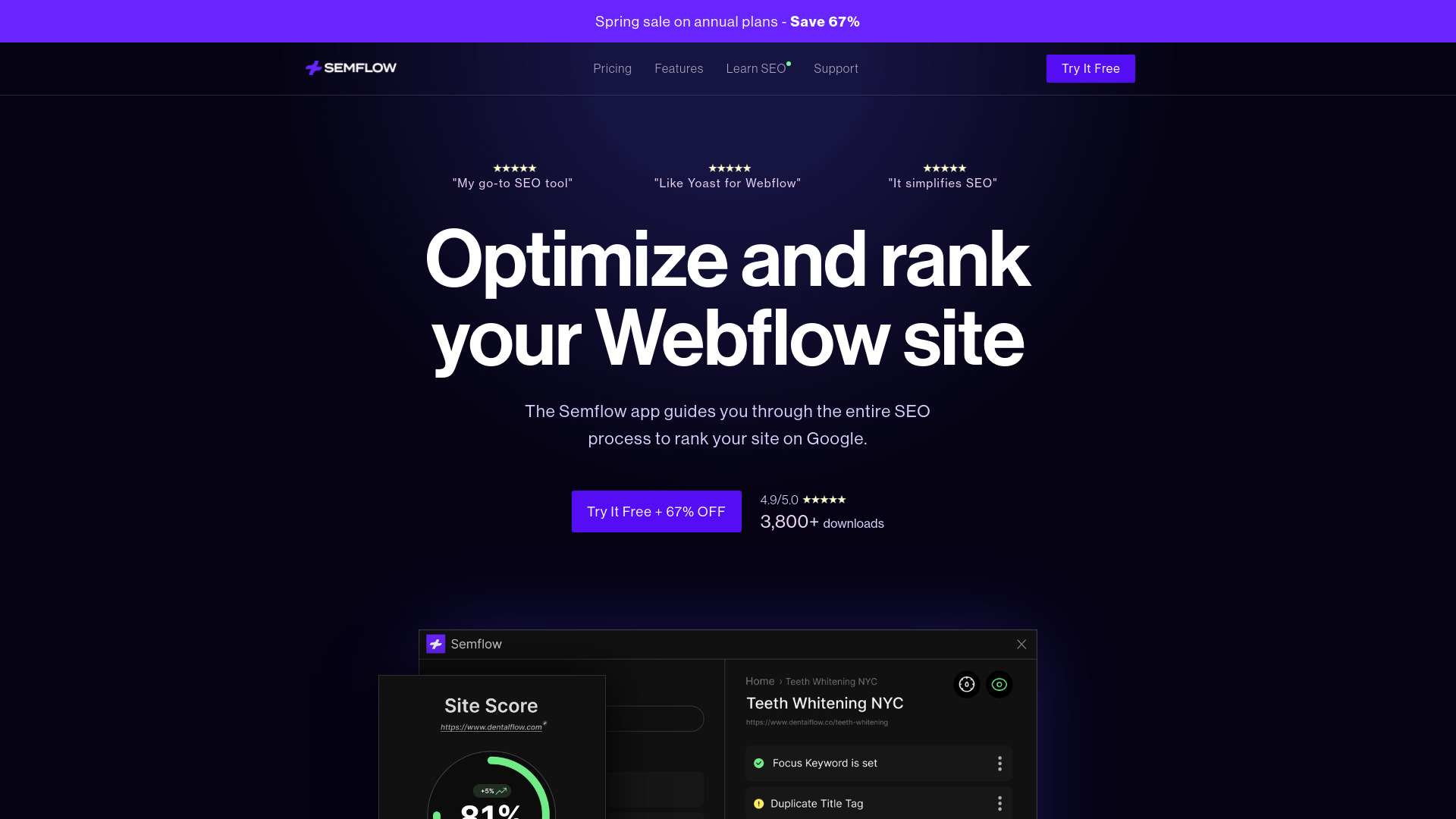
SEO app for Webflow & Framer users to optimize websites and improve rankings.
Source rating 5.0
(88)
4.5k views
4.5k/mo traffic
0 saves
Freemium
Free + from $9/mo (Billed annually)
Verdict
A quick read before you dig into the full page.
- Best if
- SEO app for Webflow & Framer users to optimize websites and improve rankings
- Skip if
- You need enterprise SLAs or a fully managed team plan right away
- Pick this when
- Freemium · Free + from $9/mo (Billed annually)
Overview
Semflow is an SEO app designed for Webflow and Framer users. It helps users audit, score, and optimize their websites directly within their site designer. Semflow provides personalized SEO guidance, helps fix critical errors, offers AI-assisted SEO features, checks page performance, and facilitates keyword research. It also allows users to manage multiple sites from a single dashboard and generate detailed PDF reports.
Access & connections
Where you can use Semflow.
Platforms
Capabilities
What this tool accepts, produces, and is strongest at.
Highlights
- SEO Auditing
- Personalized SEO Guidance
- AI-Assisted SEO
- Page Performance Analysis
- Keyword Research
- PDF Reports
- White Label Reports (Coming Soon)
- Meta Speed Editor (Coming Soon)
Show 2 more
- SCHEMA Builder (Coming Soon)
- Robots.txt Builder (Coming Soon)
FAQ 6
What is Semflow?
Semflow is an SEO app designed for Webflow and Framer users. It helps users audit, score, and optimize their websites directly within their site designer. Semflow provides personalized SEO guidance, helps fix critical errors, offers AI-assisted SEO features, checks page performance, and facilitates keyword research. It also allows users to manage multiple sites from a single dashboard and generate detailed PDF reports.
How to use Semflow?
Semflow guides users through the entire SEO process, providing step-by-step guidance to optimize their site. Users can fix critical errors, create high-converting page titles and metas with AI assistance, check page speed and accessibility, search for keywords, manage multiple sites, and track SEO progress with PDF reports.
How many sites can I audit?
This depends on your plan. A Personal Plan allows for up to 3 sites at a time. The Agency Plan allows for unlimited sites. If you hit your site limit on a Personal Plan, you can easily delete a site in order to open up space for a new one. Just be aware that this will erase all progress and saved keyword data.
How many audits can I run?
Unlike other SEO tools, we won't limit your crawls or audits. You can re-audit your site as many times as you would like until you get that perfect SEO score. Semflow also allows you to re-crawl individual pages to speed up the process!
What if I use Framer and Webflow?
With one Semflow subscription, you can use the tool in Framer and Webflow. So no need to pay for 2 separate memberships!
Can I cancel?
We hope you use Semflow forever! But if you do need to cancel, you can do so at any time. Once you cancel, your plan will end at the end of your billing cycle. This can be done inside your Semflow dashboard or by emailing us at [email protected].
Related tools
Recommended

Semflow
Free + from $9/mo (Billed annually)