
Seedance2-3
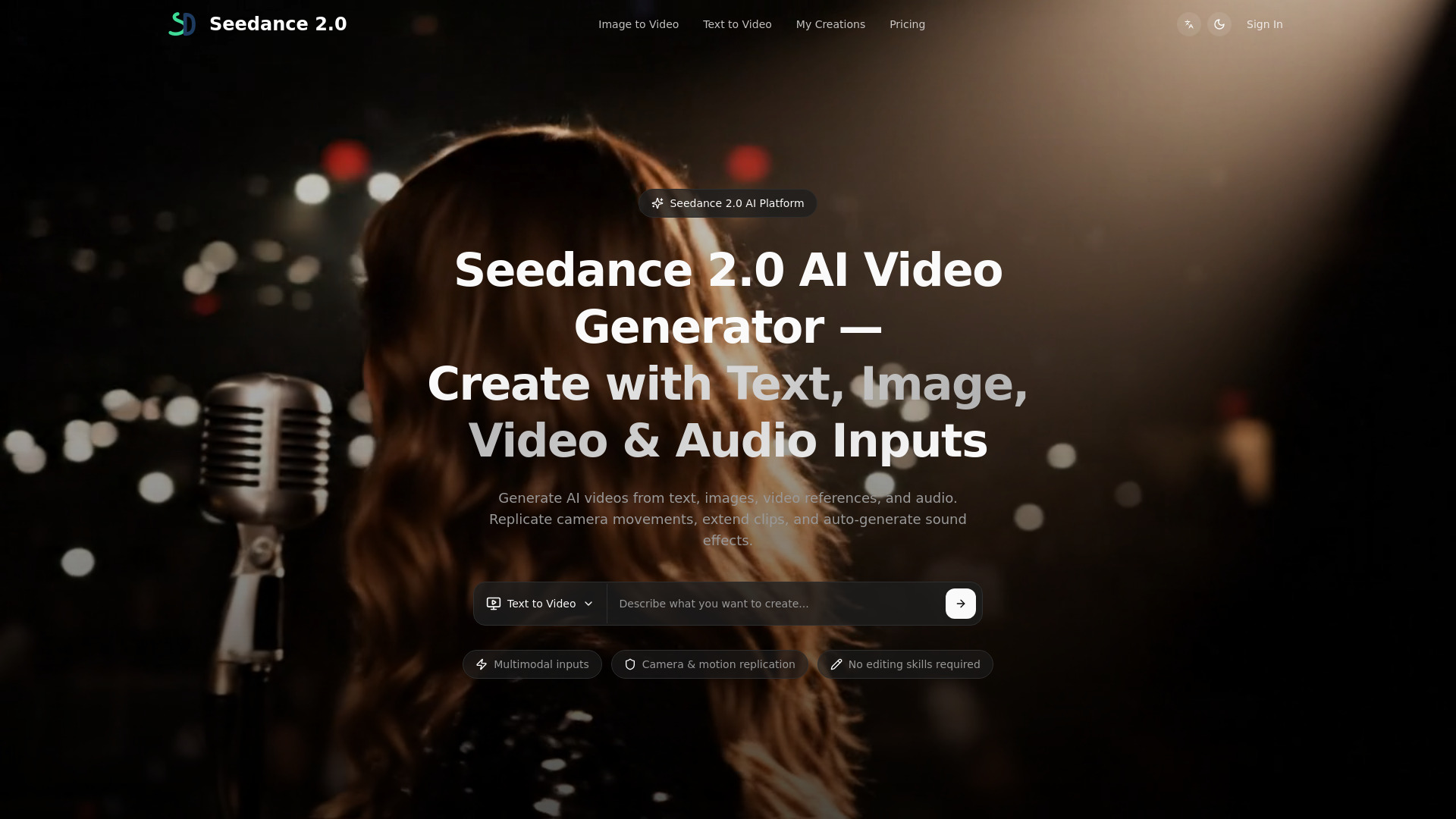
Seedance2 AI video generator for text-to-video and image-to-video — create cinematic short videos in minutes.
Free + from $15 / month
Verdict
A quick read before you dig into the full page.
- Best if
- Seedance2 AI video generator for text-to-video and image-to-video — create cinematic short videos in minutes
- Skip if
- You need enterprise SLAs or a fully managed team plan right away
- Pick this when
- Freemium · Free + from $15 / month
Overview
Seedance2 is an AI video generator for text-to-video and image-to-video creation. It helps creators and marketers turn a prompt or an image into cinematic short videos in minutes through a simple web interface.
What you can do with Seedance2:
- Text-to-Video: generate videos from text prompts
- Image-to-Video: animate images into videos
- Choose from multiple styles (cinematic, realistic, anime, etc.)
- Preview results quickly and download for publishing
Best for:
- TikTok / Reels / YouTube Shorts content
- Marketing and ad creatives
- Product promos and social posts
- Rapid A/B testing of video ideas
Pricing: Freemium (free credits + paid plans).
Access & connections
Where you can use Seedance2-3.
Platforms
Capabilities
What this tool accepts, produces, and is strongest at.
Highlights
- Text-to-Video generation
- Image-to-Video generation
- Cinematic / realistic / anime styles
- Fast preview and download
- Short-form friendly outputs (TikTok/Reels/Shorts)
- Simple web interface (no installation)
FAQ 5
What is Seedance2?
What you can do with Seedance2:
- Text-to-Video: generate videos from text prompts
- Image-to-Video: animate images into videos
- Choose from multiple styles (cinematic, realistic, anime, etc.)
- Preview results quickly and download for publishing
Best for:
- TikTok / Reels / YouTube Shorts content
- Marketing and ad creatives
- Product promos and social posts
- Rapid A/B testing of video ideas
Pricing: Freemium (free credits + paid plans).
How to use Seedance2?
2) Enter a prompt (and optionally upload an image).
3) Select style, aspect ratio, and duration.
4) Click Generate to preview the result.
5) Download the video and publish to TikTok/Reels/YouTube Shorts.

