
Scrybe Quill
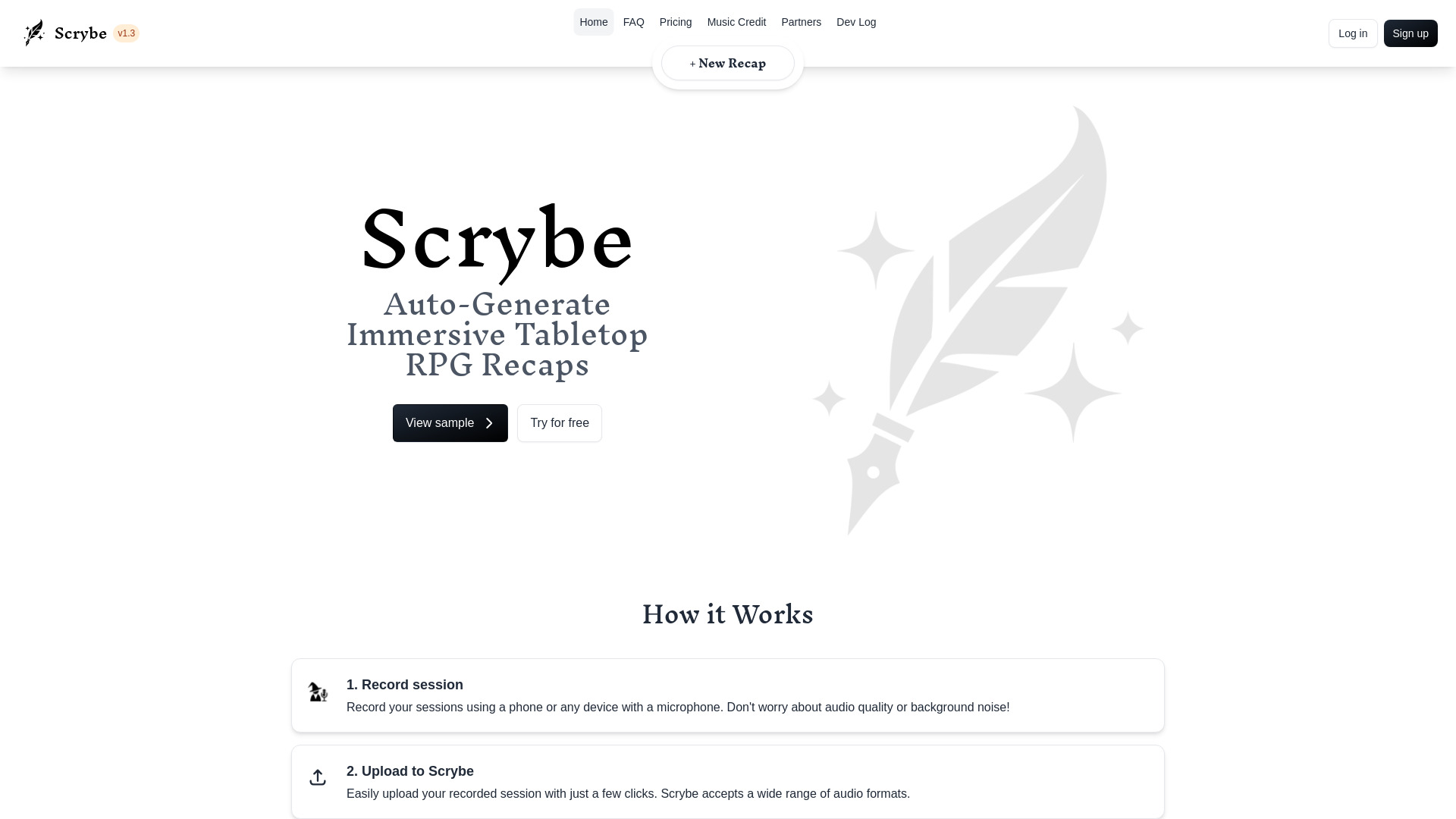
Scrybe is a TTRPG tool that transcribes and summarizes game sessions into narrated recaps.
Source rating 5.0
(68)
6.5k views
6.5k/mo traffic
0 saves
Freemium
Free + from $20
Verdict
A quick read before you dig into the full page.
- Best if
- You are dungeon Masters and need: Creating recaps of Dungeons & Dragons, Pathfinder, or other TTRPG sessions
- Skip if
- You need enterprise SLAs or a fully managed team plan right away
- Pick this when
- Freemium · Free + from $20
Overview
Scrybe is a TTRPG recapping tool that transcribes and summarizes your game sessions. Upload recordings of you playing Dungeons & Dragons, Pathfinder, or any system, and get immersive, narrated recap videos without needing to take notes.
Best for
Short scenarios where Scrybe Quill tends to shine.
-
Creating recaps of Dungeons & Dragons, Pathfinder, or other TTRPG sessions
Best for Dungeon Masters
-
Sharing recaps with your party at the beginning of the next session
Best for Game Masters
-
Immortalizing game sessions with captivating audio/video recaps
Best for TTRPG players
Example outputs 1
Sample generations and before/after results for Scrybe Quill.
Access & connections
Where you can use Scrybe Quill.
Platforms
Capabilities
What this tool accepts, produces, and is strongest at.
Highlights
- Automatic transcription and summarization of TTRPG sessions
- Customizable narrator and background music
- Audio/video recap generation
- Support for various audio formats
- Option to proofread and edit the summary
People also view
Tools that often show up alongside Scrybe Quill in collections and comparisons.


FAQ 5
What is Scrybe?
Scrybe is a TTRPG recapping tool that transcribes and summarizes your game sessions. Upload recordings of you playing Dungeons & Dragons, Pathfinder, or any system, and get immersive, narrated recap videos without needing to take notes.
How to use Scrybe?
1. Record your session using any device with a microphone.
2. Upload the recording to Scrybe.
3. Choose a narrator and background music to customize your recap.
4. Scrybe generates an audio/video recap of your game session.
2. Upload the recording to Scrybe.
3. Choose a narrator and background music to customize your recap.
4. Scrybe generates an audio/video recap of your game session.
What audio formats does Scrybe accept?
Scrybe accepts a wide range of audio formats.
Can I edit the generated recap?
Yes, the option to proofread the summary is available, allowing you to correct spellings and flesh out details.
What if I forgot to record the first 15 minutes of my game?
You can type in a few sentences to summarize the missing part.
Related tools
Recommended
Scrybe Quill
Free + from $20