
ScreenML
macOS app using AI to generate intelligent filenames for screenshots.
Source rating 5.0
(56)
0 views
0 saves
Freemium
Free + from $6.99 / mo
Verdict
A quick read before you dig into the full page.
- Best if
- macOS app using AI to generate intelligent filenames for screenshots
- Skip if
- You need enterprise SLAs or a fully managed team plan right away
- Pick this when
- Freemium · Free + from $6.99 / mo
Overview
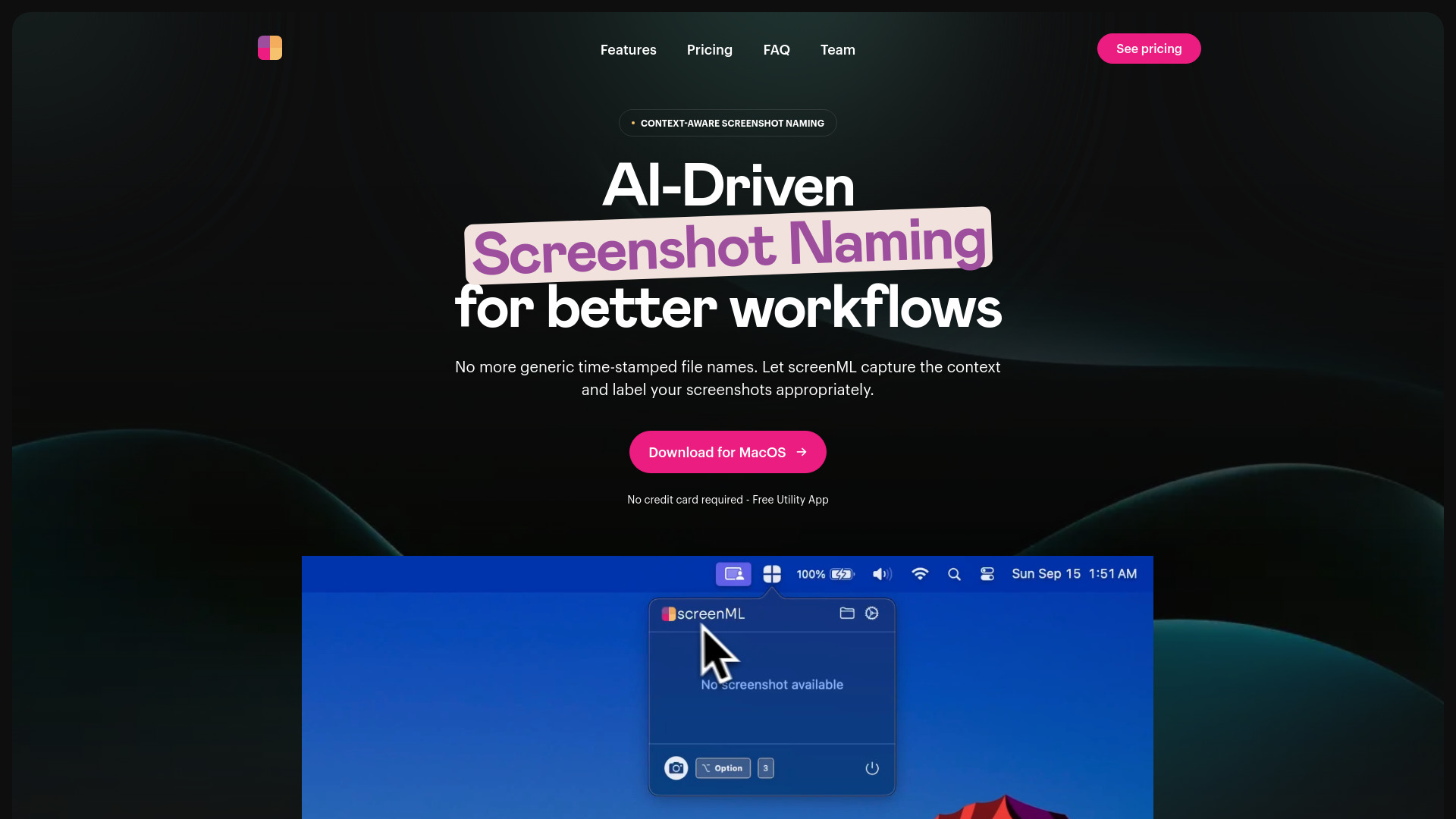
ScreenML is a macOS application that uses AI to automatically generate intelligent and context-aware filenames for screenshots. It simplifies screenshot organization by capturing the context and labeling screenshots appropriately, eliminating the need for generic, time-stamped filenames. ScreenML integrates with AI models like ChatGPT, Google Gemini, or Claude to analyze screenshot content and generate descriptive filenames.
Access & connections
Where you can use ScreenML.
Platforms
macOS
Capabilities
What this tool accepts, produces, and is strongest at.
Highlights
- AI-driven screenshot naming
- Context-aware filename generation
- Annotation workflow integration with Preview
- Menubar view for quick access to screenshots and filenames
- Option to launch at login
FAQ 9
What is ScreenML?
ScreenML is a macOS application that uses AI to automatically generate intelligent and context-aware filenames for screenshots. It simplifies screenshot organization by capturing the context and labeling screenshots appropriately, eliminating the need for generic, time-stamped filenames. ScreenML integrates with AI models like ChatGPT, Google Gemini, or Claude to analyze screenshot content and generate descriptive filenames.
How to use ScreenML?
Install ScreenML on macOS and use the “Option + 3” hotkey to capture screenshots. The app automatically analyzes the screenshot and generates a descriptive filename based on its content and context.
What is ScreenML?
ScreenML is a macOS application designed to simplify and enhance the process of taking screenshots by automatically generating intelligent file names.
How does ScreenML work?
ScreenML captures your screenshots and sends the image data to powerful AI models such as ChatGPT, Google’s Gemini, or Claude. These models analyze the content of the screenshot to generate a descriptive filename.
What information do you collect?
The app collects minimal information strictly required to generate a relevant and descriptive filename, including macOS version, the screenshot image itself and potential applications running at the time of the screenshot.
Do you use my data to train your own models?
No, ScreenML does not use your data to train any models. The screenshots and context information are solely processed to provide you with meaningful file names.
Do I need an internet connection to use ScreenML?
Yes, ScreenML currently requires an internet connection to communicate with the AI models that generate the screenshot filenames.
Can I customize the way it renames files?
Yes, ScreenML provides customization options for renaming files. Currently, you can modify the file naming format to choose between underscores or spaces and adjust specific aspects of the file name. More advanced customization features will be available in the upcoming Pro version.
Why would you build this?
I wanted something that would let me name my screenshots in a meaningful way right at the moment of capture. There are tools to rename batches of files but nothing that matched my workflow for requiring at time of screenshot. Hope this resonates with others.
Related tools
Recommended

ScreenML
Free + from $6.99 / mo