Verdict

A quick read before you dig into the full page.

Best if
You are researchers and need: Saving articles and videos for later viewing
Skip if
You need enterprise SLAs or a fully managed team plan right away
Pick this when
Freemium · Free + from $5.59 USD / month

Overview

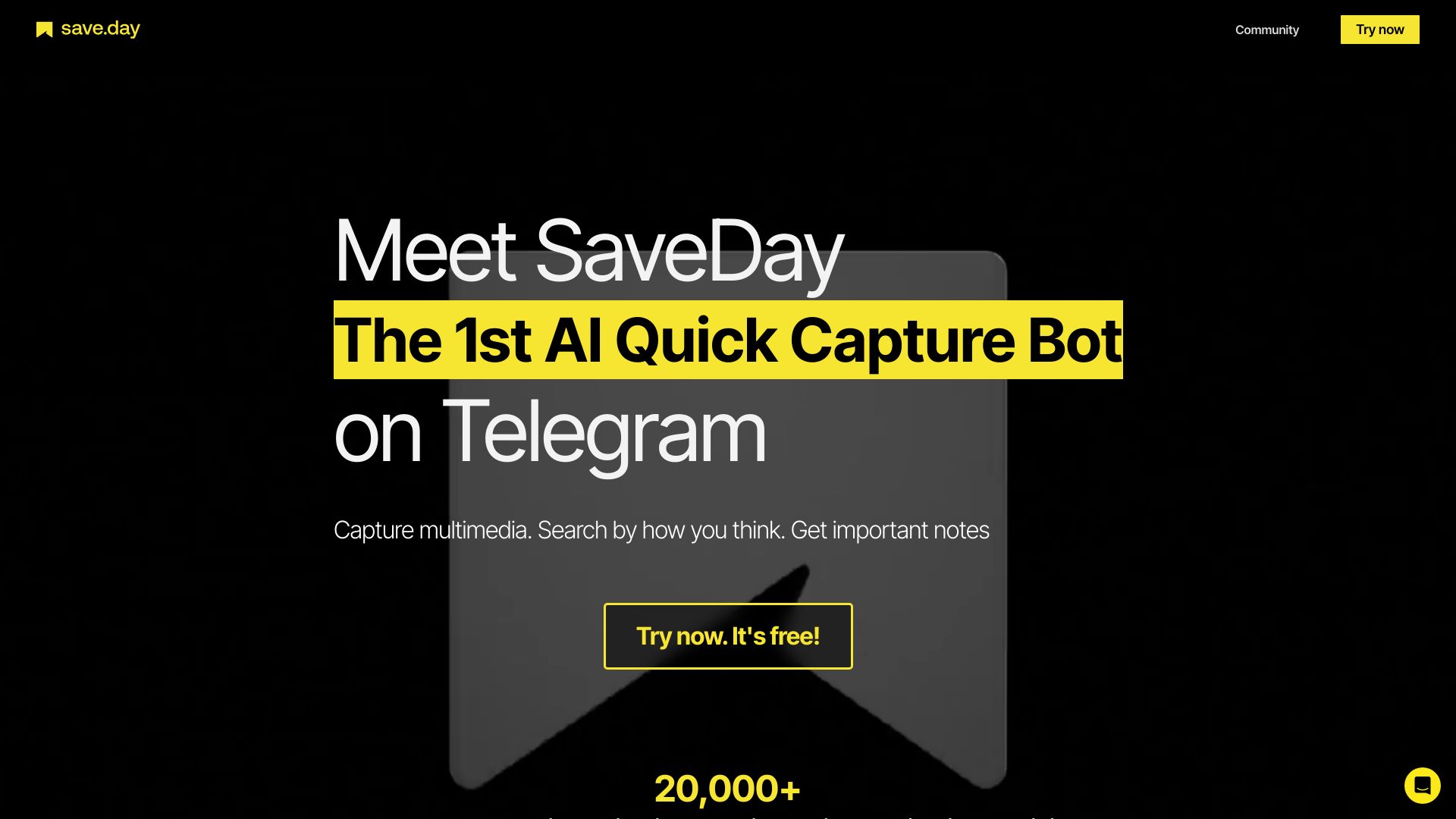
SaveDay is a smart tool designed to capture, organize, and utilize knowledge effectively. It offers a Telegram bot, browser extensions (Chrome, Edge), and web/mobile apps to save multimedia, search by how you think, and get key notes from articles and YouTube videos. It functions as a bookmark manager and organizer, allowing users to capture everything on the internet easily and quickly with just one click. SaveDay helps users organize information automatically and smartly, eliminating the need for manual labeling. It also enables effective searching and answering questions based on saved content.

SaveDay screenshot

Best for

Short scenarios where SaveDay tends to shine.

  • Saving articles and videos for later viewing

    Best for Researchers

  • Organizing research materials

    Best for Students

  • Quickly capturing important information from websites

    Best for Content creators

  • Summarizing long articles or videos for key insights

    Best for Knowledge workers

  • Searching saved content to answer questions

    Best for Anyone who needs to manage large amounts of information

Example outputs 1

Sample generations and before/after results for SaveDay.

Access & connections

Where you can use SaveDay, and what it plugs into.

Platforms

Web

Integrations

Capabilities

What this tool accepts, produces, and is strongest at.

Highlights

  • Capture multimedia content
  • Automatic organization of saved items
  • AI-powered search and Q&A
  • Article and YouTube video summarization
  • Bookmark management
  • Web highlighting and note-taking

People also view

Tools that often show up alongside SaveDay in collections and comparisons.

FAQ 10

What is SaveDay?
SaveDay is a smart tool designed to capture, organize, and utilize knowledge effectively. It offers a Telegram bot, browser extensions (Chrome, Edge), and web/mobile apps to save multimedia, search by how you think, and get key notes from articles and YouTube videos. It functions as a bookmark manager and organizer, allowing users to capture everything on the internet easily and quickly with just one click. SaveDay helps users organize information automatically and smartly, eliminating the need for manual labeling. It also enables effective searching and answering questions based on saved content.
How to use SaveDay?
SaveDay can be used through its Telegram bot, browser extensions (Chrome, Edge), and web/mobile apps. Users can capture content with one click, and the tool automatically organizes it. Search functionality allows users to find saved information and get answers based on their saved content.
What is the difference between SaveDay and Notion or other note-taking solutions?
SaveDay provides the fastest solution for information capture with the widest range of products possible. It allows you to effortlessly save any important information or reminders without navigating through multiple pages or folders.
Is there a fee to use SaveDay?
The current SaveDay features on Telegram and Browser extension will be free! In the future, however, we plan to release more advanced features that are only accessible to premium users.
Is my saved content private and secure?
Yes, all of your saved content is kept confidential and secure. SaveDay does not share any of your content with third parties.
Can I access my saved content from multiple devices?
Yes, you can access your saved content from any device that has access to Telegram or Browser extensions, such as mobile phone, tablet or desktop!
Is SaveDay available for free?
Absolutely! Dive right into our Basic Plan at zero cost. It comes with unlimited saved items, search, highlights, notes and so on. Note: The use of getting key point and Q&A feature are limited, but you still get some free credits each month
How can I cancel my paid plan?
Go to "Account" in the desktop Settings, select "Change plan," and click "I definitely want to cancel". You'll retain paid features until your current billing cycle ends.
How do refunds work?
If you think you made a mistake signing up for a paid SaveDay plan, please contact us via email at [email protected]. We will be happy to refund the unused portion if you cancel your plan within 14 days of signing up, whether it's a monthly or yearly plan.
What's the difference between SaveDay and ChatGPT?
SaveDay is designed to be a trustworthy and personalized tool that helps you develop rational thoughts, using relevant facts from your collection item. This means its responses are more tailored to you, unlike tools like ChatGPT, which can produce incorrect or irrelevant outputs, known as hallucinations.
SaveDay Free + from $5.59 USD / month
