Text to speech

SAM TTS

Classic Microsoft SAM Text-to-Speech voice in your browser.

Source rating 5.0 (96) 118k views 118k/mo traffic 0 saves Unknown
More categories (11)

Verdict

A quick read before you dig into the full page.

Best if
You are developers and need: Adding nostalgic Windows XP charm to applications, games, or creative projects
Pick this when
Classic Microsoft SAM Text-to-Speech voice in your browser

Overview

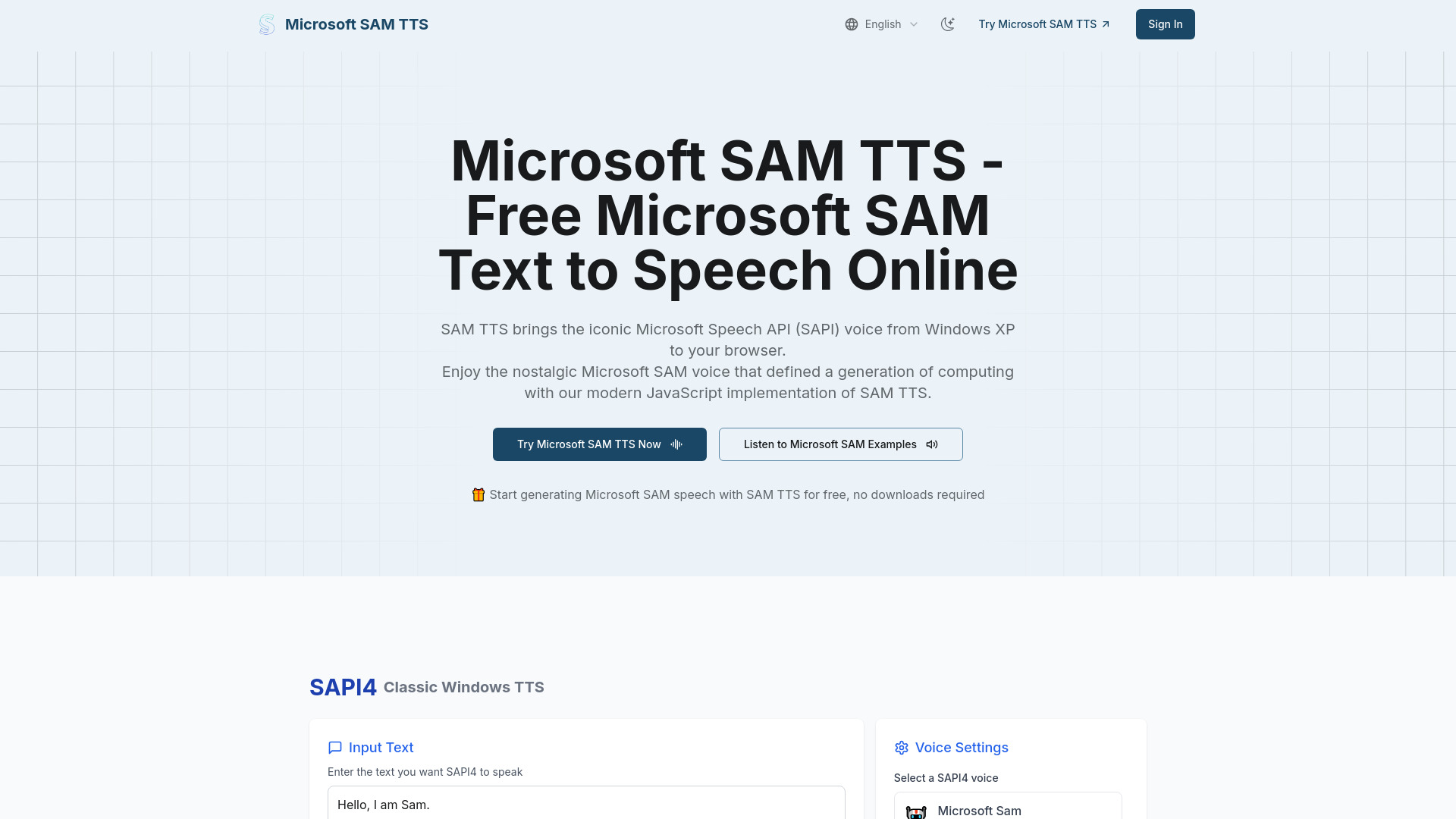
Microsoft SAM Text-to-Speech is a modern JavaScript implementation of the iconic voice synthesizer from Windows XP, originally part of the Microsoft Speech API (SAPI). This website brings the classic Microsoft SAM voice directly to your browser, allowing users to generate speech with its distinctive robotic voice without any downloads or server processing. It aims to preserve the authentic nostalgic charm of the original while adding modern conveniences like browser-based functionality and customizable parameters.

SAM TTS screenshot

Best for

Short scenarios where SAM TTS tends to shine.

  • Adding nostalgic Windows XP charm to applications, games, or creative projects

    Best for Developers

  • Generating speech for personal and commercial purposes

    Best for Content creators

  • Creating audio for presentations or videos

    Best for Windows nostalgia enthusiasts

  • Integrating speech synthesis into websites and applications

    Best for Game developers

Example outputs 1

Sample generations and before/after results for SAM TTS.

Access & connections

Where you can use SAM TTS, and what it plugs into.

Platforms

Integrations

Capabilities

What this tool accepts, produces, and is strongest at.

Highlights

  • Authentic Microsoft SAM Voice Synthesis
  • Customizable Voice Parameters (pitch, speed, mouth, throat)
  • Lightweight, browser-based JavaScript implementation (under 100KB)
  • Cross-platform compatibility (Chrome, Firefox, Safari, mobile)
  • Easy integration with a simple JavaScript API
  • Voice Preset Library (e.g., Elf, Little Robot, Extra-Terrestrial)
  • Offline use after initial page load

People also view

Tools that often show up alongside SAM TTS in collections and comparisons.

In the news

Launch coverage and community mentions for SAM TTS.

FAQ 8

What is SAM TTS?
Microsoft SAM Text-to-Speech is a modern JavaScript implementation of the iconic voice synthesizer from Windows XP, originally part of the Microsoft Speech API (SAPI). This website brings the classic Microsoft SAM voice directly to your browser, allowing users to generate speech with its distinctive robotic voice without any downloads or server processing. It aims to preserve the authentic nostalgic charm of the original while adding modern conveniences like browser-based functionality and customizable parameters.
How to use SAM TTS?
To use Microsoft SAM TTS, first, enter the text you wish to convert to speech. Second, adjust voice settings such as pitch, speed, mouth, and throat parameters, or select from preset voice profiles. Finally, you can instantly play the generated audio in your browser or download it as a WAV file for use in your projects.
What is Microsoft SAM Text-to-Speech?
Microsoft SAM (Speech Articulation Module) was a classic speech synthesizer originally included with Windows XP as part of Microsoft Speech API (SAPI). Our modern SAM TTS JavaScript implementation brings this iconic Microsoft voice to your browser, faithfully recreating the distinctive robotic speech that defined early Windows computing while adding convenient modern features.
How does Microsoft SAM TTS work?
Microsoft SAM TTS uses a sophisticated phoneme-based synthesis system rather than recorded samples. It converts text to phonetic sounds, then applies a set of rules to generate Microsoft SAM speech waveforms. You can input text, adjust voice parameters (pitch, speed, mouth, throat), and instantly hear or download the resulting Microsoft SAM speech.
What types of text work best with Microsoft SAM TTS?
Microsoft SAM works best with standard English text and common words. While SAM TTS can handle most everyday phrases, very technical terms or unusual proper names might require phonetic input for best results. Short to medium-length sentences typically produce the clearest Microsoft SAM voice output.
What voice customization options are available in SAM TTS?
Microsoft SAM offers four main adjustable parameters in our SAM TTS implementation: Pitch (voice height), Speed (talking rate), Mouth (resonance), and Throat (tone). You can also choose from preset Microsoft SAM voice profiles including Default SAM, Elf, Little Robot, Stuffy Guy, Little Old Lady, and Extra-Terrestrial.
Can I use Microsoft SAM TTS in my own projects?
Yes! Our SAM TTS implementation is designed for easy integration into websites, games, applications, and creative projects. You can use the Microsoft SAM speech output for both personal and commercial purposes, with options to play audio directly or download WAV files.
Is there an API available for Microsoft SAM TTS developers?
Yes, we provide a simple JavaScript API that allows you to integrate Microsoft SAM TTS directly into your applications. The SAM TTS API offers methods for Microsoft SAM text-to-speech conversion, audio playback, buffer generation, and WAV file creation with just a few lines of code.
SAM TTS
