
RiKiAI
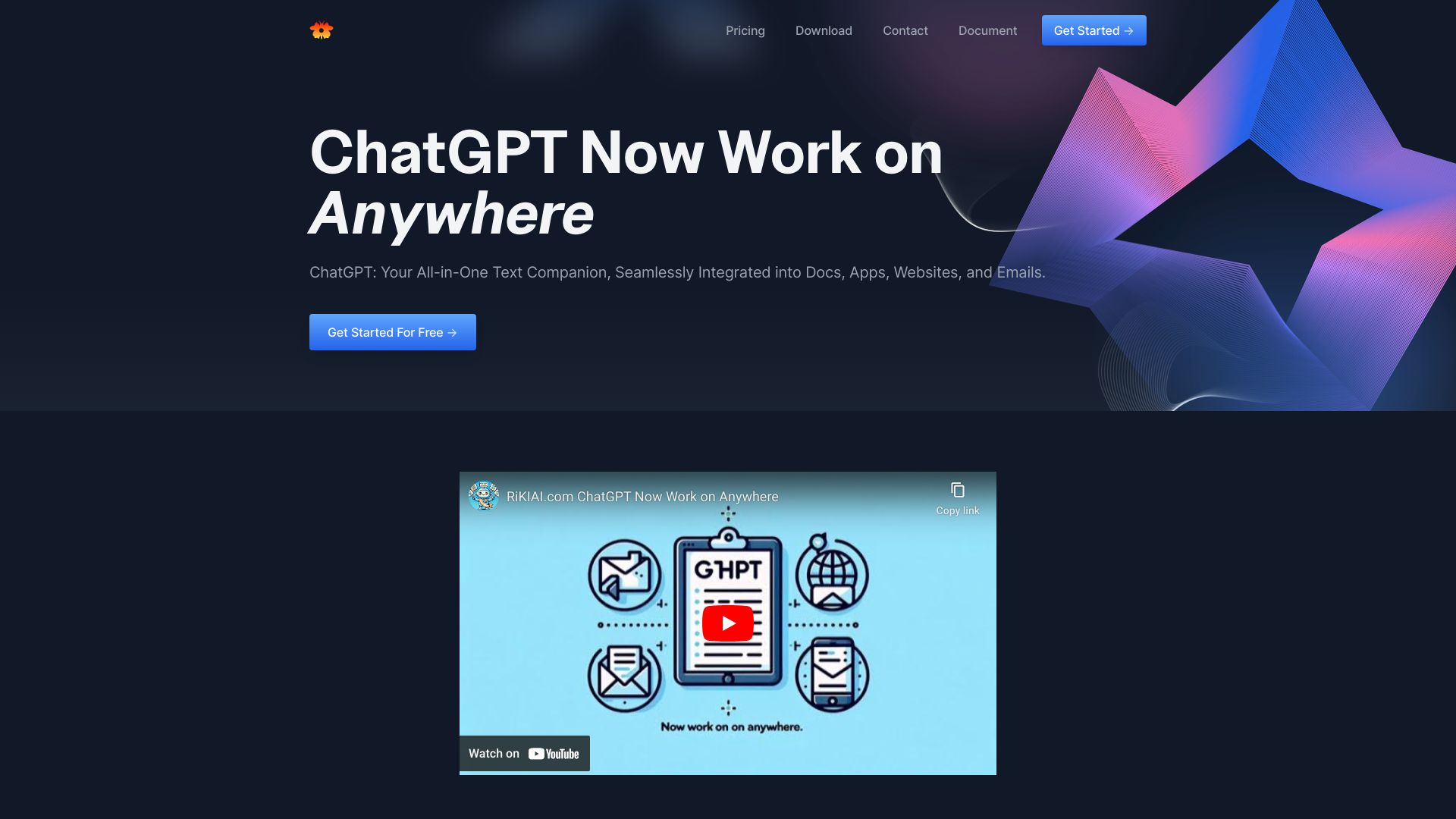
Riki AI integrates ChatGPT across apps and webpages for easy text manipulation.
Verdict
A quick read before you dig into the full page.
- Best if
- Riki AI integrates ChatGPT across apps and webpages for easy text manipulation
- Pick this when
- Riki AI integrates ChatGPT across apps and webpages for easy text manipulation
Overview
Riki AI is an AI copilot that integrates ChatGPT into your workflow across various apps and webpages. It allows users to write, edit, rephrase, summarize, translate, or respond to text with a single click, eliminating the need for copy-pasting. It supports various applications, documents, and websites, providing AI assistance wherever you type or select text. Riki AI offers features like instant creative inspiration, smart programming assistance, and email efficiency tools.
Access & connections
Where you can use RiKiAI.
Platforms
Capabilities
What this tool accepts, produces, and is strongest at.
Highlights
- ChatGPT integration across apps and webpages
- One-click text manipulation (write, edit, rephrase, summarize, translate, respond)
- AI-powered assistance for writing, coding, and email
- Shortcut commands for quick actions
FAQ 5
What is Riki AI?
How to use Riki AI?
What platforms does Riki AI support?
How do I access the AI copilot?
How do I trigger shortcut commands?
Related tools
Recommended

iDox.ai Guardrail ✓
Free TrialStop sensitive data leaks to AI tools.

Qoder ✓
FreemiumAgentic Coding Platform for Real Software

Nextbrowser ✓
FreemiumAI Browser Agent that automates professional tasks through chat.

Chatbot App
PaidMulti-Model AI Chat Platform that lets you switch between 30+ leading AI models instantly or run them side by…