
Review Wizard
Analyze App Store reviews quickly using AI.
Source rating 5.0
(99)
0 views
0 saves
Unknown
Verdict
A quick read before you dig into the full page.
- Best if
- Analyze App Store reviews quickly using AI
- Pick this when
- Analyze App Store reviews quickly using AI
Overview
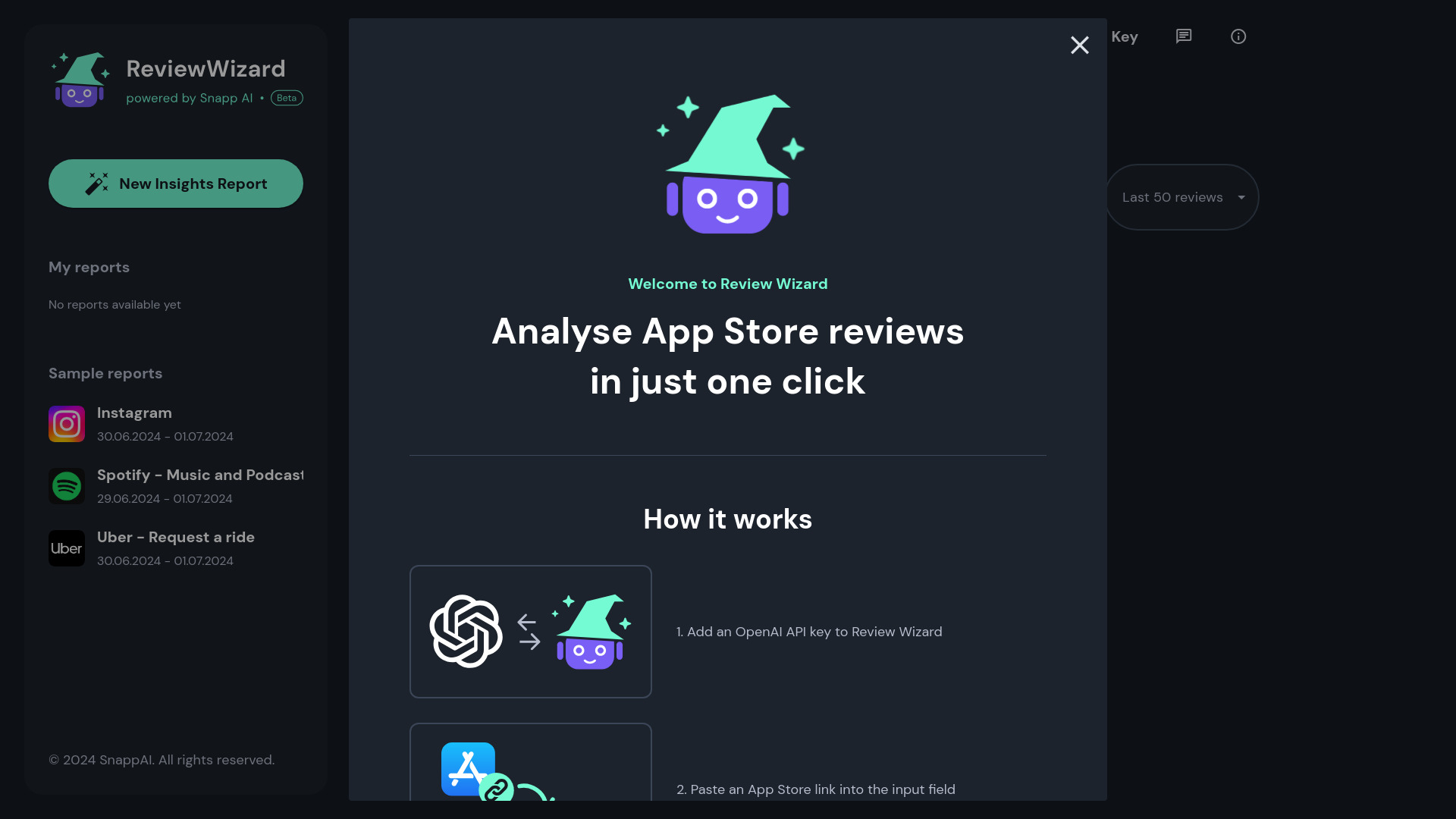
Review Wizard, by SnappAI, is a tool that allows you to analyze hundreds of App Store reviews in just one click. It uses the OpenAI-powered ChatGPT-4o model to process and generate app review reports. It provides insights into app reviews without requiring a subscription.
Access & connections
Where you can use Review Wizard.
Platforms
Capabilities
What this tool accepts, produces, and is strongest at.
Highlights
- App Store review analysis
- OpenAI integration for review processing
- Review report generation
FAQ 5
What is Review Wizard?
Review Wizard, by SnappAI, is a tool that allows you to analyze hundreds of App Store reviews in just one click. It uses the OpenAI-powered ChatGPT-4o model to process and generate app review reports. It provides insights into app reviews without requiring a subscription.
How to use Review Wizard?
1. Add an OpenAI API key to Review Wizard. 2. Paste an App Store link into the input field. 3. Wait a few seconds to get your review report.
Why do I need an OpenAI API key?
Review Wizard uses the OpenAI-powered ChatGPT-4o model to process and generate app review reports. By adding your personal API key you're in control of your usage costs and can revoke your OpenAI API Key at any time in the OpenAI dashboard.
How does Review Wizard store and use my data and API key?
Review Wizard stores all data in the browser cache (IndexedDB) and your API key is only sent over the encrypted https connection to our servers for connecting to OpenAI, and is never stored on the server. Clearing your browser cache will delete any data used or generated by Review Wizard.
How much does each report cost?
Each report costs around $0.10 depending on the number of reviews analysed. You can add credits to your account in the OpenAI platform under the Billing section.
Related tools
Recommended



Review Wizard