
Restylar
AI-powered photo restyling tool for transforming and enhancing images with various styles.
Source rating 5.0
(61)
4.6k views
4.6k/mo traffic
0 saves
Paid
From $7.9
Verdict
A quick read before you dig into the full page.
- Best if
- AI-powered photo restyling tool for transforming and enhancing images with various styles
- Skip if
- You need a free plan with no credit card
- Pick this when
- Paid · From $7.9
Overview
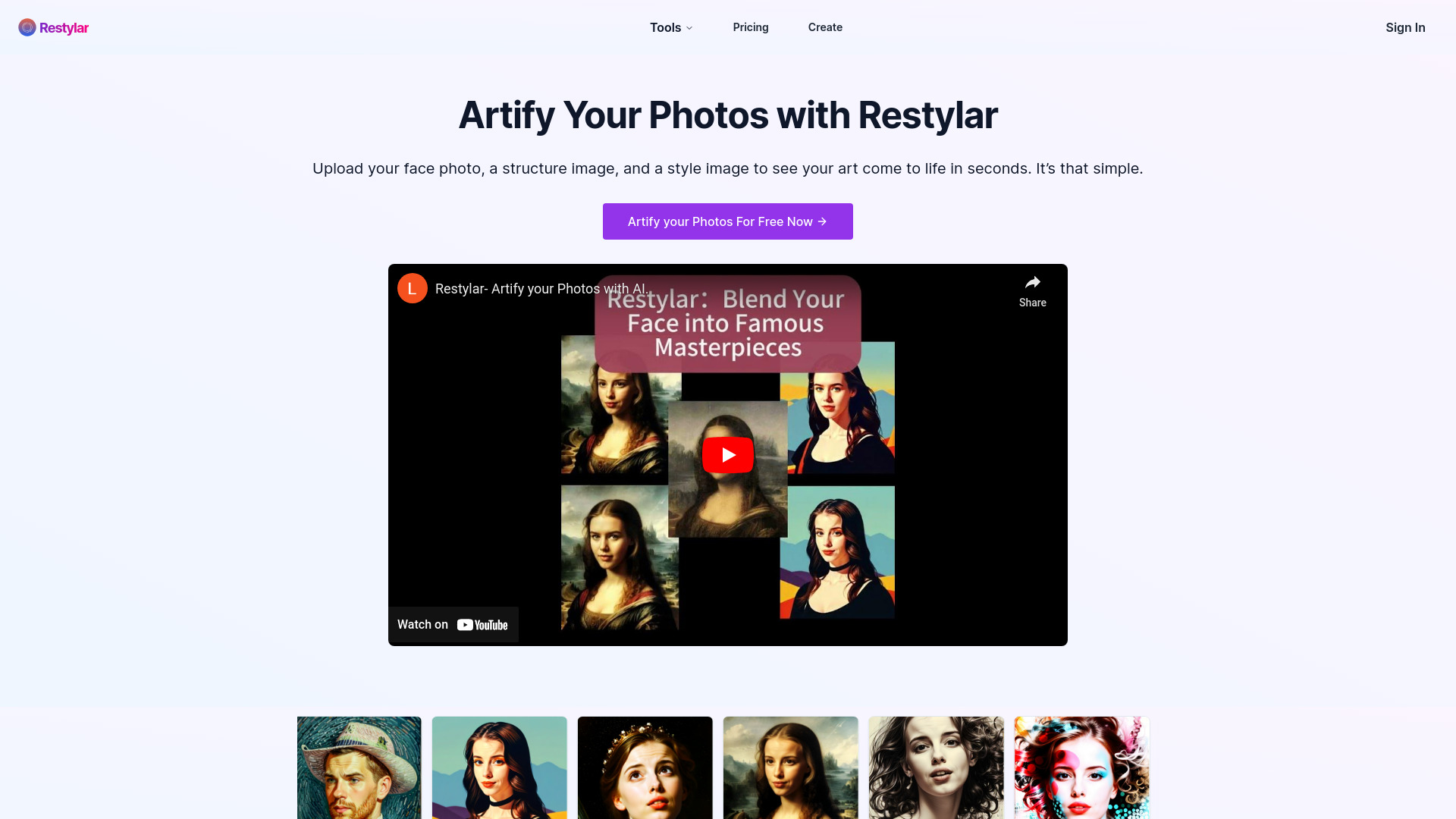
Restylar is an AI-powered photo restyling tool that allows users to transform portraits into various styles, enhance images, and create dynamic avatars. It offers a range of tools including style transformations, image optimization, and creative portrait generation. Users can upload photos and apply different AI-driven effects to reimagine their images.
Access & connections
Where you can use Restylar.
Platforms
Capabilities
What this tool accepts, produces, and is strongest at.
Highlights
- AI-powered photo restyling
- Style transformations (Artify, Video Game Stylization, Claymation, Emojification, Pixel Art, Custom Sticker Creation)
- Image optimization (Old Photo Restoration, Upscaling, Colorization, AI-Generated Image Refinement)
- Creative portrait generation (Multi-Pose Generation, Live Portrait)
FAQ 9
What is Restylar?
Restylar is an AI-powered photo restyling tool that allows users to transform portraits into various styles, enhance images, and create dynamic avatars. It offers a range of tools including style transformations, image optimization, and creative portrait generation. Users can upload photos and apply different AI-driven effects to reimagine their images.
How to use Restylar?
Users upload a photo, and optionally a structure image and a style image, then select a restyling tool to transform the photo. The AI processes the image and generates a new version based on the selected style or optimization.
What types of photos can I use with Restylar?
Restylar offers a variety of tools. Our portrait transformation tools are designed specifically for single-person portraits with clear, visible faces. However, our image optimization tools can be used on any type of photo, not just portraits.
Can I use Restylar for group photos or images without faces?
For our portrait transformation tools, we recommend single-person portraits with clearly visible faces. However, our image optimization tools can effectively process group photos, landscapes, or any other type of image.
How does Restylar ensure the privacy and security of my photos?
We take data security seriously. For paid users, your data is securely stored for 60 days to allow for reprocessing or downloading, after which it is automatically deleted. For free user, the time is limited to 7 days.
Do I need any technical skills to use Restylar?
Not at all! Restylar is designed to be user-friendly. Our intuitive interface guides you through the process, making it easy for anyone to use our various tools.
How long does it take to process an image?
Processing time varies depending on the specific tool and current server load, but most transformations are completed within seconds to a few minutes.
Is there a limit to how many photos I can process?
The number of transformations or optimizations you can perform depends on your subscription plan. Check our pricing page for detailed information on each plan's offerings.
Does Restylar offer a free trial?
Yes, We offers a free trial to all new users. Upon signing up, you'll receive 2 free credits. Each credit allows you to use any one of our tools once. This means you can try two different tools, or use the same tool twice. It's a great way to experience the power of our AI-driven image transformation and optimization technologies. After using your free credits, you can choose to upgrade to one of our paid plans to continue enjoying Restylar's full range of features.
Related tools
Recommended


Restylar
From $7.9