
ReplyInbox
AI-powered Gmail extension for automated and personalized email replies.
Source rating 5.0
(91)
0 views
0 saves
Paid
From $45/user / month
Verdict
A quick read before you dig into the full page.
- Best if
- AI-powered Gmail extension for automated and personalized email replies
- Skip if
- You need a free plan with no credit card
- Pick this when
- Paid · From $45/user / month
Overview
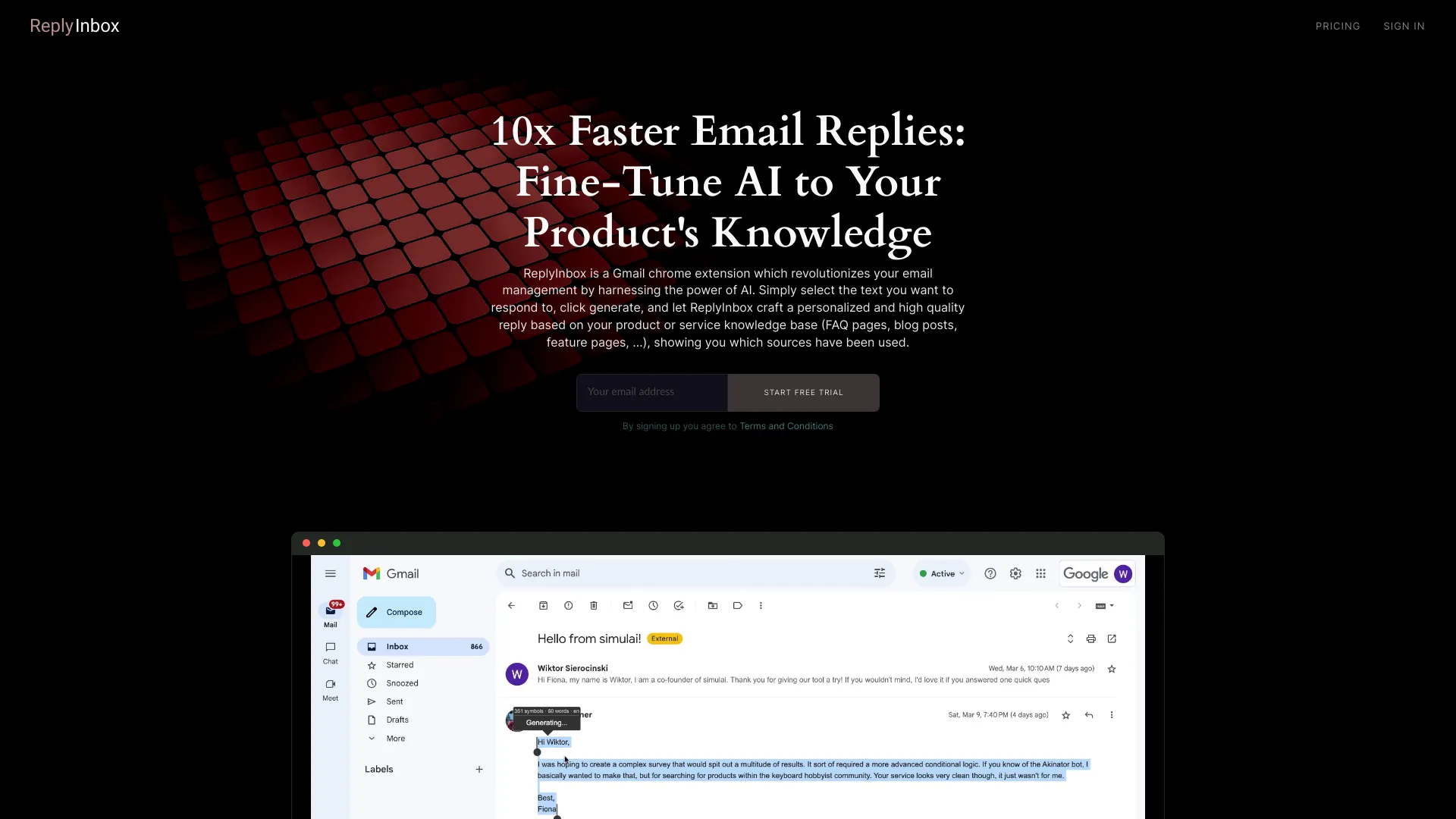
ReplyInbox is a Gmail Chrome extension that uses AI to automate customer email replies. It allows users to select text from an email, click generate, and receive a personalized reply crafted by AI based on data sources like FAQ pages, blog posts, and feature pages.
Access & connections
Where you can use ReplyInbox, and what it plugs into.
Platforms
Capabilities
What this tool accepts, produces, and is strongest at.
Highlights
- AI-powered email reply generation
- Integration with Gmail via Chrome extension
- Personalized replies based on user data sources
- Source linking for transparency
FAQ 5
What is ReplyInbox?
ReplyInbox is a Gmail Chrome extension that uses AI to automate customer email replies. It allows users to select text from an email, click generate, and receive a personalized reply crafted by AI based on data sources like FAQ pages, blog posts, and feature pages.
How to use ReplyInbox?
Install the Chrome extension, select the text you want to respond to in an email, click generate, and ReplyInbox will create a personalized reply using your data sources.
How does ReplyInbox ensure privacy?
ReplyInbox is privacy-friendly and GDPR compliant. Your data is securely encrypted during transmission and at rest.
What type of data sources can ReplyInbox use?
ReplyInbox can use FAQ pages, blog posts, feature pages, and other documentation detailing your products or services.
How do I install ReplyInbox?
You can install ReplyInbox by going to the Chrome Web Store and installing the Chrome Extension.
Related tools
Recommended

ReplyInbox
From $45/user / month