
RenderFit
AI-powered platform for automated video editing and captioning for short videos.
Source rating 5.0
(92)
0 views
0 saves
Paid
From $24/month, billed
Verdict
A quick read before you dig into the full page.
- Best if
- AI-powered platform for automated video editing and captioning for short videos
- Skip if
- You need a free plan with no credit card
- Pick this when
- Paid · From $24/month, billed
Overview
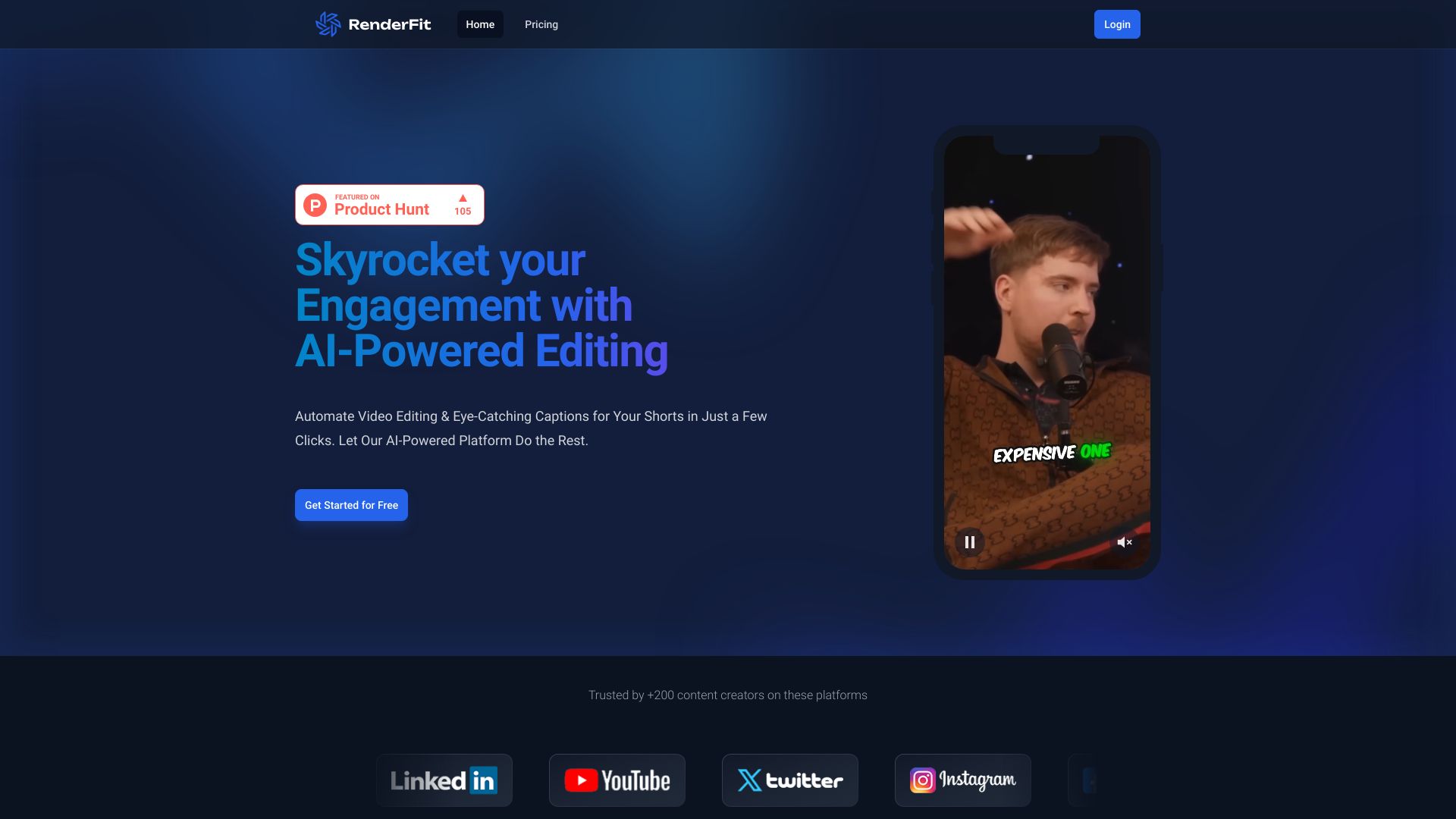
RenderFit is an AI-powered platform designed to automate video editing and create eye-catching captions for short videos. It allows users to create stunning videos 10X faster with zero technical skills. The platform offers features like AI subtitles, auto cuts, auto zooms, emoji detection, free music, auto B-Rolls, AI hooks & thumbs, and social descriptions.
Access & connections
Where you can use RenderFit.
Platforms
Capabilities
What this tool accepts, produces, and is strongest at.
Highlights
- AI Subtitles
- Auto Cuts
- Auto Zooms
- Emoji Detection
- Free Music
- Auto B-Rolls
- AI Hooks & Thumbs
- Social Descriptions
Show 1 more
- Live Preview
FAQ 12
What is RenderFit?
RenderFit is an AI-powered platform designed to automate video editing and create eye-catching captions for short videos. It allows users to create stunning videos 10X faster with zero technical skills. The platform offers features like AI subtitles, auto cuts, auto zooms, emoji detection, free music, auto B-Rolls, AI hooks & thumbs, and social descriptions.
How to use RenderFit?
Users can sign up for RenderFit, upload their video, and utilize the AI-powered tools to automatically add subtitles, cut silences, add zooms, include emojis, select B-Rolls and music, generate hooks and thumbnails, and create social media descriptions. The platform allows for real-time preview and tweaking of edits.
What exactly is RenderFit?
RenderFit is an AI-powered platform that automates video editing and creates eye-catching captions for short videos, allowing users to create stunning videos 10X faster with zero technical skills.
How Do I Get Started with RenderFit?
Visit the RenderFit website and sign up for an account. You can then upload your videos and start using the AI-powered tools to edit and enhance them.
Is there a free trial or free usage?
The provided content does not explicitly mention a free trial, but it does offer different pricing plans, including a 'Starter' plan for beginners.
What types of videos can I edit?
RenderFit is designed for short videos suitable for platforms like X, Instagram, and TikTok.
How fast does RenderFit edit videos?
RenderFit claims to edit videos in minutes with AI, significantly faster than manual editing.
Can I customize the AI features?
Yes, the AI features are fully customizable, allowing users to tweak the results to their liking.
Is RenderFit secure for my team’s data?
The provided content does not explicitly address data security. Please refer to the privacy policy on the RenderFit website.
Who can use RenderFit in my organization?
RenderFit can be used by anyone in your organization who needs to create and edit short videos, including marketing teams, social media managers, and content creators.
How do I get support if I’m stuck?
The website provides a support email address: [email protected].
Does it work on mobile devices?
The provided content does not explicitly mention mobile device compatibility.
Related tools
Recommended


RenderFit
From $24/month, billed