Verdict

A quick read before you dig into the full page.

Best if
You are e-commerce professionals and need: E-commerce product photography
Skip if
You need enterprise SLAs or a fully managed team plan right away
Pick this when
Freemium · Free + from $4.90

Overview

Removebg is a free online tool that removes backgrounds from images. It supports removing backgrounds from images of people, products, animals, cars, and logos. It is ideal for photographers, designers, e-commerce businesses, social media managers, and content creators to save time and enhance professionalism.

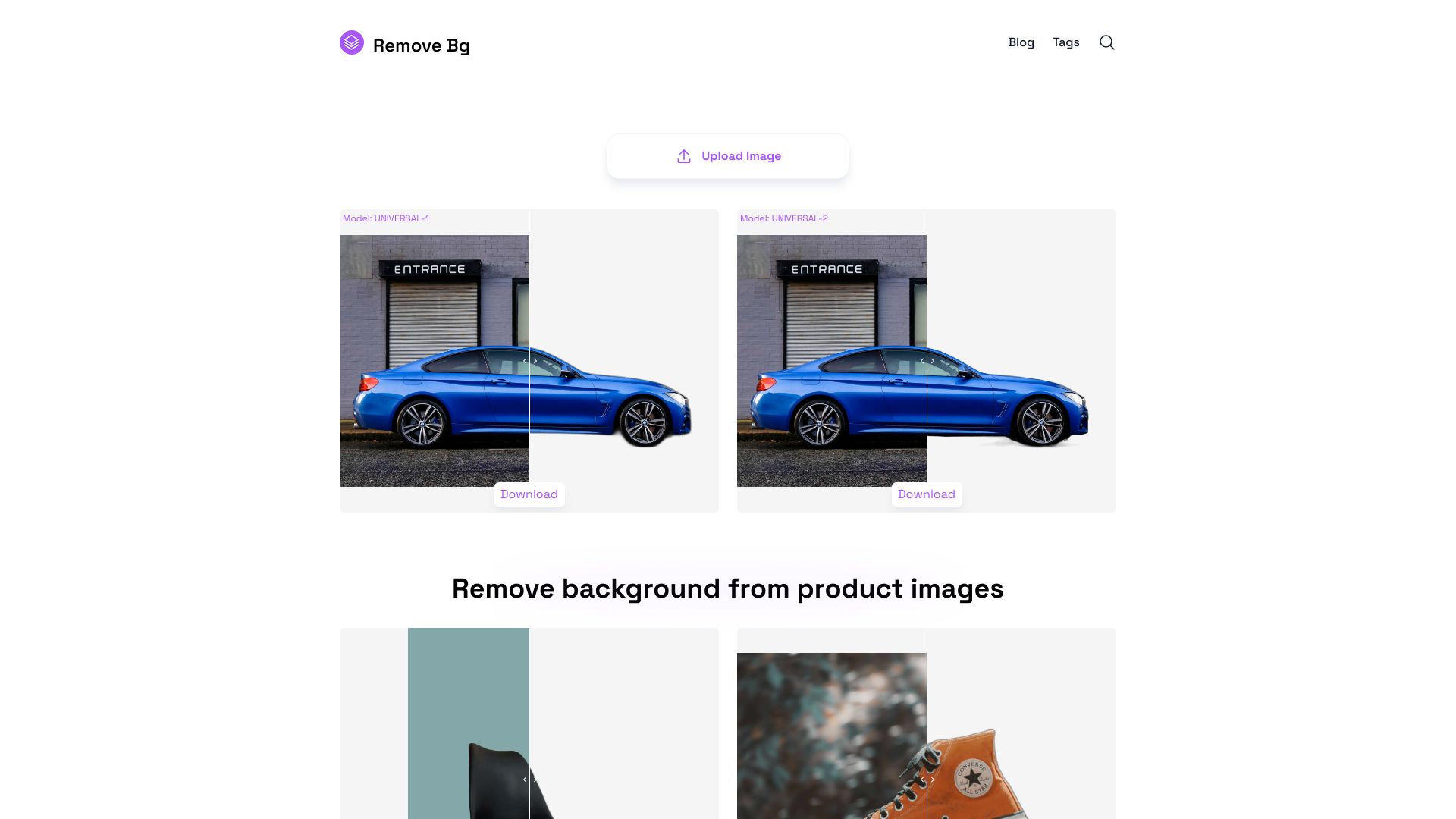
Remove Bg screenshot

Best for

Short scenarios where Remove Bg tends to shine.

  • E-commerce product photography

    Best for E-commerce professionals

  • Graphic design

    Best for Digital marketers

  • Social media content creation

    Best for Graphic designers

  • Photography post-processing

    Best for Software developers

  • Marketing and advertising

    Best for Photographers

  • Personal use

    Best for General users

Example outputs 1

Sample generations and before/after results for Remove Bg.

Access & connections

Where you can use Remove Bg.

Platforms

Web

Capabilities

What this tool accepts, produces, and is strongest at.

Highlights

  • Automatic background removal
  • Support for various image types (people, products, logos, etc.)
  • Free online use
  • Secondary editing capabilities

In the news

Launch coverage and community mentions for Remove Bg.

FAQ 12

What is Removebg?
Removebg is a free online tool that removes backgrounds from images. It supports removing backgrounds from images of people, products, animals, cars, and logos. It is ideal for photographers, designers, e-commerce businesses, social media managers, and content creators to save time and enhance professionalism.
How to use Removebg?
To use Removebg, visit removebg.one in your browser, upload your image, and the background will be removed automatically. You can then modify the background or perform secondary editing and download the result.
How to use Removebg?
Visit https://removebg.one in your browser to use Removebg for background removal.
Can I use Removebg without registering?
Of course.
Removebg can be used online for free?
Of course, our background removal service is completely free, but to keep the service running, we’ve included ads. Thank you for your understanding and support!
What types of image files does Removebg support?
Removebg supports PNG, JPG, JPEG, and WEBP image file formats.
Are there any image size or dimension limitations with Removebg?
The maximum width and height cannot exceed 6400px, and the maximum size cannot exceed 10MB.
How is the quality of background removal ensured by Removebg?
After removing the background with Removebg, you can perform secondary edits on the cutout results to eliminate any imperfections.
How long does it take for Removebg to process an image?
Typically, it takes around 8 seconds to complete, but during peak times, it may take around 28 seconds.
Does Removebg support batch processing?
Currently, batch processing is not supported.
On what devices can I use Removebg?
Removebg is supported on both Windows and macOS systems. We have also adapted it for mobile devices, so as long as your phone has a browser, you can enjoy the free background removal service by visiting our website.
In what scenarios can I use Removebg?
You can use Removebg in scenarios such as product showcasing, personal photo editing, advertising design, social media profile creation, and creative design.
Remove Bg Free + from $4.90