Verdict

A quick read before you dig into the full page.

Best if
You are e-commerce sellers and need: Create product images for e-commerce stores
Pick this when
Free AI tool for removing and replacing image backgrounds

Overview

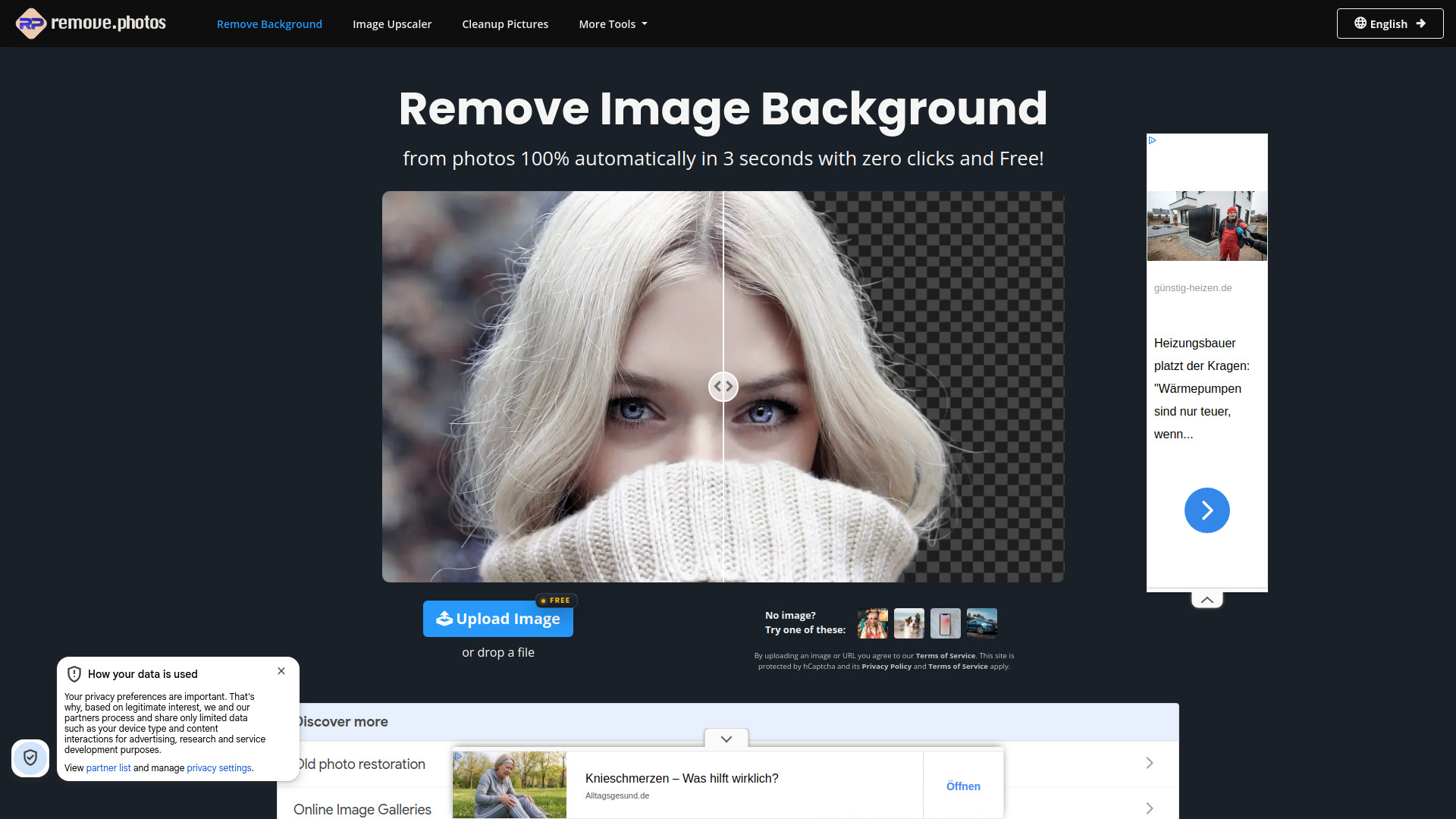
RemovePhotos is a free online AI image editing platform that automatically removes backgrounds from photos in seconds. It creates transparent cutouts and lets users replace backgrounds with solid colors, custom images, blur effects, or AI-generated designs. The platform also provides tools for object removal, sky replacement, foreground removal, image enhancement, upscaling, cropping, text recognition, and image conversion.

Remove Background From Photos screenshot

Best for

Short scenarios where Remove Background From Photos tends to shine.

  • Create product images for e-commerce stores

    Best for E-commerce sellers

  • Prepare profile pictures and portraits with transparent backgrounds

    Best for Product photographers

  • Design marketing banners, catalogs, presentations, and social media graphics

    Best for Graphic designers

  • Remove unwanted objects or backgrounds from personal photos

    Best for Marketing professionals

  • Create customized product and advertising visuals

    Best for Social media managers

How it works

Upload an image or drop a file onto the website. RemovePhotos automatically detects the subject and removes the background, producing a transparent image. Users can then click Edit to add a new background, apply a solid color, blur the background, or customize the image before downloading it.

Example outputs 1

Sample generations and before/after results for Remove Background From Photos.

Access & connections

Where you can use Remove Background From Photos.

Platforms

Web

Capabilities

What this tool accepts, produces, and is strongest at.

Highlights

  • Automatic AI background removal with smooth edges
  • Transparent, white, blurred, and custom background replacement
  • Additional tools for object removal, sky replacement, image enhancement, cropping, and text recognition

FAQ 9

What is RemovePhotos?
RemovePhotos is a free online AI image editing platform that automatically removes backgrounds from photos in seconds. It creates transparent cutouts and lets users replace backgrounds with solid colors, custom images, blur effects, or AI-generated designs. The platform also provides tools for object removal, sky replacement, foreground removal, image enhancement, upscaling, cropping, text recognition, and image conversion.
How to use RemovePhotos?
Upload an image or drop a file onto the website. RemovePhotos automatically detects the subject and removes the background, producing a transparent image. Users can then click Edit to add a new background, apply a solid color, blur the background, or customize the image before downloading it.
What is RemovePhotos used for?
RemovePhotos automatically removes backgrounds from images and lets users create transparent, white, blurred, or customized backgrounds.
Is RemovePhotos free to use?
Yes. The website promotes its background removal tool as free to use.
Do I need to create an account?
No. The website states that background removal is available without signup.
How long does background removal take?
The website states that images can be processed automatically in about three seconds.
What types of images can RemovePhotos process?
The tool supports subjects such as people, products, animals, cars, and graphics.
Can I replace the removed background?
Yes. After removing the background, users can add a new image, solid color, blur effect, or other customized background.
What other tools does RemovePhotos provide?
Additional tools include object removal, sky replacement, foreground removal, image expansion, colorization, restoration, brightness enhancement, upscaling, compression, cropping, conversion, and text recognition.
Remove Background From Photos