Verdict

A quick read before you dig into the full page.

Best if
AI tool to automatically find, organize, and manage receipts from emails
Skip if
You need a free plan with no credit card
Pick this when
Paid · From $9 / month

Overview

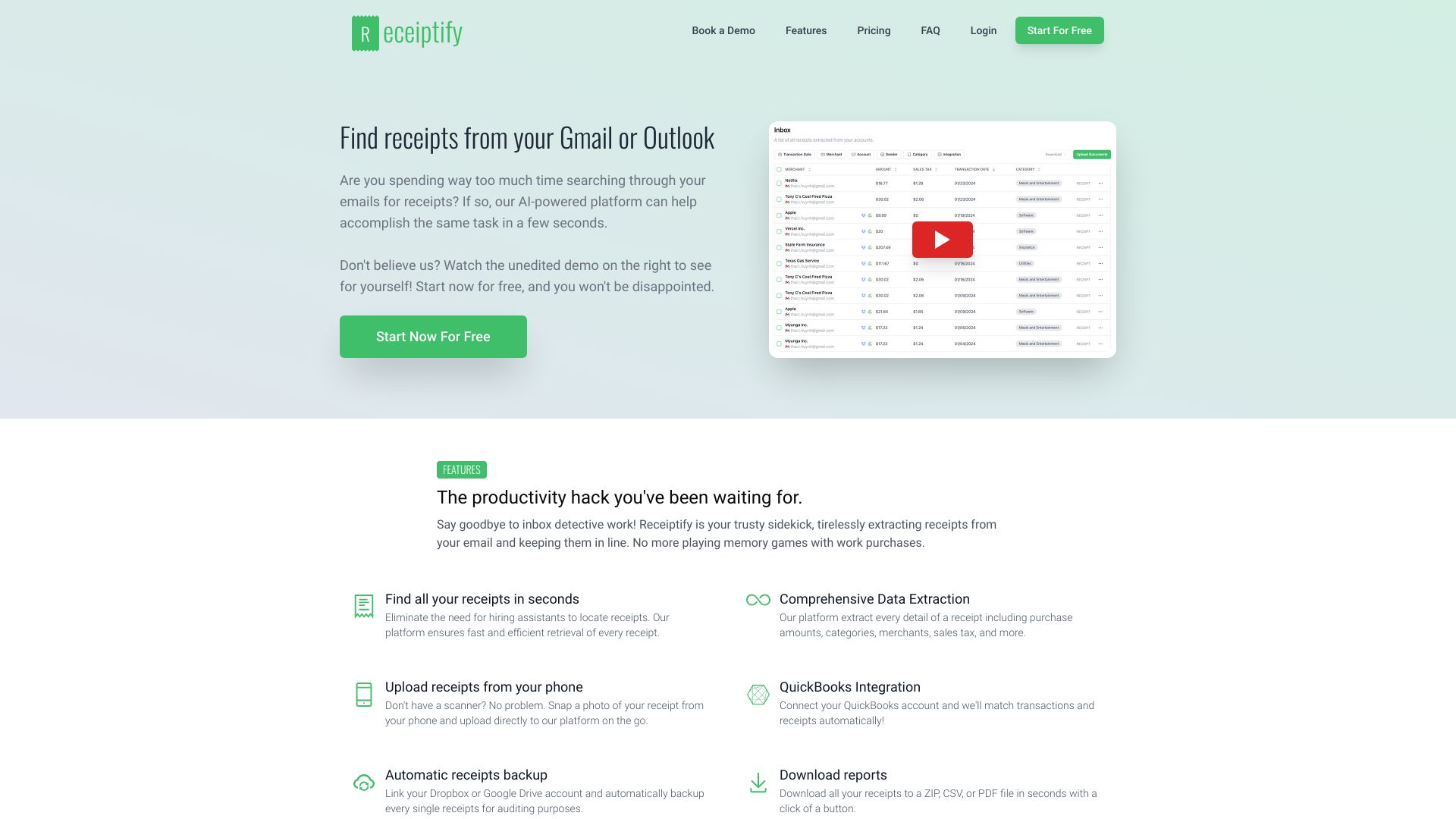
Receiptify is an AI-powered application designed to efficiently locate, retrieve, organize, and manage receipts from your email inbox (Gmail, Outlook) and through manual uploads. It eliminates the need for laborious manual sorting, potentially saving users hundreds of hours. The platform transforms inbox clutter into organized finances by automatically identifying, extracting, and categorizing receipt details like merchant, amount, sales tax, and categories. It offers integrations with QuickBooks, automatic backup to Dropbox and Google Drive, and allows for easy export of receipts in various formats (ZIP, CSV, PDF). Receiptify aims to simplify financial record-keeping and provide a central hub for all digital receipts.

Receiptify screenshot

Access & connections

Where you can use Receiptify, and what it plugs into.

Platforms

Web

Capabilities

What this tool accepts, produces, and is strongest at.

Highlights

  • Automated receipt extraction from Gmail and Outlook
  • AI-powered identification and categorization of receipts
  • Comprehensive data extraction (merchant, amount, sales tax, categories)
  • Manual receipt upload from phone or computer
  • QuickBooks Integration for transaction matching
  • Automatic receipts backup to Dropbox and Google Drive
  • Downloadable reports in ZIP, CSV, or PDF formats
  • Retrospective analysis of previous emails for receipts
Show 1 more
  • User-friendly platform for easy management

FAQ 10

What is Receiptify?
Receiptify is an AI-powered application designed to efficiently locate, retrieve, organize, and manage receipts from your email inbox (Gmail, Outlook) and through manual uploads. It eliminates the need for laborious manual sorting, potentially saving users hundreds of hours. The platform transforms inbox clutter into organized finances by automatically identifying, extracting, and categorizing receipt details like merchant, amount, sales tax, and categories. It offers integrations with QuickBooks, automatic backup to Dropbox and Google Drive, and allows for easy export of receipts in various formats (ZIP, CSV, PDF). Receiptify aims to simplify financial record-keeping and provide a central hub for all digital receipts.
How to use Receiptify?
To use Receiptify, you can connect your Gmail or Outlook account for automatic receipt extraction. Alternatively, you can manually upload receipts and invoices from your computer or mobile device. Once receipts are collected, they are organized in a central hub, allowing you to track, scan, and manage them. You can also integrate with QuickBooks for transaction matching, link Dropbox or Google Drive for automatic backups, and download reports in various formats.
Is it necessary to grant access to my email inbox for this system to function?
Absolutely not. While convenient for automatic extraction, you can also directly upload receipts and invoices. The AI technology can still extract and categorize uploaded receipts.
Does Receiptify automatically identify emails containing receipts?
Yes, our platform can automatically identify email content containing receipts and attachments with receipts.
Can I upload my own receipts?
Yes, in addition to automatically extracting receipts from your emails, Receiptify provides the option to manually upload your own receipts from your computer or mobile device.
Can I analyze my previous emails for receipts?
Certainly! Receiptify allows you to retrospectively extract receipts, going back as far as needed.
What information does Receiptify extract from receipts?
Receiptify extracts details such as merchant, amount, sales tax, categories, and more.
Can I export my receipts?
Absolutely. You can easily export your receipts in various formats, including ZIP, CSV, PDF, and conveniently back them up to Dropbox and Google Drive.
Does Receiptify save my emails in the database?
No, our platform does not save any messages in the database. We only retain message IDs for tracking processed items.
Has Receiptify undergone security assessments?
Yes, Receiptify has successfully completed a Cloud Application Security Assessment (CASA) and received validation from the App Defense Alliance (ADA), meeting CASA TIER 2 requirements.
Receiptify From $9 / month