Verdict

A quick read before you dig into the full page.

Best if
You are business owners and need: Uploading receipts to Xero or QuickBooks from phone or laptop
Skip if
You need a free plan with no credit card
Pick this when
Paid · $20/ month

Overview

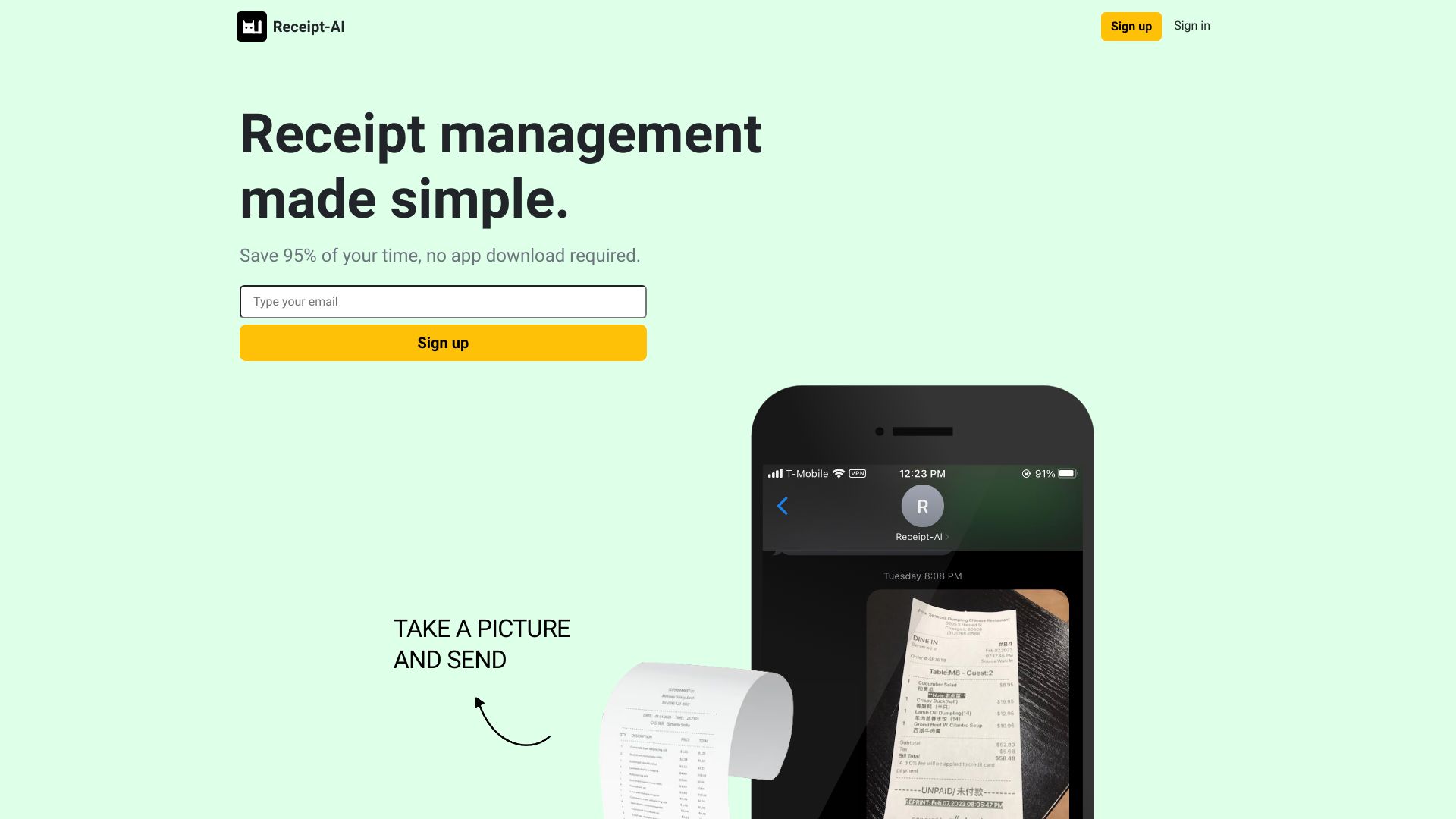
Receipt-AI is a tool to manage receipts via text messages. It uses AI to provide a convenient CSV file and upload receipts to accounting software like Xero or QuickBooks. It aims to save time by simplifying receipt management through text and email uploads.

Receipt-AI for Startup screenshot

Best for

Short scenarios where Receipt-AI for Startup tends to shine.

  • Uploading receipts to Xero or QuickBooks from phone or laptop

    Best for Business owners

  • Creating expense reports easily

    Best for Accountants

  • Managing receipts for travel expenses

    Best for Small businesses

  • Collaborating with team members on receipt uploads

    Best for Construction project managers

  • Tracking receipts for construction projects with job numbers

    Best for Travelers

Example outputs 1

Sample generations and before/after results for Receipt-AI for Startup.

Access & connections

Where you can use Receipt-AI for Startup.

Platforms

Web

Capabilities

What this tool accepts, produces, and is strongest at.

Highlights

  • Receipt management via text messages and email
  • AI-powered data extraction from receipts
  • CSV download support
  • Integration with Xero and QuickBooks
  • Team collaboration features

People also view

Tools that often show up alongside Receipt-AI for Startup in collections and comparisons.

FAQ 11

What is Receipt-AI?
Receipt-AI is a tool to manage receipts via text messages. It uses AI to provide a convenient CSV file and upload receipts to accounting software like Xero or QuickBooks. It aims to save time by simplifying receipt management through text and email uploads.
How to use Receipt-AI?
Take a picture of your receipt and text or email it to Receipt-AI. The AI extracts key information and uploads it to your accounting software or provides a CSV file.
Is my data in Receipt-AI encrypted and safe?
Yes, your data in Receipt-AI is encrypted and securely protected. Safeguarding your information is our top priority.
Does Receipt-AI support email upload?
Yes, we offer support for email upload since receipts sometimes arrive in email format. Our goal is to make the process as easy as possible for you.
Where can I find my uploaded receipts on Xero?
Click on your company name, then click 'Files'. All your uploaded receipts will be there.
Where can I find my uploaded receipts on QuickBooks?
Search for 'Attachments' using magnifier icon. All your uploaded receipts will be there.
Can I send multiple receipts in one message?
Yes, you can send as many receipt photos as you like in one or more messages. Our system treats each photo as a separate receipt and stores them in your account.
Do I need to include a message with my receipt image?
No, you don't need to type any messages. Our machine learning technology extracts information from the receipt image automatically such as date, merchant name and total amount. However, if you want to include a message, you can do so, and it will be displayed in your account.
Does it support countries outside of US and Canada?
At the moment, we support phone numbers from the US and Canada only, while email works worldwide. And we're actively working to bring Receipt-AI to more countries soon. Type your email and be the first to know when we expand our reach.
Can I use Receipt-AI if I don't have accounting software?
You do not need accounting software to use Receipt-AI. In fact, Good financial knowledge is key to making smart decisions and gaining insights.
How is 97% higher productivity calculated?
To calculate the 97% time saving, we compared the time required for the traditional method of uploading receipts to a computer, renaming receipts, and uploading them to our accounting software with the time needed for the Receipt-AI process. We manually went through the traditional method as quickly as possible, setting a timer to track our speed. In contrast, with Receipt-AI, we simply take a picture of the receipt and text it. By comparing the time difference, we found that we reduce repetitive work time by 97%.
Receipt-AI for Startup $20/ month