Text to speech

Readio - 1

AI reader that turns PDFs, ebooks, and webpages into natural-sounding speech.

Source rating 5.0 (99) 5k views 5k/mo traffic 0 saves Freemium
More categories (6)

Free + from $9.99 / month

Verdict

A quick read before you dig into the full page.

Best if
AI reader that turns PDFs, ebooks, and webpages into natural-sounding speech
Skip if
You need enterprise SLAs or a fully managed team plan right away
Pick this when
Freemium · Free + from $9.99 / month

Overview

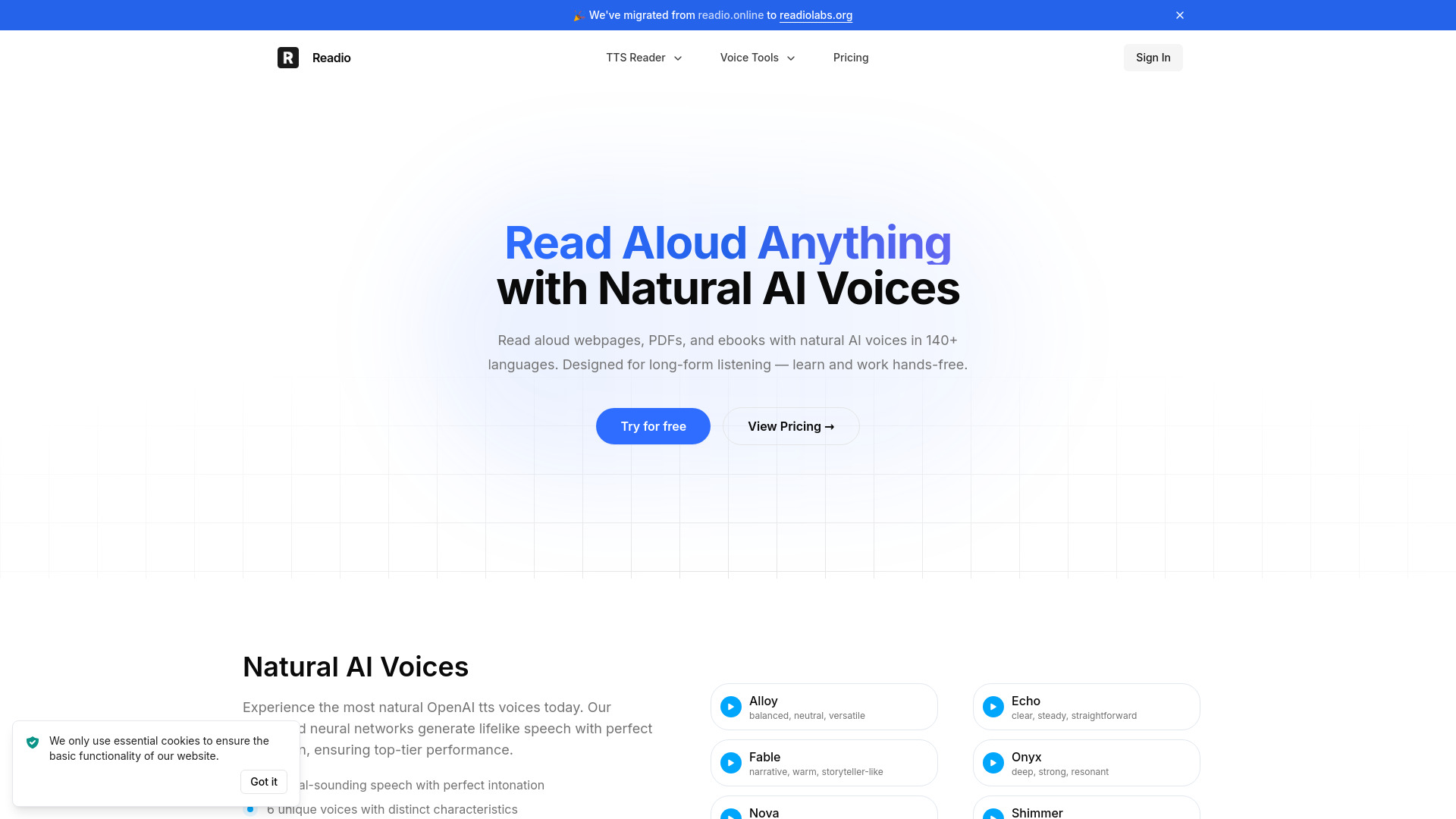
Readio is an AI-powered text-to-speech application designed to transform various text formats—including webpages, PDFs, EPUBs, and documents—into natural-sounding speech. It utilizes advanced neural networks, specifically OpenAI TTS voices, to provide lifelike intonation and clear audio across over 140 languages and accents. The platform is built for long-form listening, allowing users to consume content hands-free while maintaining focus through features like synchronized live highlighting and automatic scrolling.

Readio - 1 screenshot

Access & connections

Where you can use Readio - 1.

Platforms

Web

Capabilities

What this tool accepts, produces, and is strongest at.

Highlights

  • Natural AI Voices (OpenAI TTS)
  • Support for 140+ languages and accents
  • Live text highlighting and auto-scrolling
  • Smart content filtering for footnotes and brackets
  • Multi-format support (PDF, EPUB, DOCX, Markdown, etc.)
  • Adjustable playback speed and navigation controls

FAQ 5

What is Readio?
Readio is an AI-powered text-to-speech application designed to transform various text formats—including webpages, PDFs, EPUBs, and documents—into natural-sounding speech. It utilizes advanced neural networks, specifically OpenAI TTS voices, to provide lifelike intonation and clear audio across over 140 languages and accents. The platform is built for long-form listening, allowing users to consume content hands-free while maintaining focus through features like synchronized live highlighting and automatic scrolling.
How to use Readio?
Users can upload documents (PDF, EPUB, DOCX, etc.) or input webpage URLs into the Readio platform. Once the content is loaded, users select their preferred AI voice and playback speed. The tool then reads the text aloud, highlighting sentences in real-time as it scrolls through the document.
What file formats does Readio support?
Readio supports PDF, EPUB, DOCX, RTF, ODT, HTML, TXT, and Markdown.
What are the specific OpenAI voices available?
The platform features six unique voices: Alloy (neutral), Echo (steady), Fable (narrative), Onyx (deep), Nova (friendly), and Shimmer (crisp).
Can I skip certain parts of a document while reading?
Yes, Readio has smart filters to skip footnotes, superscripts, and bracketed text, and allows manual selection of sections to exclude.
Readio - 1 Free + from $9.99 / month
