
Readio
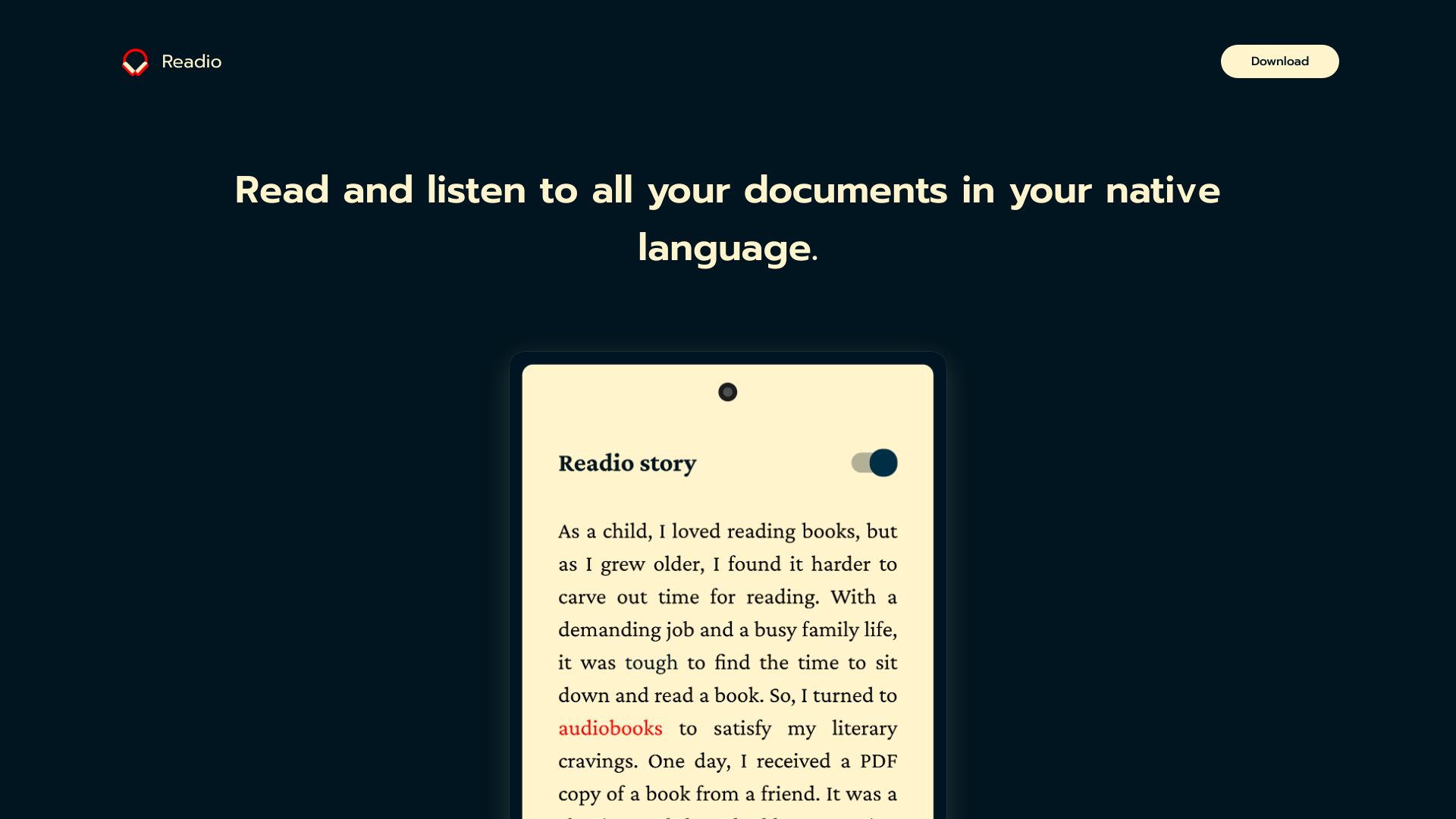
Readio converts PDFs to audiobooks with a clean and intuitive layout.
Source rating 5.0
(94)
0 views
0 saves
Unknown
Verdict
A quick read before you dig into the full page.
- Best if
- Readio converts PDFs to audiobooks with a clean and intuitive layout
- Pick this when
- Readio converts PDFs to audiobooks with a clean and intuitive layout
Overview
Readio is designed with a clean and intuitive layout, making it easy for users to convert their PDF files to audiobooks with just a few taps. It allows users to read and listen to all their documents in their native language.
Access & connections
Where you can use Readio.
Platforms
Capabilities
What this tool accepts, produces, and is strongest at.
Highlights
- PDF to Audiobook Conversion
- Multi-language Support (20+ languages)
- Text Translation (20+ languages)
- Adjustable Playback Speed
- Auto Scroll with Word Highlighting
- Dark Mode
FAQ 4
What is Readio?
Readio is designed with a clean and intuitive layout, making it easy for users to convert their PDF files to audiobooks with just a few taps. It allows users to read and listen to all their documents in their native language.
How to use Readio?
Import a document and start listening in seconds. The app supports features like auto-scrolling and playback speed adjustment.
What does Readio do?
Readio converts PDF files to audiobooks, allowing users to listen to their documents.
What features does Readio offer?
Readio offers features like multi-language support, text translation, adjustable playback speed, auto-scroll with word highlighting, and dark mode.
Related tools
Recommended


Readio