Automation

Raycast AI Lite

Productivity tool with AI, extensions, and customizable features.

Source rating 5.0 (80) 23k views 23k/mo traffic 0 saves Paid
More categories (6)

Verdict

A quick read before you dig into the full page.

Best if
You are developers and need: Quickly launching applications
Skip if
You need a free plan with no credit card
Pick this when
Paid · From $8 / month

Overview

Raycast is a productivity tool that combines leading AI models with powerful extensions, right on your operating system. It offers a free version, Raycast AI Lite, and a Pro version with additional features like AI, Cloud Sync, and custom themes. Raycast is designed to be a shortcut to everything, providing a collection of powerful productivity tools within an extendable launcher.

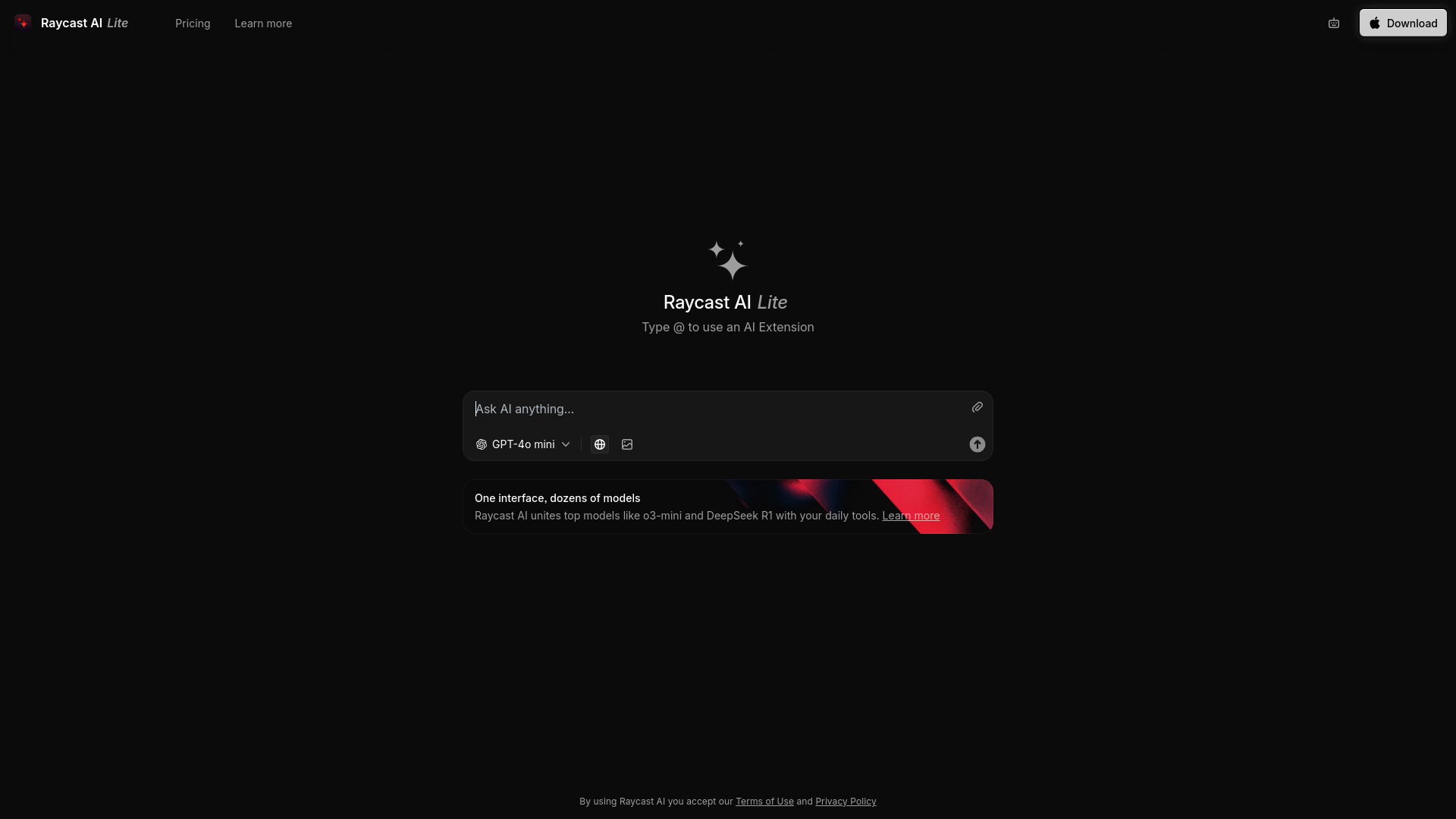
Raycast AI Lite screenshot

Best for

Short scenarios where Raycast AI Lite tends to shine.

  • Quickly launching applications

    Best for Developers

  • Managing clipboard history

    Best for Designers

  • Performing calculations

    Best for Productivity enthusiasts

  • Accessing snippets of text

    Best for Teams

  • Managing windows

    Best for Developers

  • Using AI for various tasks

    Best for Developers

Example outputs 1

Sample generations and before/after results for Raycast AI Lite.

Access & connections

Where you can use Raycast AI Lite.

Platforms

Web

Capabilities

What this tool accepts, produces, and is strongest at.

Highlights

  • AI Chat
  • Clipboard History
  • Quicklinks
  • Calculator
  • Snippets
  • Emoji Picker
  • Window Management
  • Extensions
Show 2 more
  • Cloud Sync (Pro)
  • Custom Themes (Pro)

People also view

Tools that often show up alongside Raycast AI Lite in collections and comparisons.

FAQ 12

What is Raycast?
Raycast is a productivity tool that combines leading AI models with powerful extensions, right on your operating system. It offers a free version, Raycast AI Lite, and a Pro version with additional features like AI, Cloud Sync, and custom themes. Raycast is designed to be a shortcut to everything, providing a collection of powerful productivity tools within an extendable launcher.
How to use Raycast?
Raycast can be downloaded and installed on your operating system. Once installed, you can use it as a launcher to access various tools and extensions. The Pro version unlocks additional AI capabilities, cloud syncing, and custom themes.
Is Raycast free?
Yes, Raycast is free forever. However, upgrading to Pro unlocks AI features, Cloud Sync, and custom themes.
What are the benefits of Raycast Pro?
Raycast Pro includes AI at your fingertips, Cloud Sync, unlimited Raycast Notes, unlimited Clipboard History, Custom Window Management, and Custom Themes.
What is Raycast AI?
Raycast AI combines leading models with powerful extensions right on your OS.
What is Raycast for Teams?
Raycast for Teams allows teams to level up their productivity with unlimited shared commands, snippets, and quicklinks, as well as a private store.
Is it possible to get the Pro plan without AI?
No, we only offer Pro plans that include AI. However, you can choose to turn off AI completely in Settings, which will disable all AI features.
What is free and paid in Raycast AI?
We provide a limited number of free messages to any Raycast user to give AI a try. These free messages can be used to access all the AI features we have to offer. To continue using Raycast AI, you can upgrade to a Pro plan. The Pro plan comes with an additional 14 day free trial to try all the additional features it offers. The Advanced AI models are only available as an add-on to the paid Pro plan and are not available during the trial.
Is the free Team plan a trial?
No, the free plan for Teams doesn’t expire, and isn’t a trial. You can use this plan for as long as you want within your organization, however you are limited to just 30 shared Snippets, 30 shared Quicklinks, and 5 Commands across all of your Extensions.
How many seats do I get in a Team plan?
There is no minimum or maximum amount of seats that your team can have. You add users to your plan when you need to add to your team, and pay per user, per month.
Can I have personal Extensions and Team Extensions?
Yes, you can create personal Extensions that are personalized to you, and speed up your productivity, and have team Extensions that can be shared around in your organization for everyone to use. Team Extensions will be available in the Store command, behind a filter for your Team. This is where all of your Team Extensions will live, and where you can install them.
Can I be part of multiple organizations?
Yes, there is no limit to how many organizations you can be part of. It’s important to remember to avoid using multiple email addresses for different organizations, as you need to log in to the app in order to access the shared Snippets, Quicklinks and Extensions.
Raycast AI Lite From $8 / month

