
Radiant
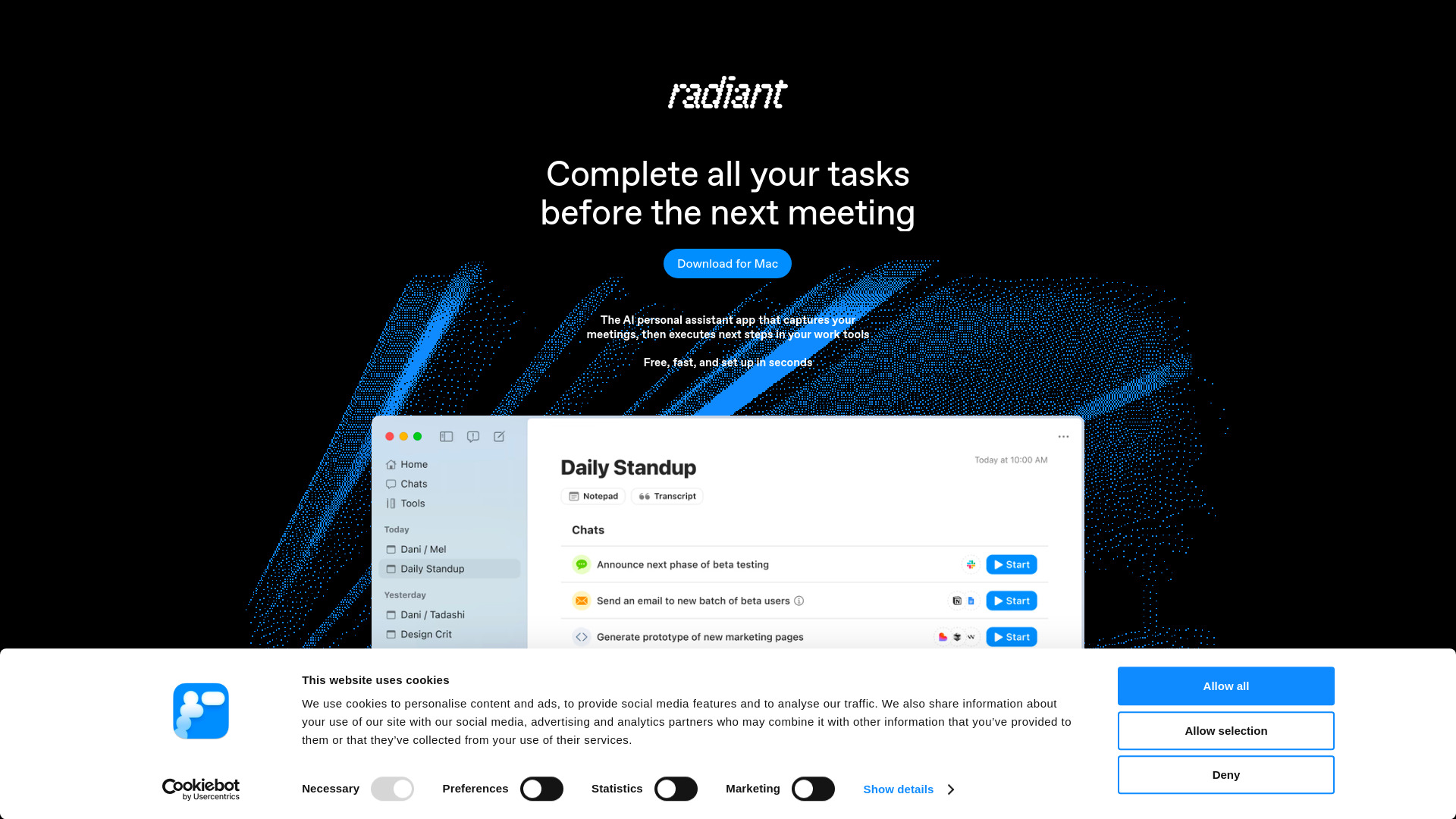
Radiant is the AI personal assistant for Mac that captures your meetings and turns them into finished work.
Source rating 5.0
(90)
0 views
0 saves
Freemium
Verdict
A quick read before you dig into the full page.
- Best if
- Radiant is the AI personal assistant for Mac that captures your meetings and turns them into finished work
- Skip if
- You need enterprise SLAs or a fully managed team plan right away
- Pick this when
- Freemium · Free
Overview
Radiant is a personal AI assistant app designed for ambitious professionals who want to move faster and work smarter. Running privately on your Mac, it captures every meeting, generates accurate notes and action items, and then completes the follow-up work for you for the tools you already use. Unlike traditional AI notetakers, Radiant doesn’t just document, it helps you execute with speed and precision.
Access & connections
Where you can use Radiant, and what it plugs into.
Platforms
Capabilities
What this tool accepts, produces, and is strongest at.
Highlights
- Automatic meeting transcription and summaries
- Works locally on your Mac, with no cloud audio storage
- Action item and follow-up suggestions
- Draft emails, Slack updates, and project tool updates
- Learns your style over time for tailored outputs
- Integrations with Slack, Asana, Linear, Gmail, and more
FAQ 7
What is Radiant?
Radiant is a personal AI assistant app designed for ambitious professionals who want to move faster and work smarter. Running privately on your Mac, it captures every meeting, generates accurate notes and action items, and then completes the follow-up work for you for the tools you already use. Unlike traditional AI notetakers, Radiant doesn’t just document, it helps you execute with speed and precision.
How to use Radiant?
Radiant runs quietly on your Mac, capturing the key points and action items from your meetings. Right after, it drafts polished updates, tasks, and follow-ups based on the tools you already use. You can copy the draft, open your tool of choice, paste it in, make quick edits, and send. Radiant saves you time on manual work while keeping you in control of the final output.
How is Radiant different from AI notetakers?
Notetakers only capture and summarize. Radiant goes further by drafting and completing follow-up work in your tools.
Does Radiant upload my meeting audio to the cloud?
No. All audio processing happens locally on your Mac for maximum privacy.
What tools does Radiant integrate with?
Radiant works with Slack, Asana, Linear, Gmail, Lovable, GDocs and more. Additional integrations being added regularly.
Do I need to prompt or configure Radiant?
No. Radiant works in the background and provides tailored suggestions without complex setup or prompting.
Who is Radiant for?
Radiant is built for high-performing professionals, from product managers and engineers, to sales teams, and operations leaders who want to move faster and focus on high-value work.
Related tools
Recommended



Radiant
Free