
Forms 2026 Rank: #3158
Quizify AI Form Builder ✓
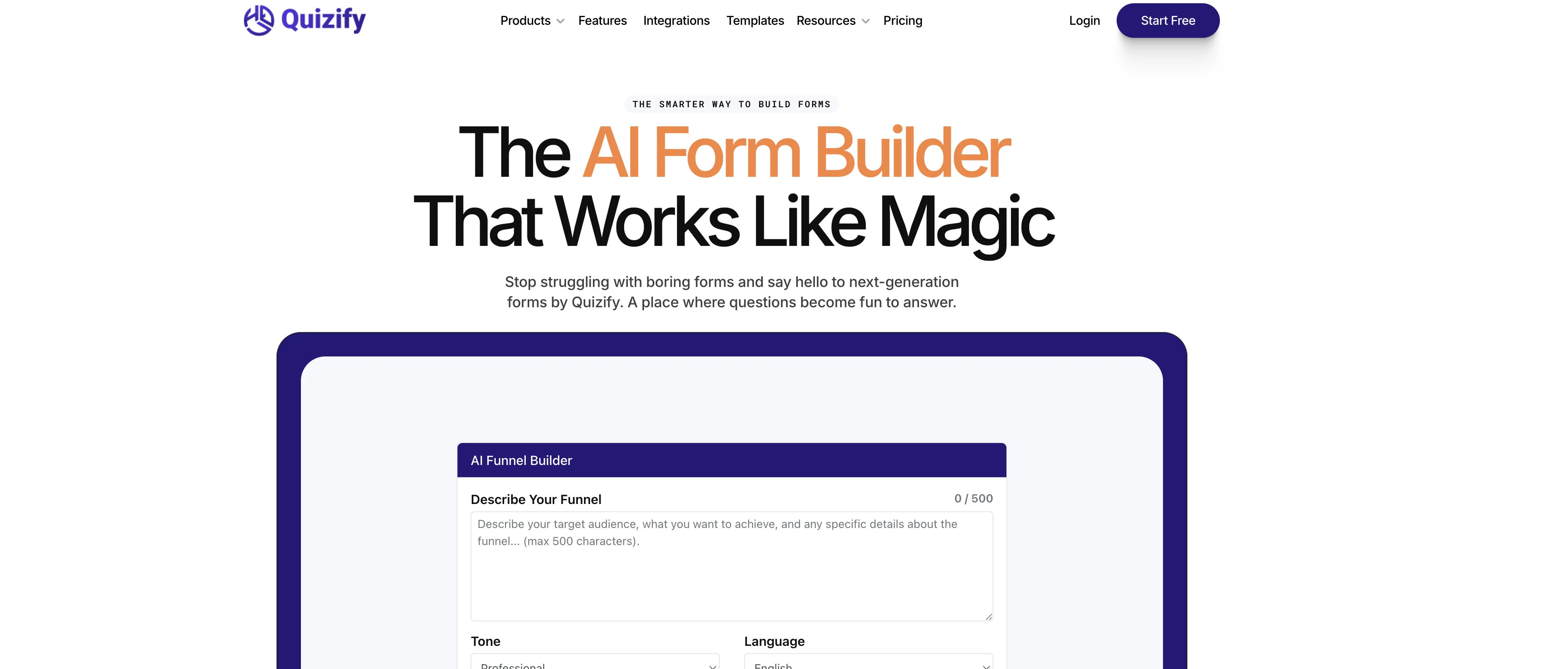
The AI form builder that works like magic.
Trial; then from $7/mo
Verdict
A quick read before you dig into the full page.
- Best if
- The AI form builder that works like magic
- Skip if
- May not support complex form design
- Pick this when
- User-friendly tool
Considering Weavely.ai instead? Compare side by side
Overview
Quizify AI Form Builder is a next-generation tool designed for creating interactive and smart forms. This AI-powered tool aids in crafting forms that excel in data collection by personalizing the user experience, automating logic and analyzing responses in real-time.
A distinctive feature of Quizify is its ability to go beyond basic forms by using a feature known as 'logic jump' to create dynamic form experiences. The platform can show and hide questions based on the user response, ensuring a personalized experience.
The benefits of Quizify extend to various industries, where it can help in making informed decisions and fostering business growth. Besides building forms, Quizify also enables users to manage different types of data, ranging from customer feedback to marketer insights, making it a versatile solution for data collection needs.
Its capacity to transform complex form-building processes into smoother and user-friendlier experiences is what makes Quizify a preferred tool. Lastly, integration with other tools is seamlessly achieved without requiring any code.
Access & connections
Where you can use Quizify AI Form Builder, and what it plugs into.
Platforms
Integrations
Capabilities
What this tool accepts, produces, and is strongest at.
Input
- Tabular
Output
- Tabular
Supported features
- Text Generation
- Automation
- Integrations
- Styling
Pros & cons
Pros
- User-friendly tool
- Customizable forms
- Real time response analysis
- Logic Jump feature
- Cross-industry application
- No-coding required
- Collects diverse data
- Interactive form design
Show 42 more
- Boosts lead generation
- Versatile data collection
- Transforms complex processes
- Seamless tool integration
- Dynamic form experiences
- Enables smarter decision-making
- Design freedom facility
- Real-time email updates
- Effortless file sharing
- Forms adapt to screens
- Forms can be gamified
- Seamless third-party integration
- Can hide questions
- Customizable color and logos
- Forms boost business growth
- Improves data collection
- User engagement improvement
- Smooth user experience
- Data is centralized
- Does not require code
- Forms are mobile-friendly
- Fun form-filling experience
- Automates form logic
- Flexible form designs
- Syncs with favorite tools
- Aids in decision making
- Makes forms stand out
- Enhances work efficiency
- Leads to better accuracy
- Helps track progress
- Quick form construction
- Can share any files
- Wide range applications
- Personalizes user experience
- Organizes data efficiently
- Ensures secure sharing
- Instant alerts on updates
- Makes collaboration smooth
- Automates certain tasks
- Capable of detailed information
- Keeps forms trendy
- Fast communication
Cons
- Limited integrations
- Data privacy not specified
- Lack of advanced analytics
- May not support complex form design
- Lack of automation workflows
- No offline data collection
- Limited customization of notification alerts
- No indicated multi-language support
Show 2 more
- Unclear file size limits
- No A/B testing features
Compare alternatives
Similar tools in the catalog.