
Quick Text-To-Image
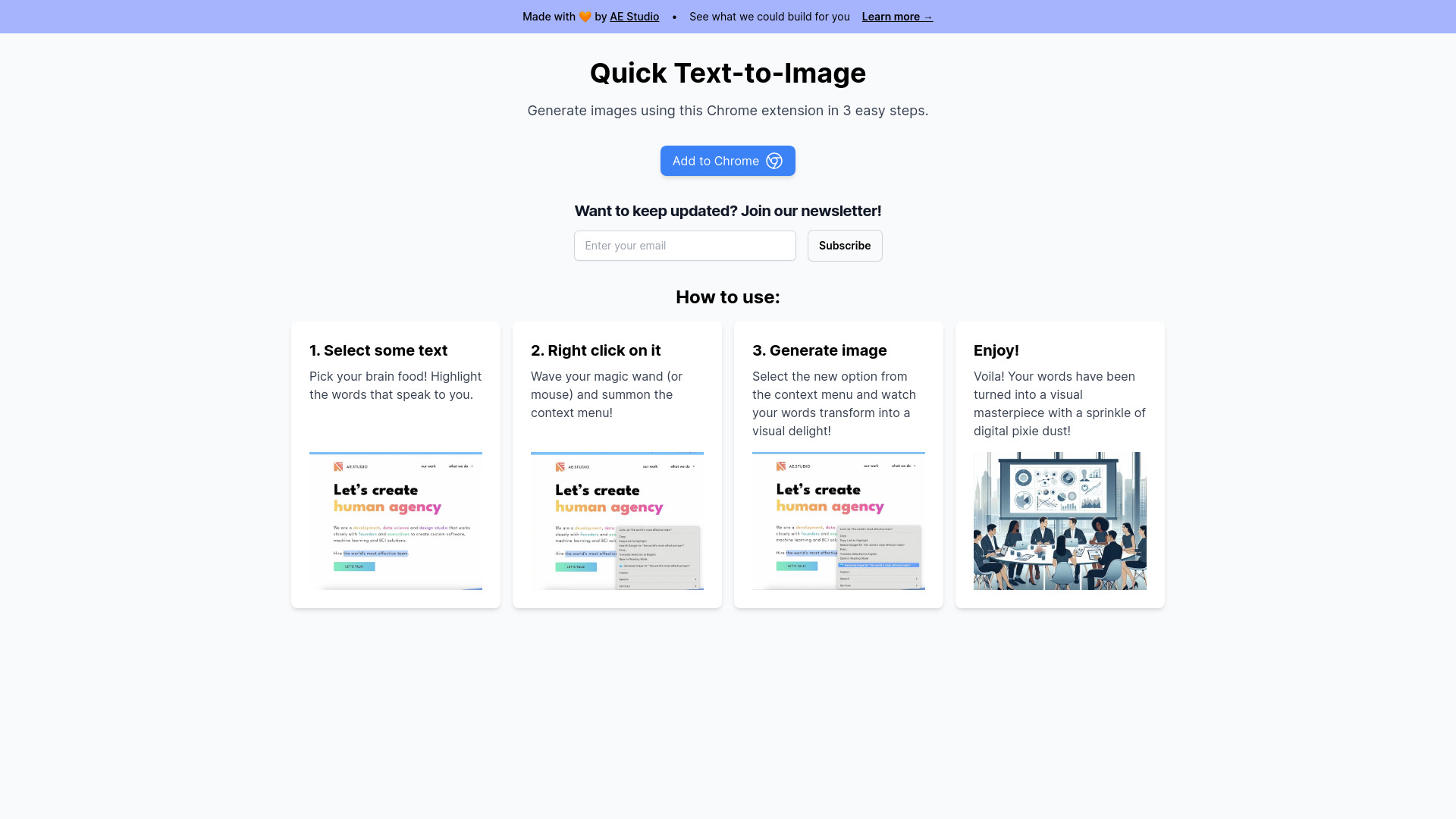
Chrome extension to generate images from selected text using AI.
Source rating 5.0
(58)
0 views
0 saves
Unknown
Verdict
A quick read before you dig into the full page.
- Best if
- Chrome extension to generate images from selected text using AI
- Pick this when
- Chrome extension to generate images from selected text using AI
Overview
Quick Text-to-Image is a Chrome extension that allows users to generate images using AI directly from selected text on a webpage. It simplifies the process of creating visuals from textual content, making it quick and easy to transform words into images.
Access & connections
Where you can use Quick Text-To-Image, and what it plugs into.
Platforms
Integrations
Capabilities
What this tool accepts, produces, and is strongest at.
Highlights
- AI-powered image generation from selected text
- Integration with Chrome's context menu
- Easy 3-step process
FAQ 4
What is Quick Text-to-Image?
Quick Text-to-Image is a Chrome extension that allows users to generate images using AI directly from selected text on a webpage. It simplifies the process of creating visuals from textual content, making it quick and easy to transform words into images.
How to use Quick Text-to-Image?
1. Select the text you want to turn into an image. 2. Right-click on the selected text. 3. Choose the 'Generate image' option from the context menu.
How do I generate an image?
Select the text, right-click, and choose 'Generate image' from the context menu.
What do I need to use this extension?
You need the Chrome browser and the Quick Text-to-Image extension installed.
Quick Text-To-Image