
Quantz®
Voice AI agent for customer service and business automation.
Source rating 5.0
(63)
0 views
0 saves
Unknown
Verdict
A quick read before you dig into the full page.
- Best if
- Voice AI agent for customer service and business automation
- Pick this when
- Voice AI agent for customer service and business automation
Overview
Quantz is a lightning-fast voice AI 'alter ego' that responds to customers on your behalf, freeing you up for other tasks. It allows you to create a real-time voice conversational AI agent without any programming. It's fully customizable and designed to save time, get more leads, and increase sales.
Access & connections
Where you can use Quantz®.
Platforms
Capabilities
What this tool accepts, produces, and is strongest at.
Highlights
- Real-time voice conversational AI agent
- No-code setup
- Customizable voice AI agent
- Fast response time
- Secure interactions
FAQ 6
What is Quantz?
Quantz is a lightning-fast voice AI 'alter ego' that responds to customers on your behalf, freeing you up for other tasks. It allows you to create a real-time voice conversational AI agent without any programming. It's fully customizable and designed to save time, get more leads, and increase sales.
How to use Quantz?
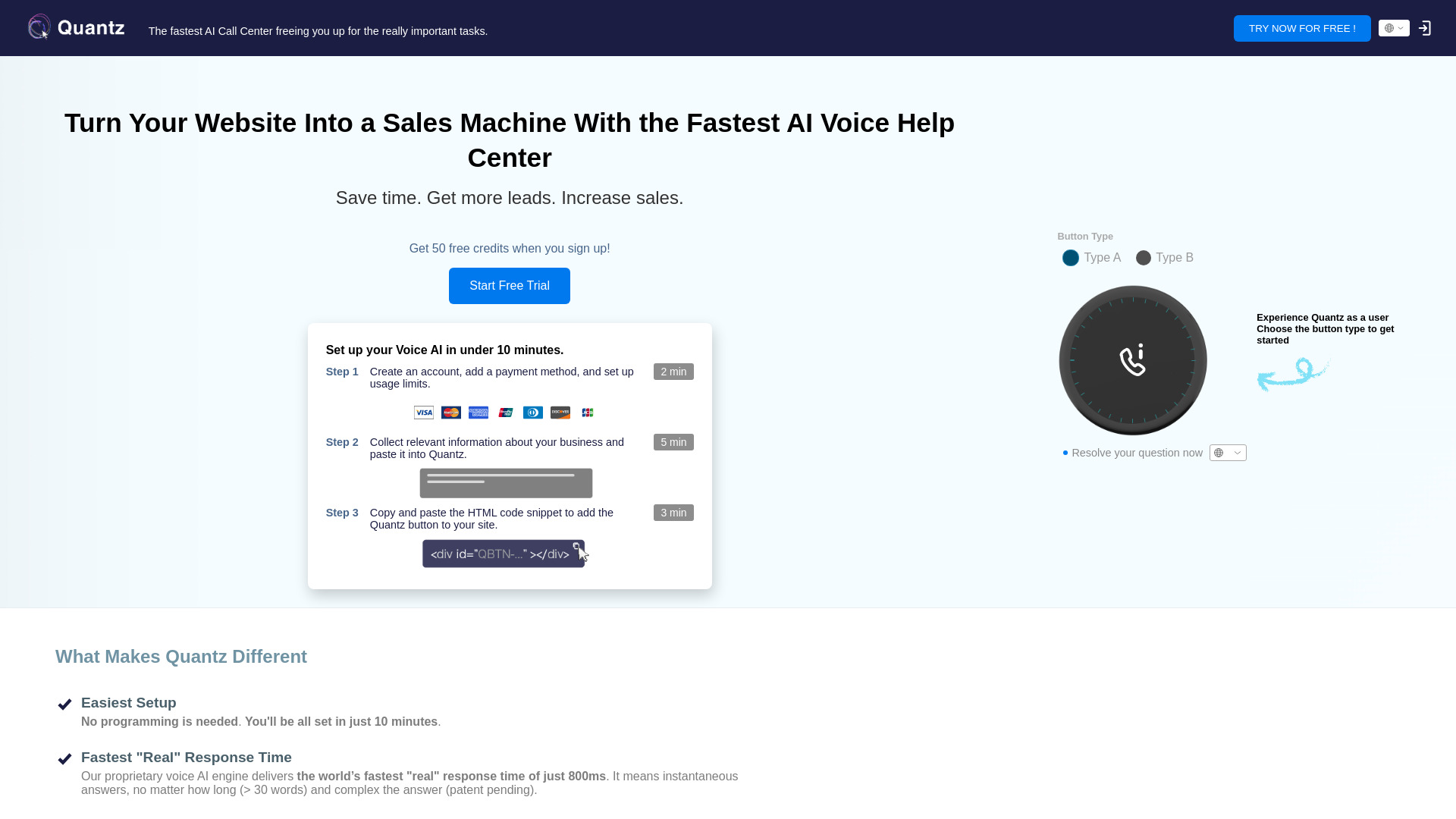
1. Create an account, add a payment method, and set up usage limits.
2. Collect relevant information about your business and paste it into Quantz.
3. Copy and paste the HTML code snippet to add the Quantz button to your site.
2. Collect relevant information about your business and paste it into Quantz.
3. Copy and paste the HTML code snippet to add the Quantz button to your site.
How quickly can Quantz respond to customer inquiries?
Quantz's proprietary voice AI engine delivers a fast response time of just 800ms.
Is Quantz secure?
Yes, all models run inside Quantz's own servers, and the voice engine doesn’t use any third-party APIs, ensuring user data privacy.
How much does Quantz cost?
Quantz costs $0.05 per user request (up to 10 exchanges). You can set monthly usage limits to stay within your budget.
How do I set up Quantz?
You can set up Quantz in under 10 minutes without any coding. Create an account, add payment information, set usage limits, collect business information, and paste it into Quantz, then add the HTML code snippet to your site.
Quantz®